Projects
This page highlights several of my personal software projects.
Table of Contents
SDF Modeling January 2021
Generate 3D meshes based on signed distance functions with a dirt simple Python API.
The goal of this library is to provide a simple, fun, and easy-to-use API for generating 3D models in our favorite language Python. The code simply uses the Marching Cubes algorithm to generate a mesh from a signed distance function (SDF). This would normally be abysmally slow in Python. However, numpy is used to evaluate the SDF on entire batches of points simultaneously. Furthermore, multiple threads are used to process batches in parallel. The result is surprisingly fast (for marching cubes). Supports text, 2D extrusion & revolution, image masks, various file formats, and more!
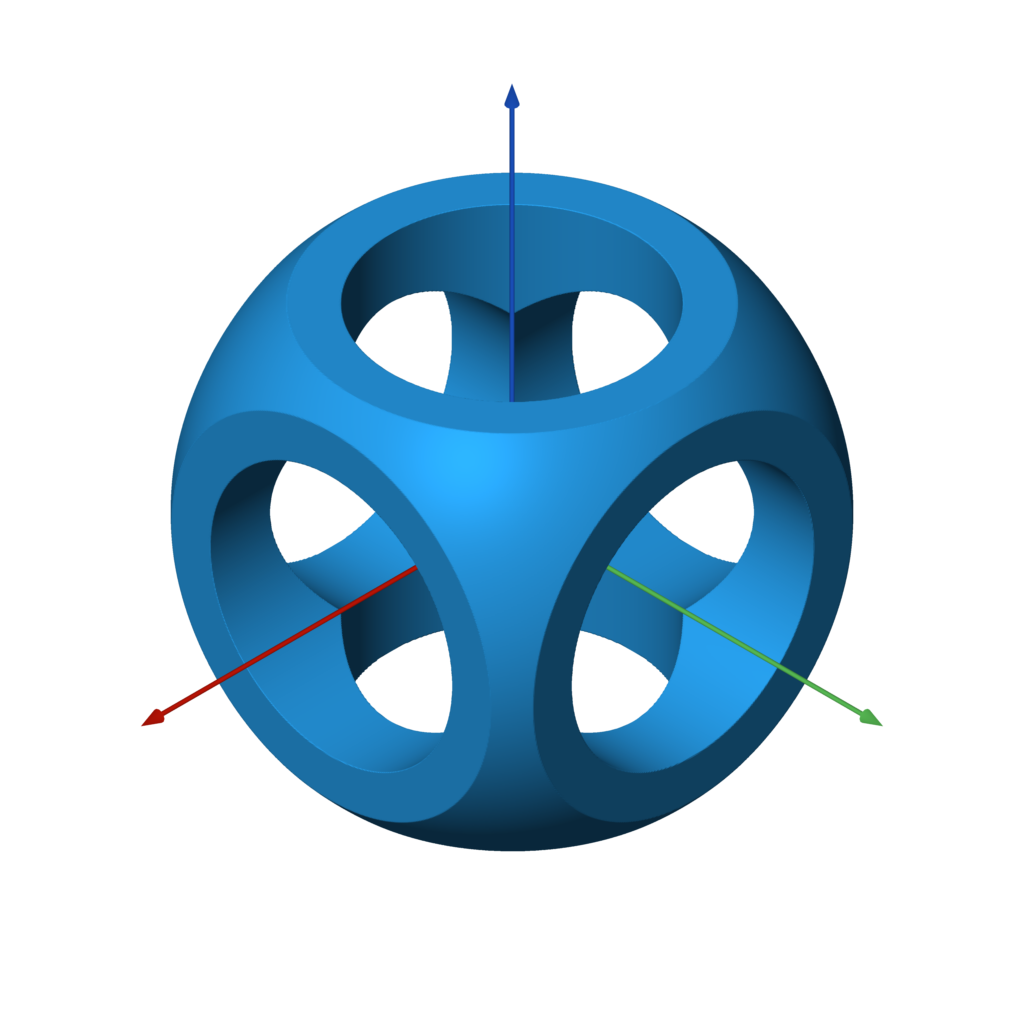
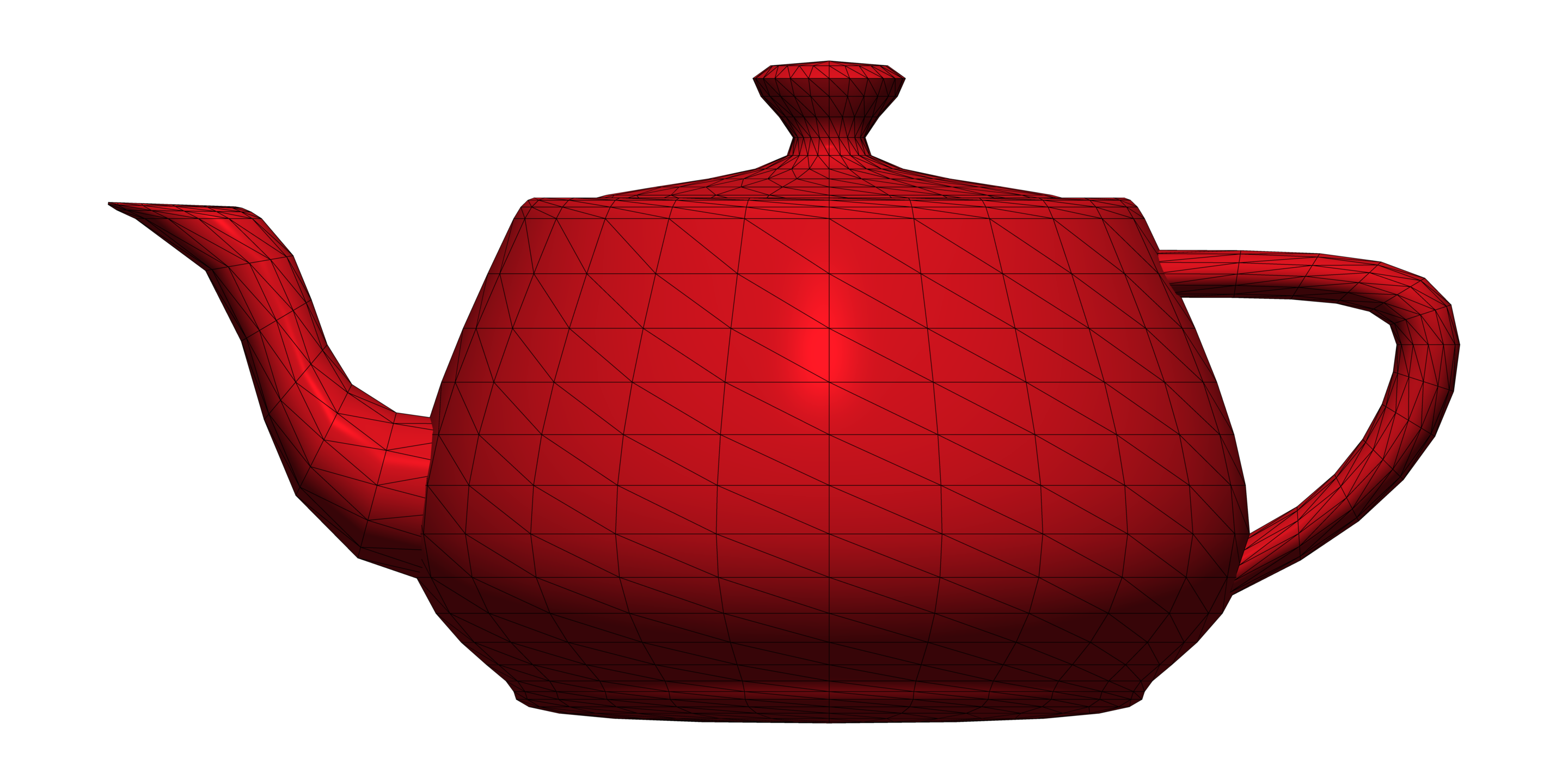
The code below is a complete example which generates the model shown in the image. This is the canonical Constructive Solid Geometry example. Note the use of operators for intersection, union, and difference.
from sdf import *

f = sphere(1) & box(1.5)

c = cylinder(0.5)
f -= c.orient(X) | c.orient(Y) | c.orient(Z)

f.save('out.stl')
Links: GitHub
Physarum Simulation November 2020
Particle-based simulation of slime molds.
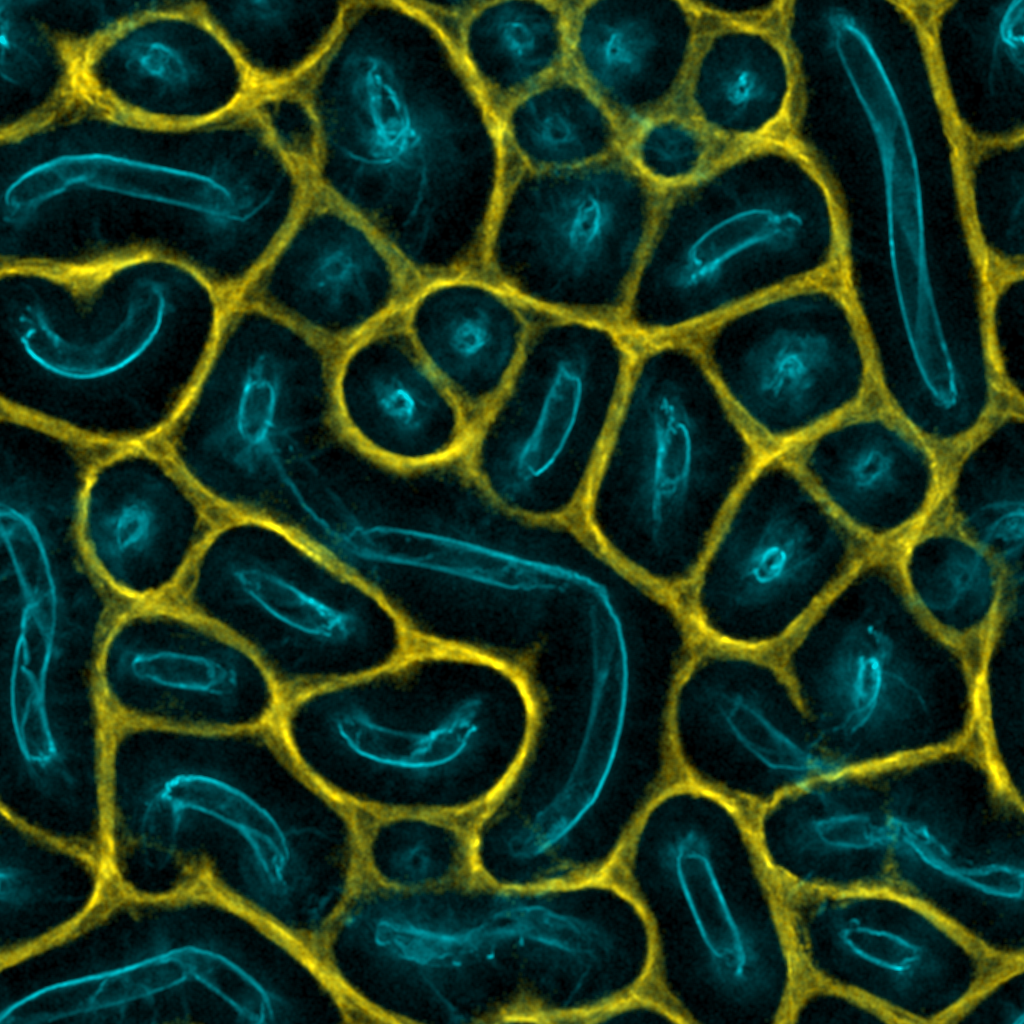
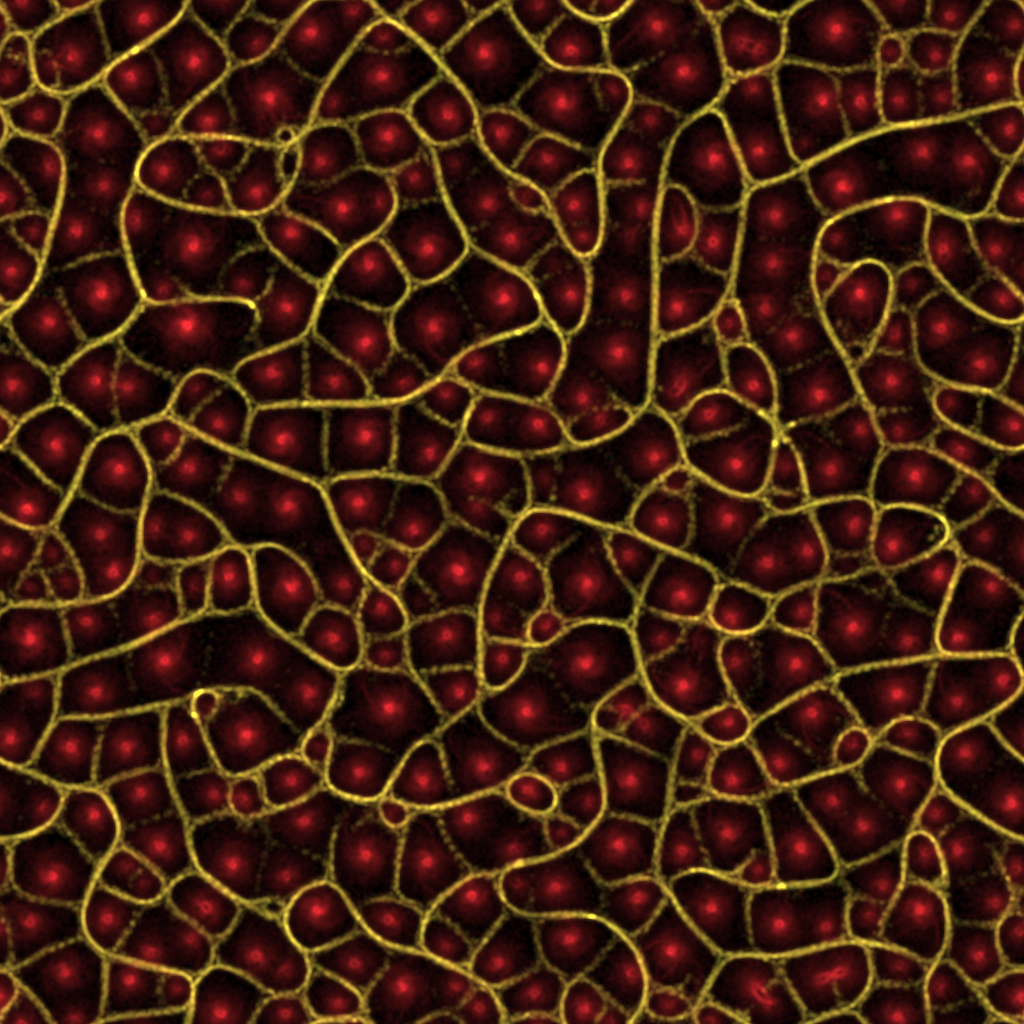
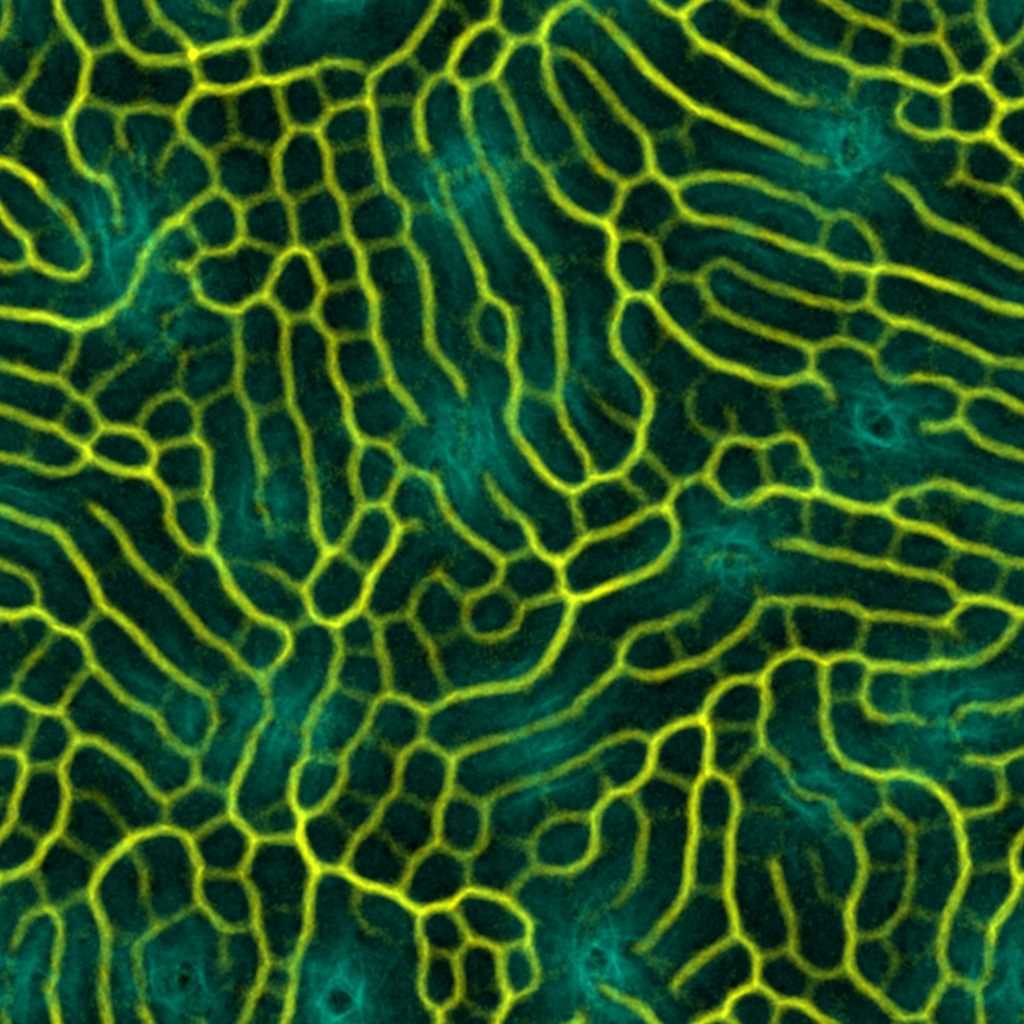
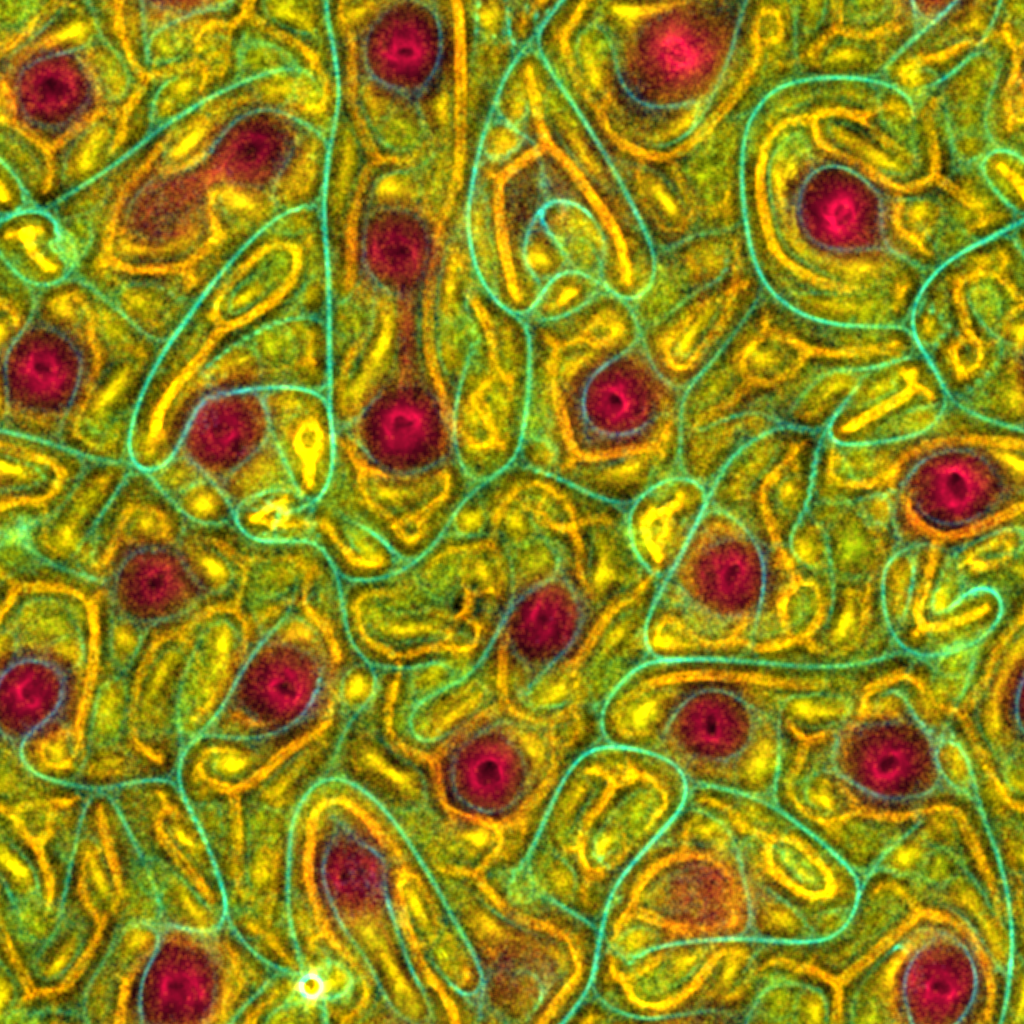
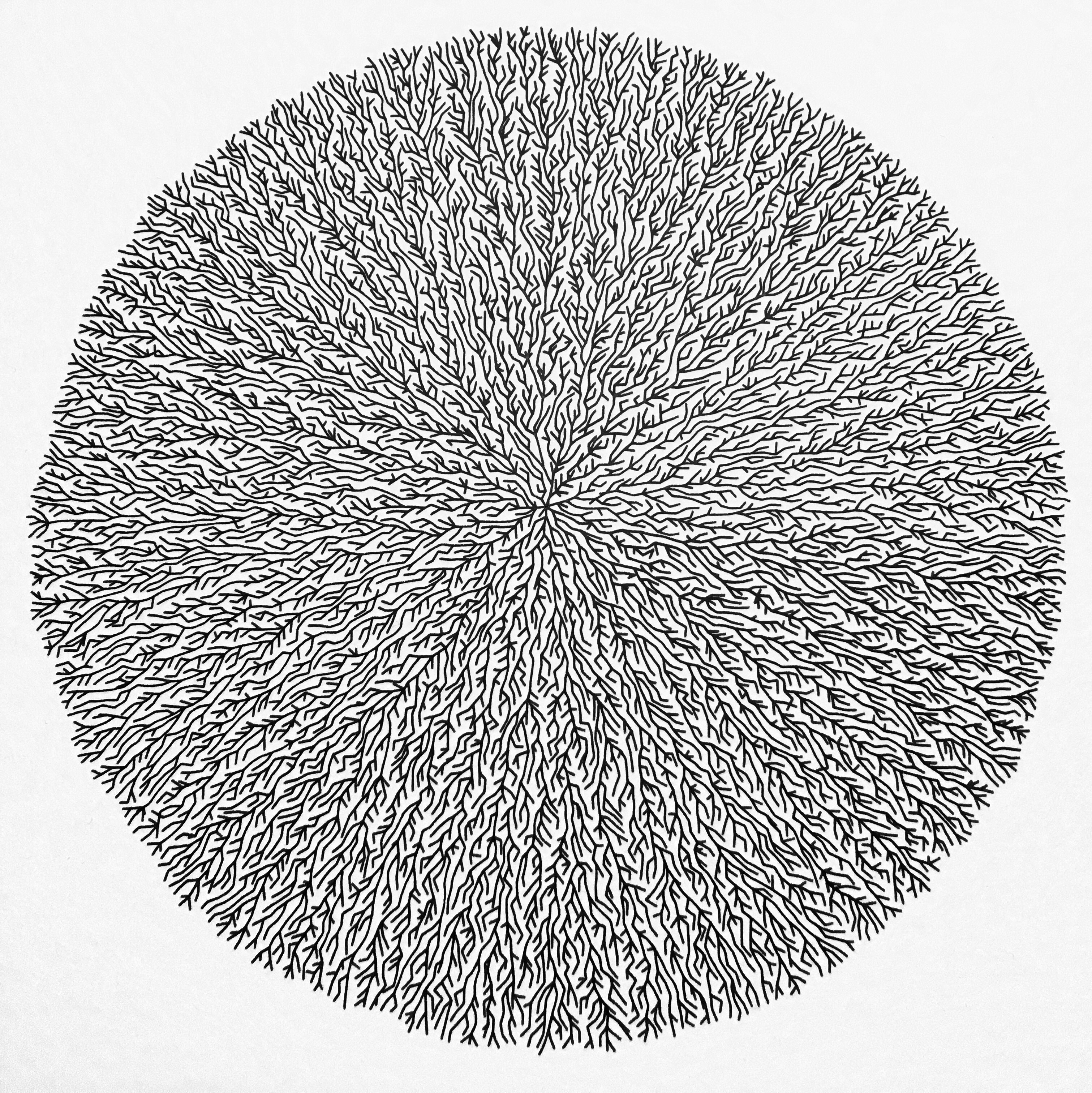
Inspired by Sage Jenson's article on simulating the Physarum polycephalum slime mold. The algorithm is surprisingly simple, given how complex its outputs appear. That's the magic of generative algorithms! There are several configurable parameters, which are randomized for each run. This would be a great candidate for running on the GPU, but my implementation is purely CPU-based and written in Go. There is an OpenGL-based viewer, however, so you can watch the simulation as it runs. A lot more could be done here... food sources, life & death, evolution, etc.
Links: GitHub
Heightmap Meshing August 2019
Convert any grayscale heightmap into a 3D triangle mesh.
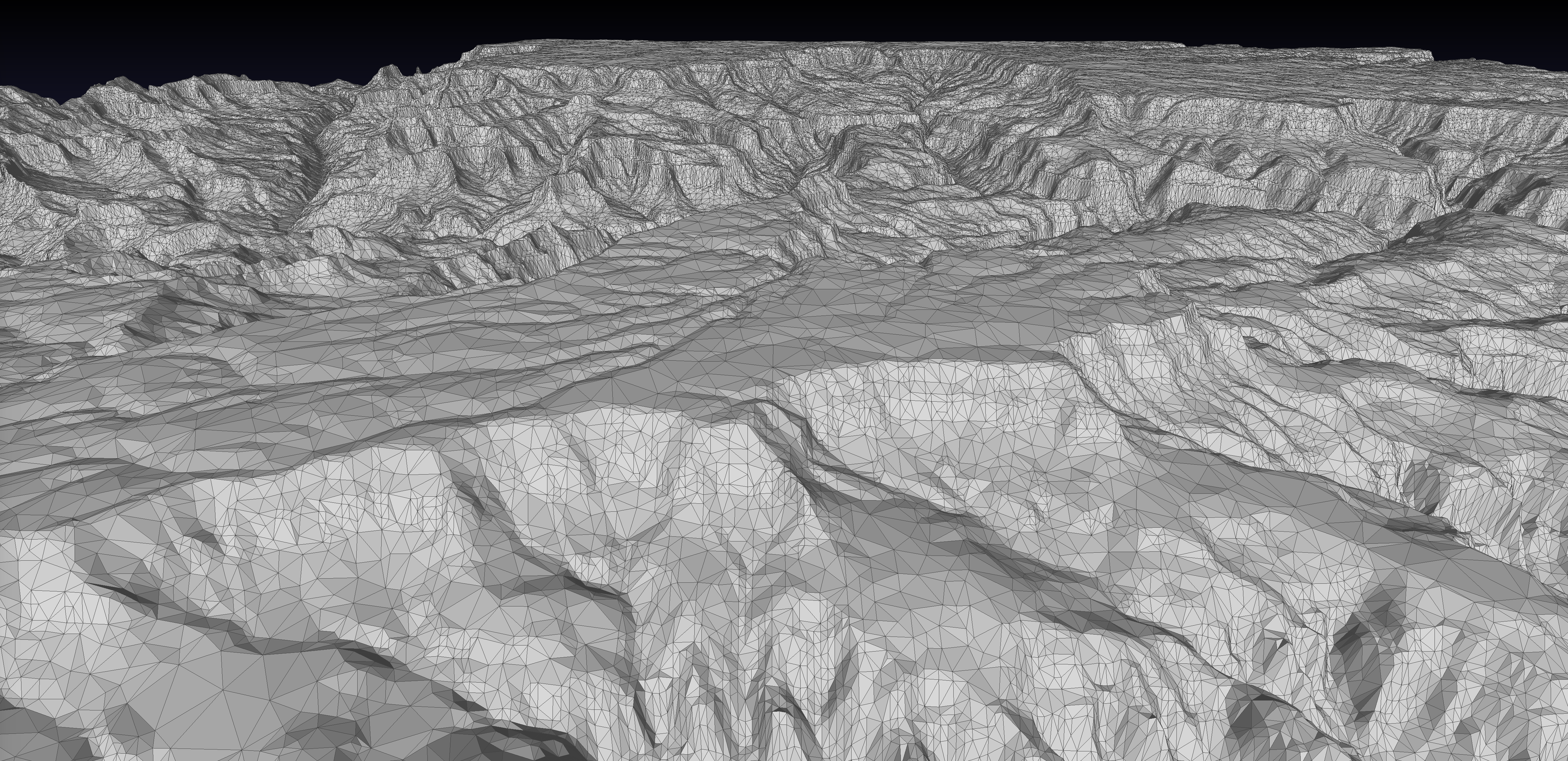
This is a modern implementation of a nice algorithm from the 1995 paper Fast Polygonal Approximation of Terrains and Height Fields by Garland and Heckbert. The meshes produced by hmm satisfy the Delaunay condition and can satisfy a specified maximal error or maximal number of triangles or vertices. It's also very fast!
Links: GitHub
Cellular Forms June 2019
An implementation of Andy Lomas' Cellular Forms.
This is an implementation of a generative algorithm by Andy Lomas, described in his paper Cellular Forms: an Artistic Exploration of Morphogenesis.
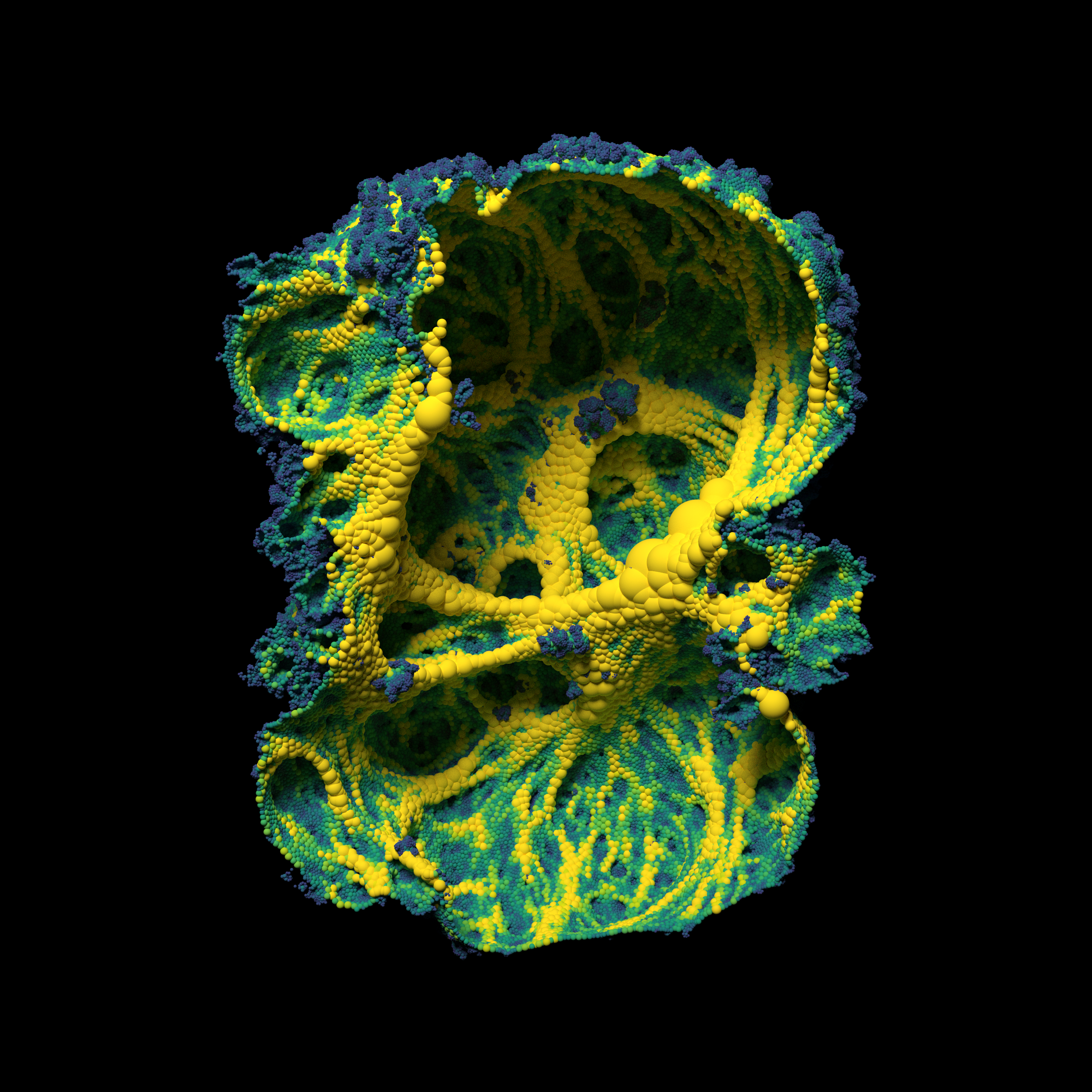
While Andy implemented his algorithm on the GPU, my implementation is CPU-based. It includes a real-time viewer where you can watch the forms grow. It can also export STLs, which I used to then ray-trace the results. I found it interesting to "chop" the models in half, revealing their intricate inner structure as shown in the image here.
Links: GitHub
DLA February 2019
Fast diffusion-limited aggregation in both 2D and 3D.
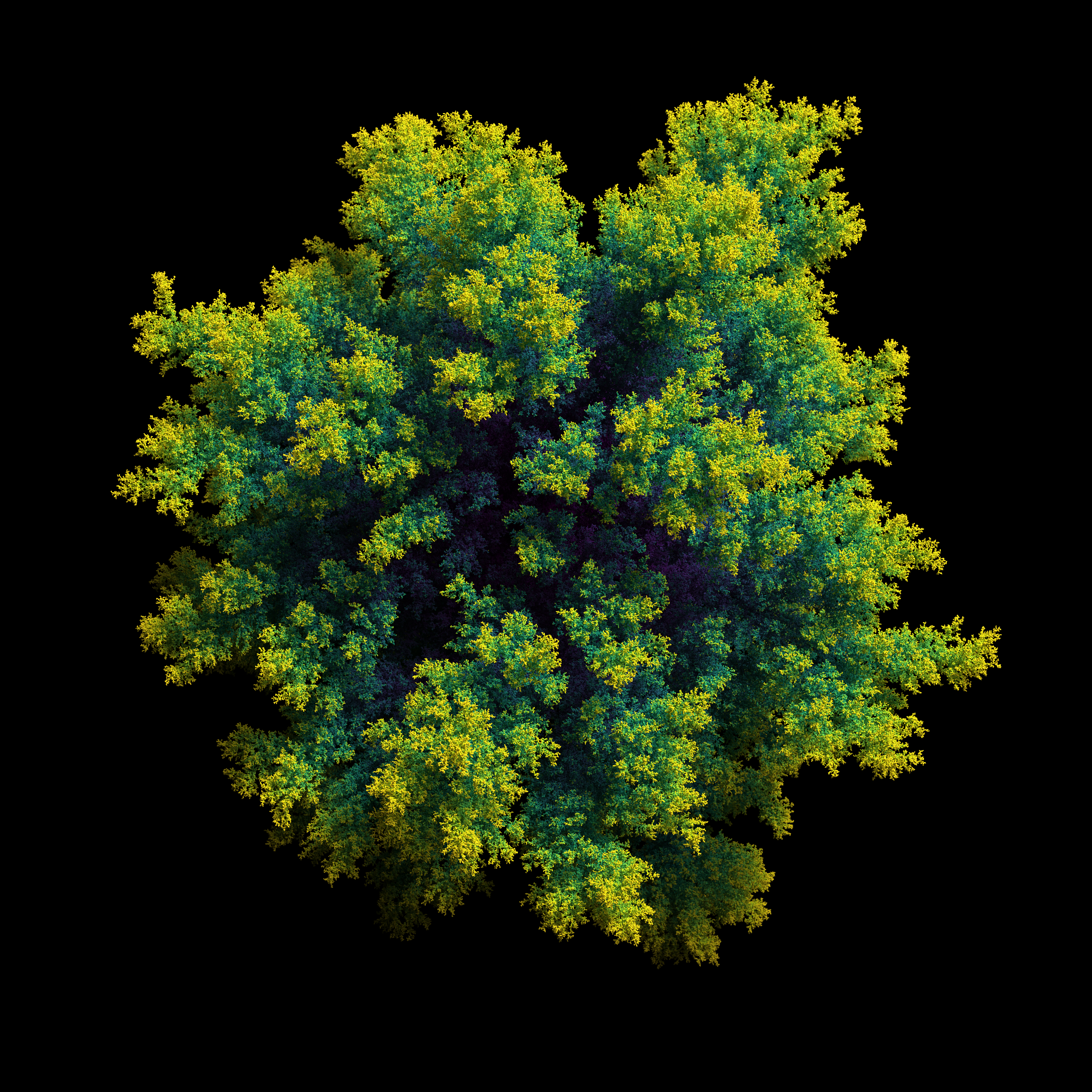
This is a small program that generates diffusion-limited aggregations in either 2D or 3D. The output is a CSV file containing the coordinates of the particles and their relationship to one another. Rendering is out of scope, but I have produced several example renders. The code is very configurable - there are a few parameters that you can tweak and there are also several code hooks that allow you to alter the algorithm's behavior.
Links: GitHub
Rush Hour June 2018
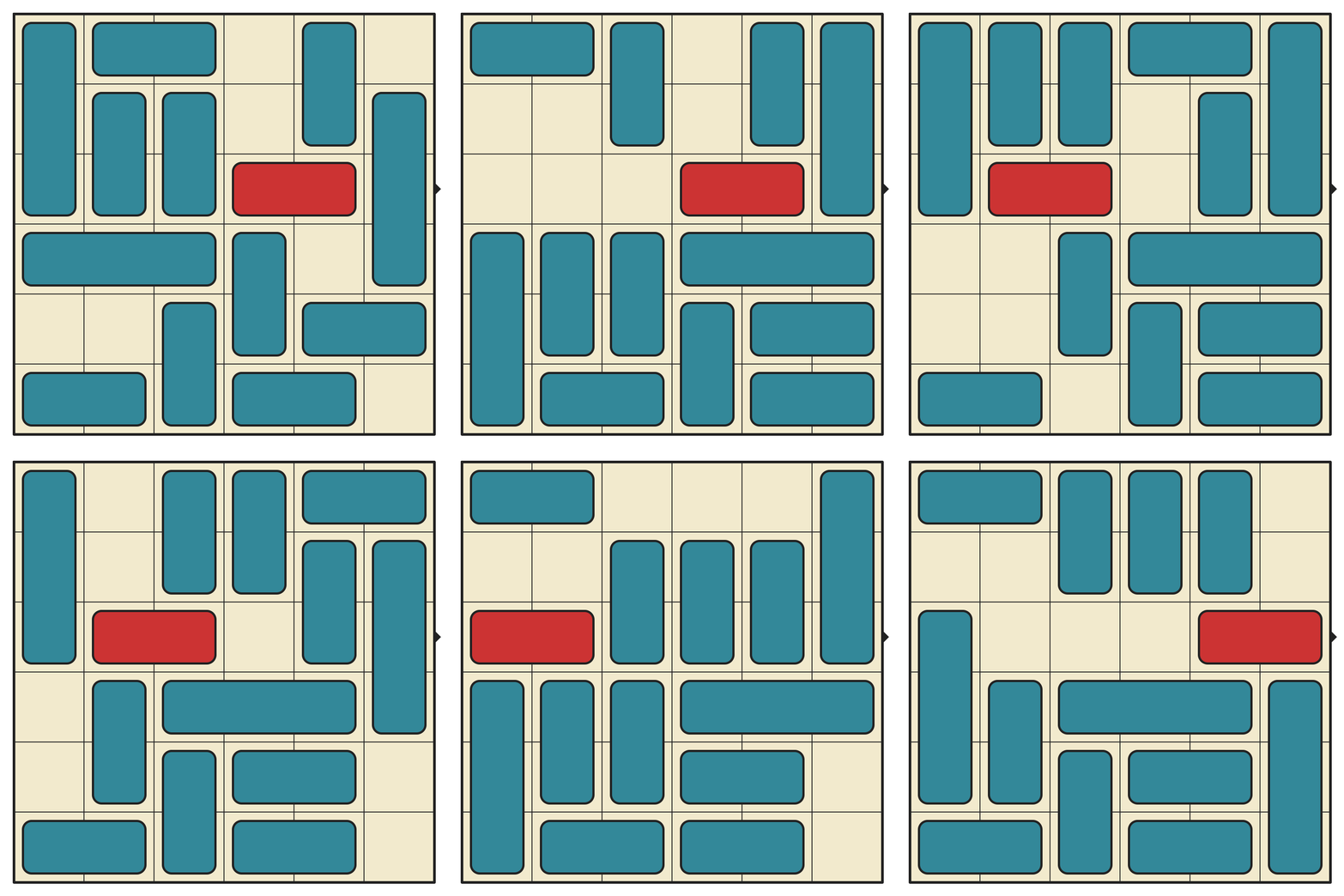
I solved the Rush Hour puzzle game and created a database of every interesting starting position.
Rush Hour is a 6x6 sliding block puzzle invented by Nob Yoshigahara in the 1970s. It was first sold in the United States in 1996.
I played a clone of this game on my first iPhone several years ago. Recently, I stumbled on the physical incarnation of it and instantly bought it on Amazon for my kids to play. We've been having fun with it, but naturally I was most interested in writing some code to solve the puzzles.
I did more than write a simple puzzle solver. I ended up computing every possible puzzle and built a complete database of every "interesting" starting position. It was quite challenging (and exciting!) so I wrote a whole article about it. Check it out!
Links: GitHub • Article • Play Online!
Domain Coloring March 2018
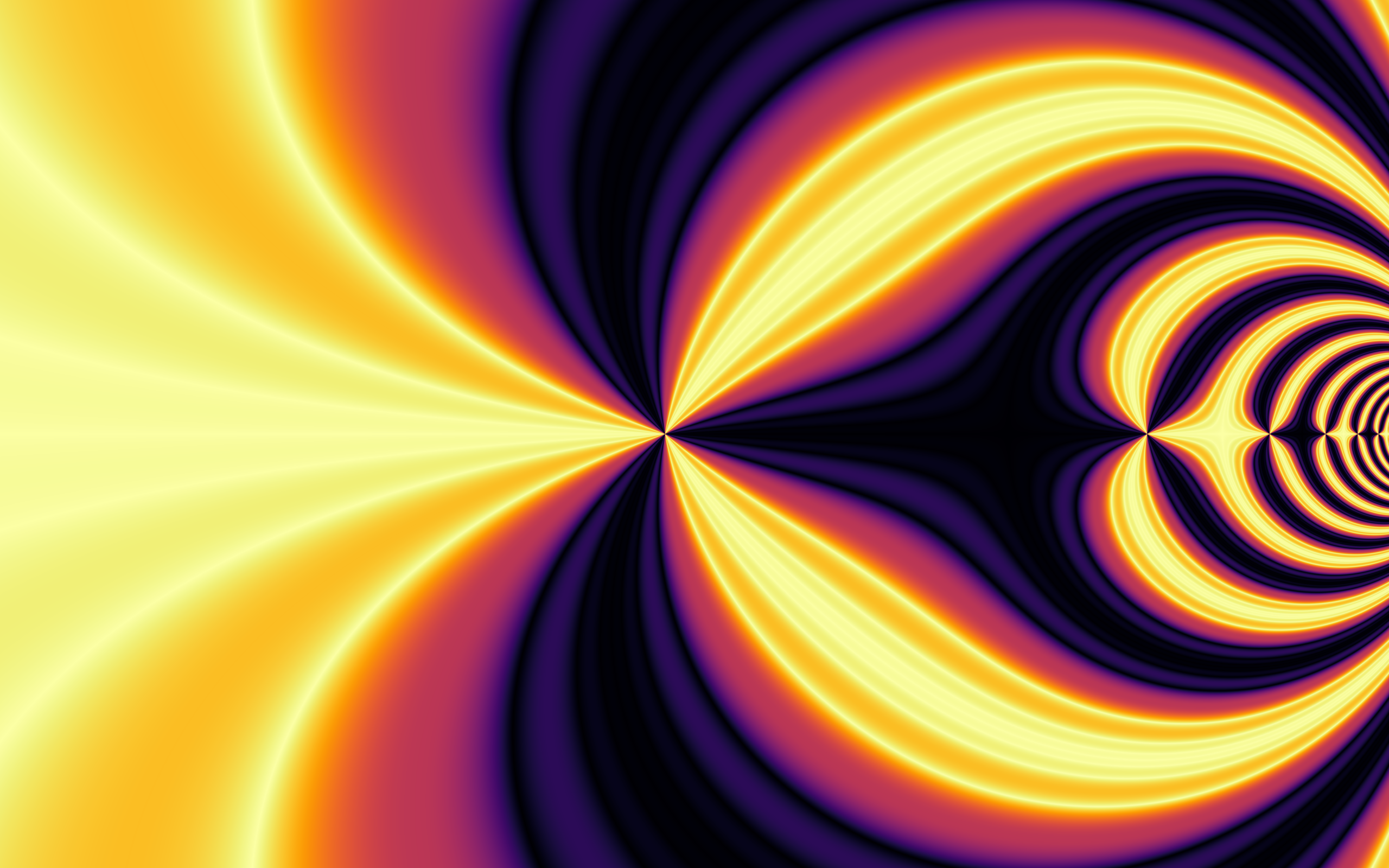
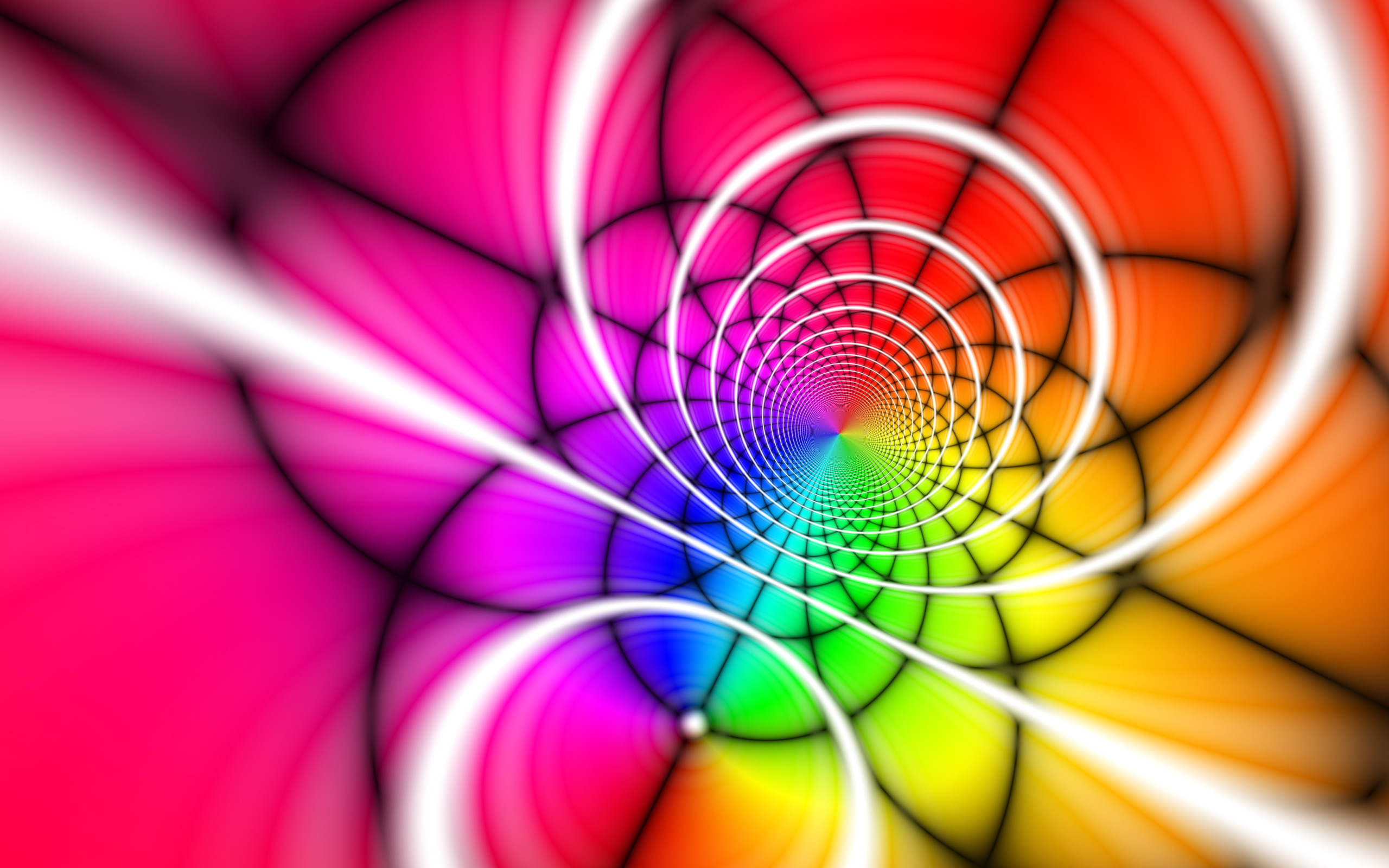
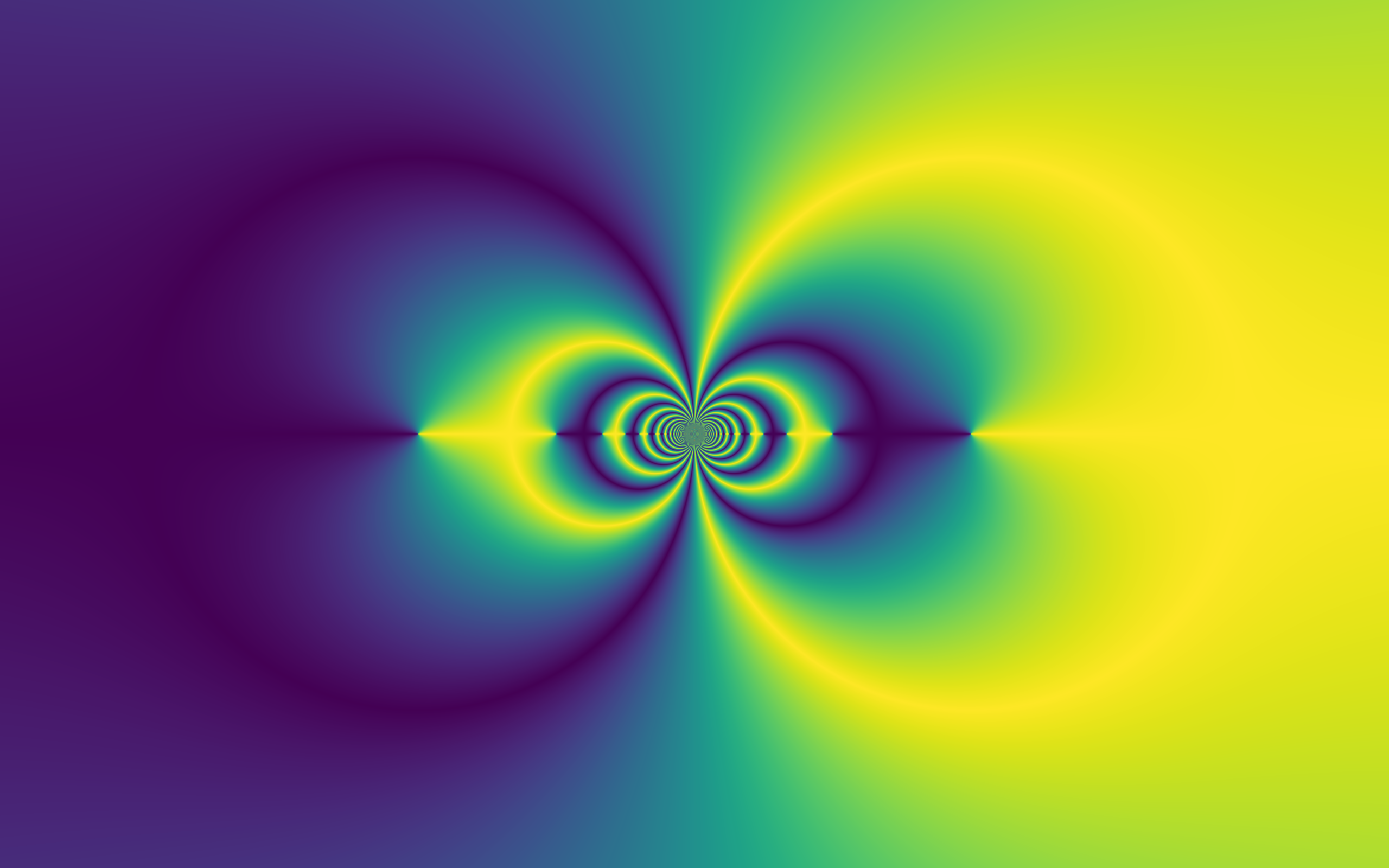
Visualize complex functions by coloring each point in the complex plane.
This was a quick experiment inspired by 3Blue1Brown's video called How to solve 2D equations using color. The colorings are based on the magnitude and/or phase of the complex numbers transformed by a function. The coloring algorithm can be as simple or as complicated as you can imagine, providing plenty of room for creativity.
Links: GitHub
Contour Maps February 2018
Generate vector-based contour maps using AWS terrain tiles.
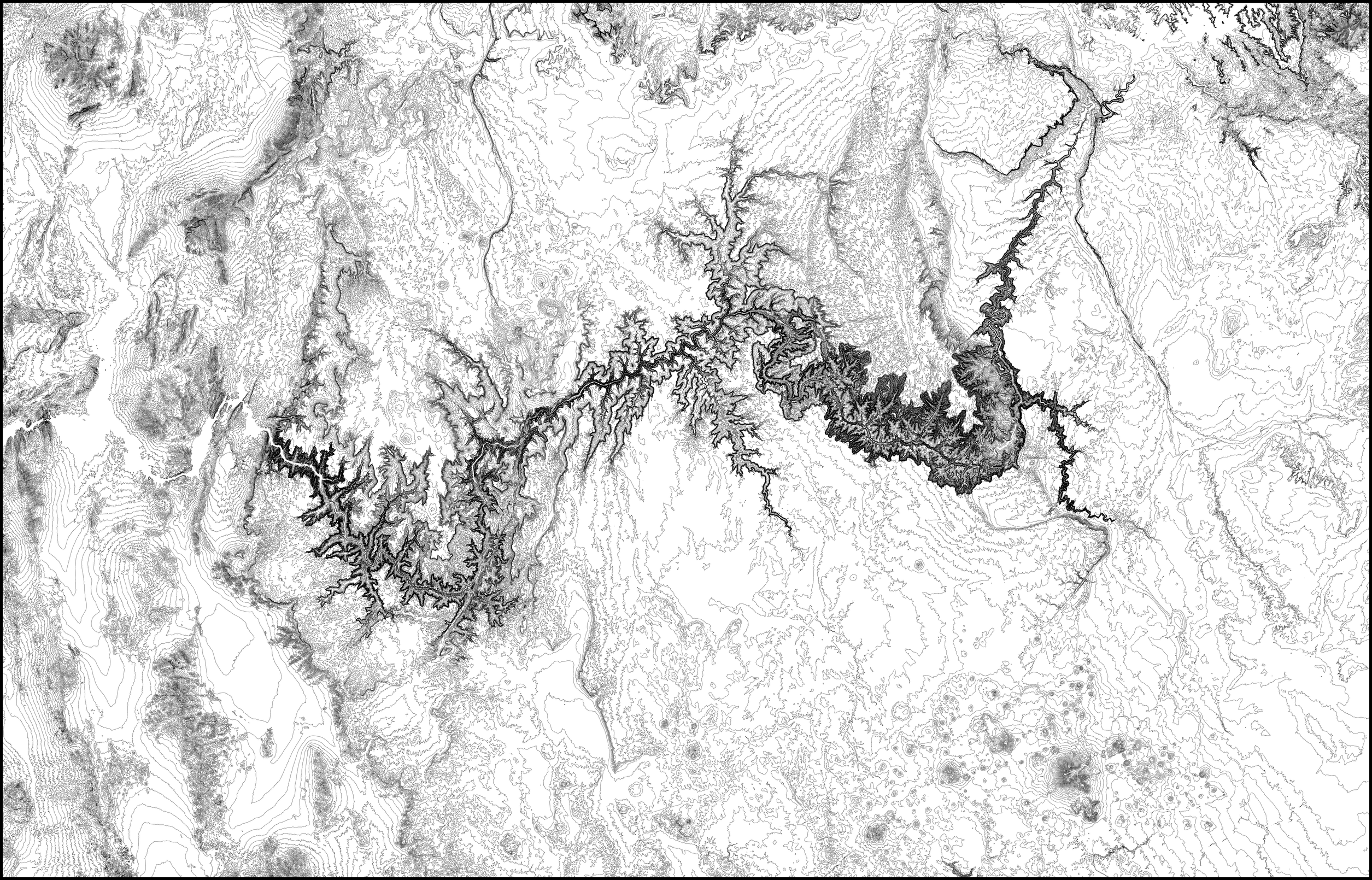
This code generates topographic maps (using contour lines) based on elevation data. It can automatically fetch and cache terrain tiles from AWS. It can render a region defined by a lat/lng bounding box or by a shapefile (such as for a given country or state). I used this code to draw topographic maps on my AxiDraw pen plotter.
The example below shows the topography of the Grand Canyon and its surroundings with contour lines separated by 50 meters in elevation.
Links: GitHub
3D Packing June 2017
Tightly pack 3D meshes into as small of a volume as possible.
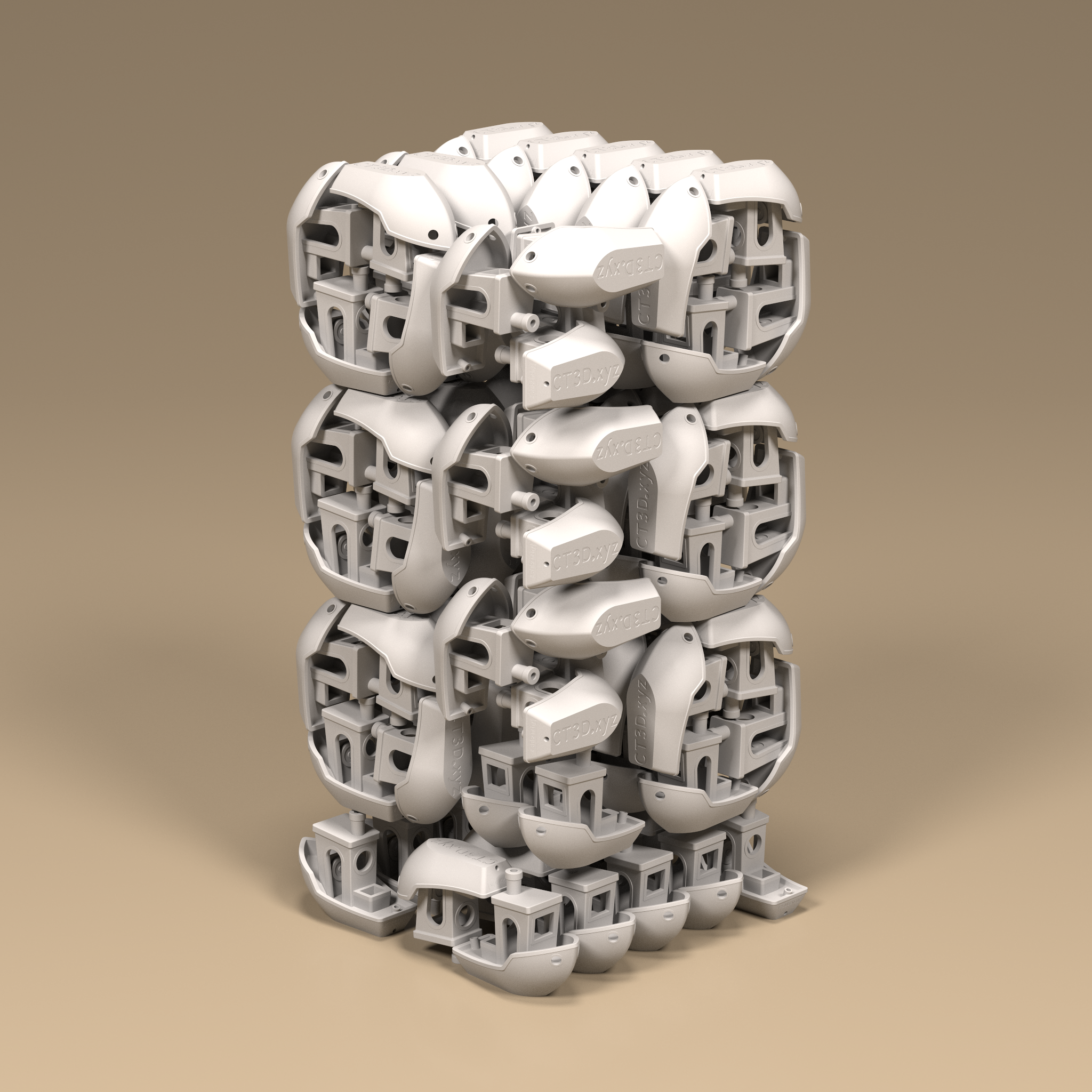
Formlabs recently announced the Fuse 1, a 3D printer that works via Selective Laser Sintering. This technique uses a nylon powder which conveniently supports the structures as they are printed. No scaffolding or supports are needed, so we can print as many objects as we can pack into the volume.
This begs the question - how many 3DBenchy boats can the Fuse 1 print in a single batch? As soon as the printer was announced, I immediately gravitated toward this algorithmic challenge.
With naive bin packing, 82 boats can be packed into the printer volume. But with some more advanced packing algorithms, 113 boats can fit - a 37.8% improvement!
Ribbon Diagrams February 2017
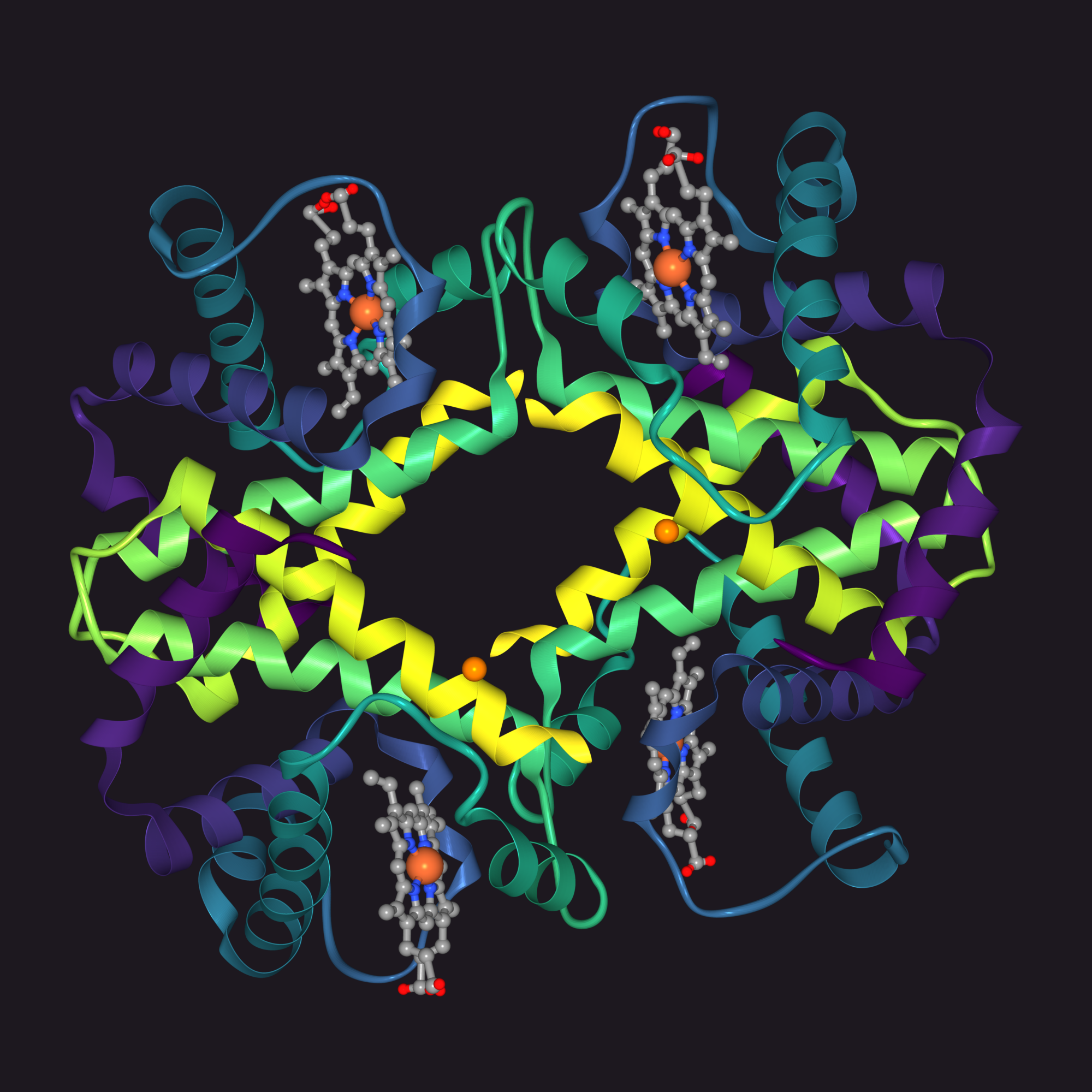
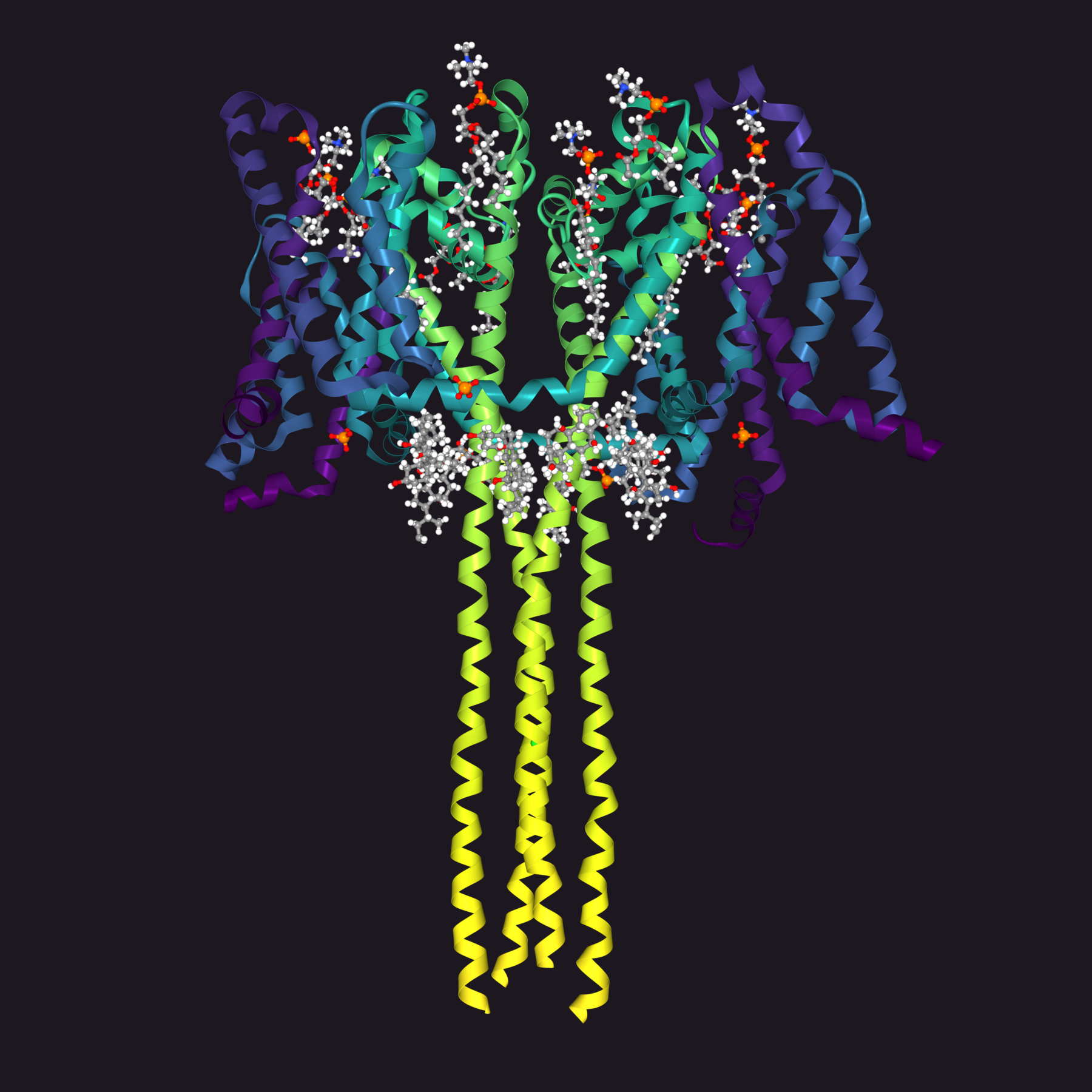
Parse PDB files and render ribbon diagrams of proteins.
Ribbon diagrams are 3D schematic representations of protein structure.
You've probably happened upon these before. I always thought they looked very complex and never figured I'd know how to create such a diagram myself. After creating FauxGL, however, I was in search of interesting 3D visualizations and decided to research these interesting diagrams.
Roughly, proteins are chains of amino acids that are pieced together while reading genetic code. As a protein is formed, these chains will fold in various ways, forming helixes, strands, and coils. A ribbon diagram depicts the 3D structure of the protein as well as these common secondary structures.
The Protein Data Bank is an online database of over 130,000 PDB files. These files encode all of the information needed to produce a ribbon diagram. With this software, you can simply type rcsb XXXX where XXXX is the alphanumeric PDB code and a PNG will be generated in a few seconds.
Links: GitHub • Twitter Bot • Large Tiled Render
FauxGL January 2017
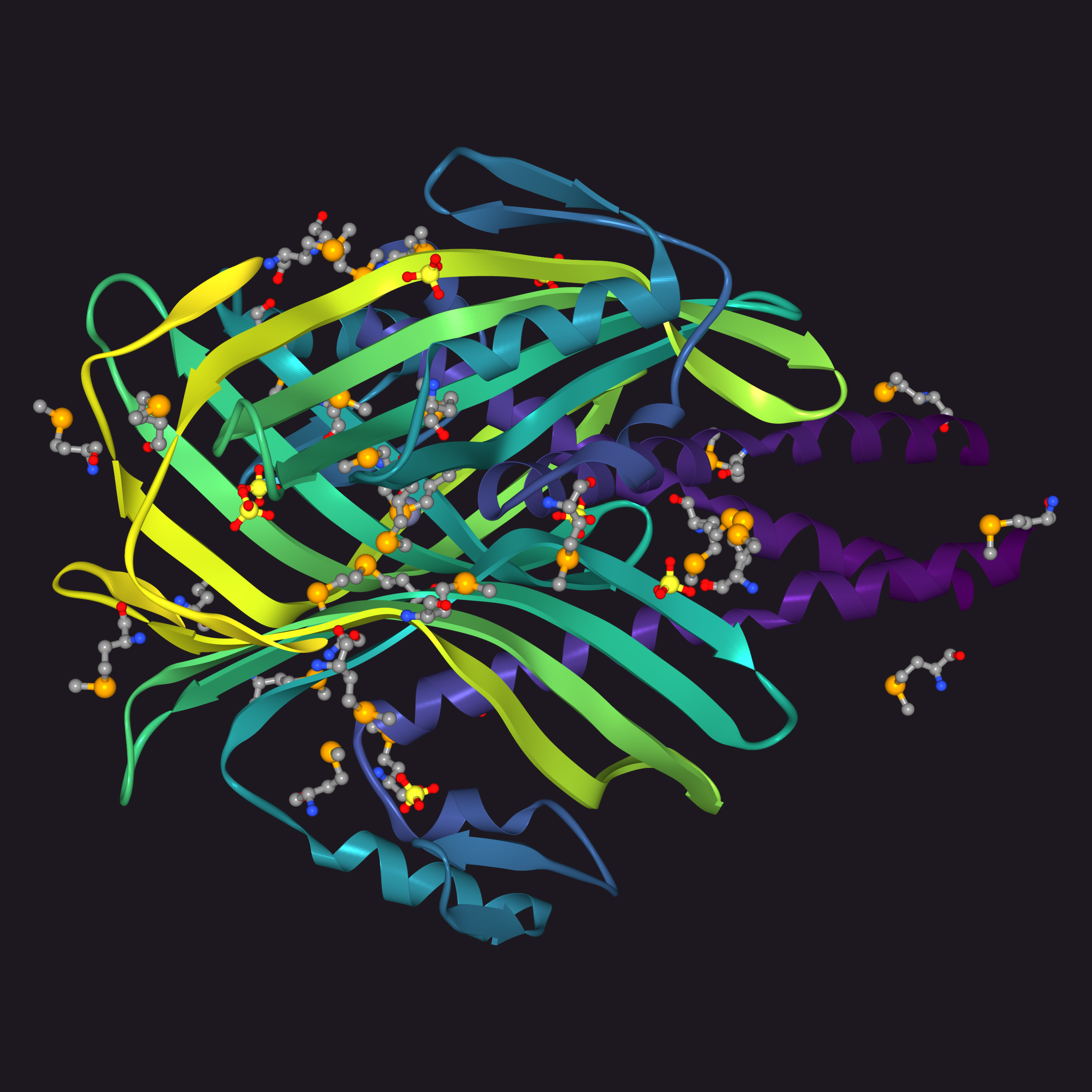
3D software rendering in pure Go. No OpenGL, no C extensions, no nothin'.
It's like OpenGL, but it's not. It's FauxGL.
It doesn't use your graphics card, only your CPU. So it's slow and unsuitable for realtime rendering. But it's still pretty fast. It works the same way OpenGL works - rasterization.
I mostly wrote this for fun and for learning, but I've already found it useful in other projects.
Features
- STL, OBJ, PLY, 3DS file formats
- triangle rasterization
- vertex and fragment "shaders"
- view volume clipping, face culling
- alpha blending
- textures
- depth biasing
- wireframe rendering
- built-in shapes (plane, sphere, cube, cylinder, cone)
- anti-aliasing (via supersampling)
- parallel processing
Links: GitHub
AxiDraw January 2017
Unofficial Python library for working with the AxiDraw pen plotter.
The AxiDraw is a very nice modern pen plotter. It ships with Inkscape-based software for controlling it, but I was more interested in programmatically controlling it myself. So I wrote this library that controls the plotter directly over the USB serial port.
The most interesting part of this project, for me, was writing my own motion planning algorithm. I stuck with constant-acceleration for simplicity, and the code for the planner came out to just a couple hundred lines of Python!
See the motion planning algorithm in action in this web-based visualization.
Features
- control the AxiDraw directly from Python with a simple API
- convenient command-line utility
- constant acceleration (trapezoidal velocity) motion planning
- path drawing order optimization
- drawing transformations
- preview drawing (render to png)
- turtle graphics
- lindenmayer systems
Links: GitHub • Medium Article
Primitive September 2016
Recreate your photos with vector-based geometric primitives.
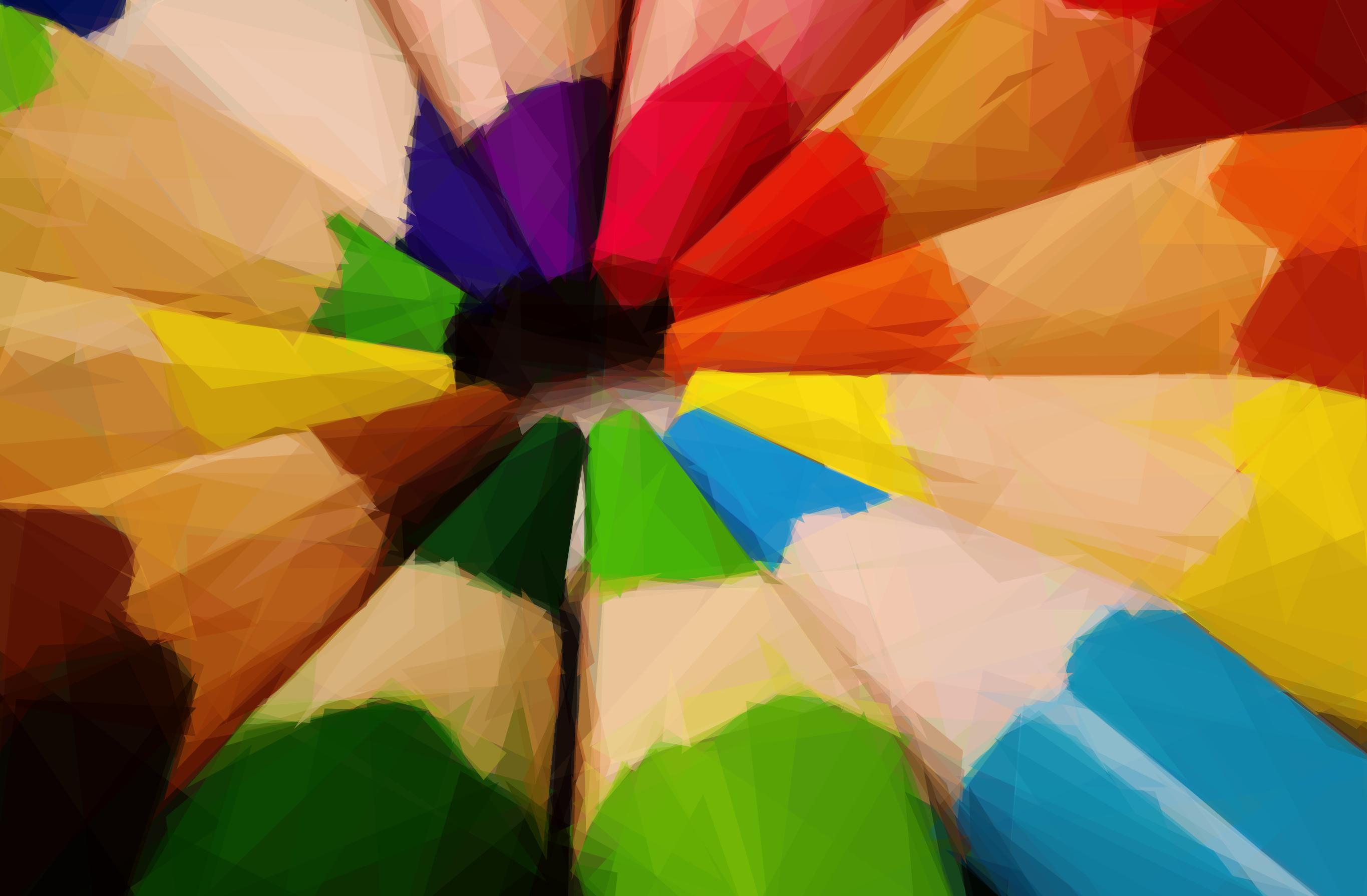
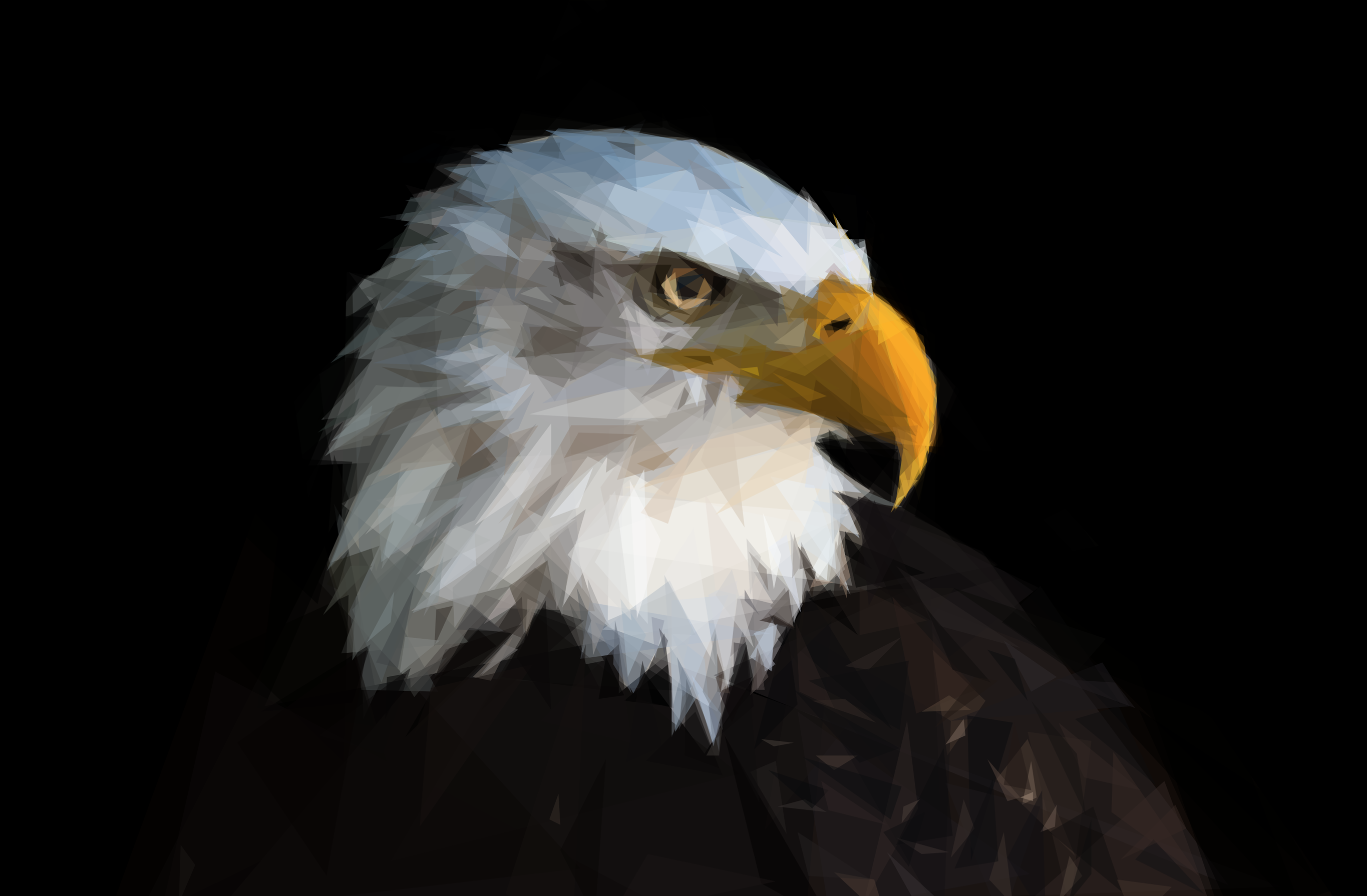
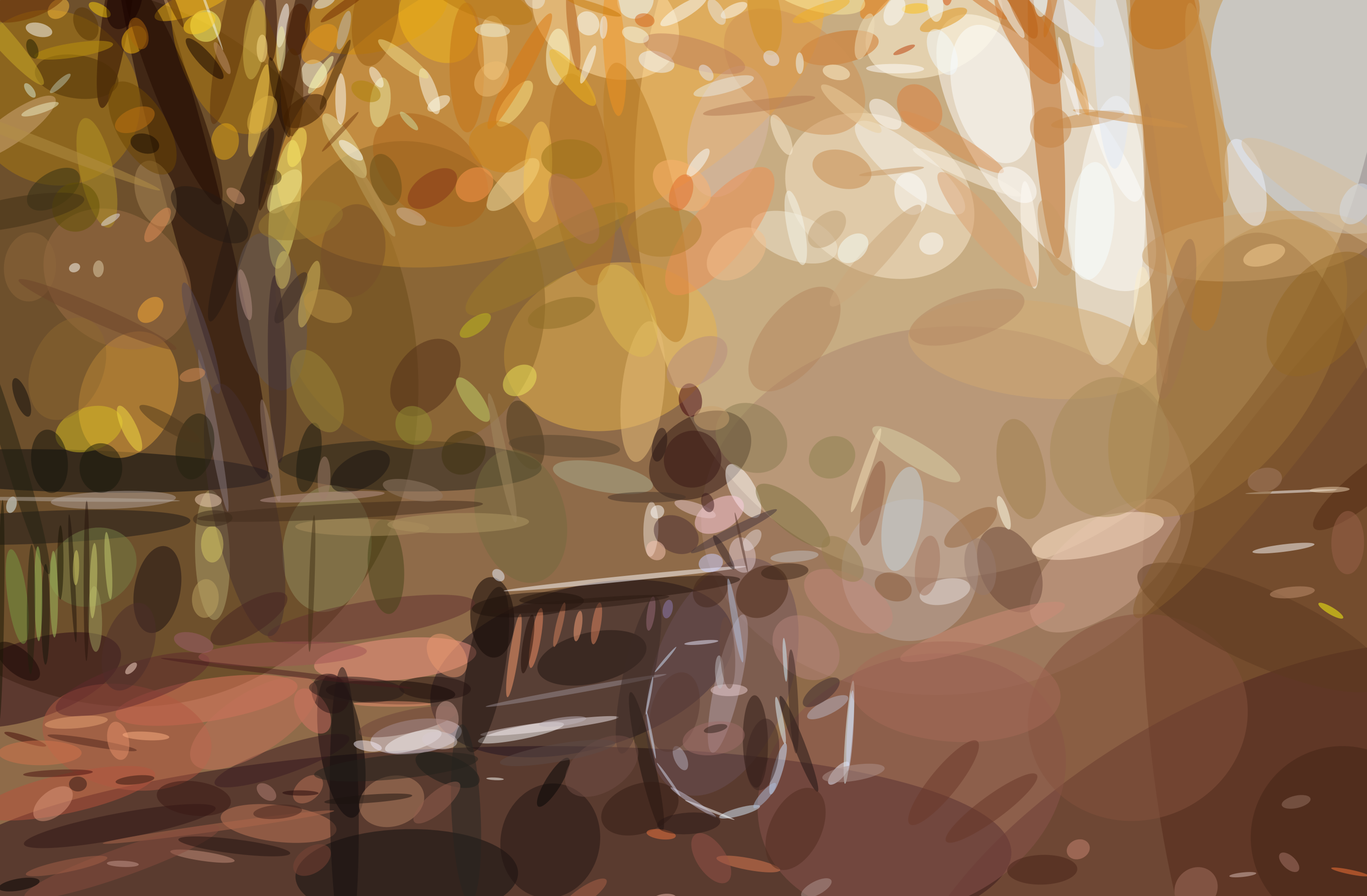
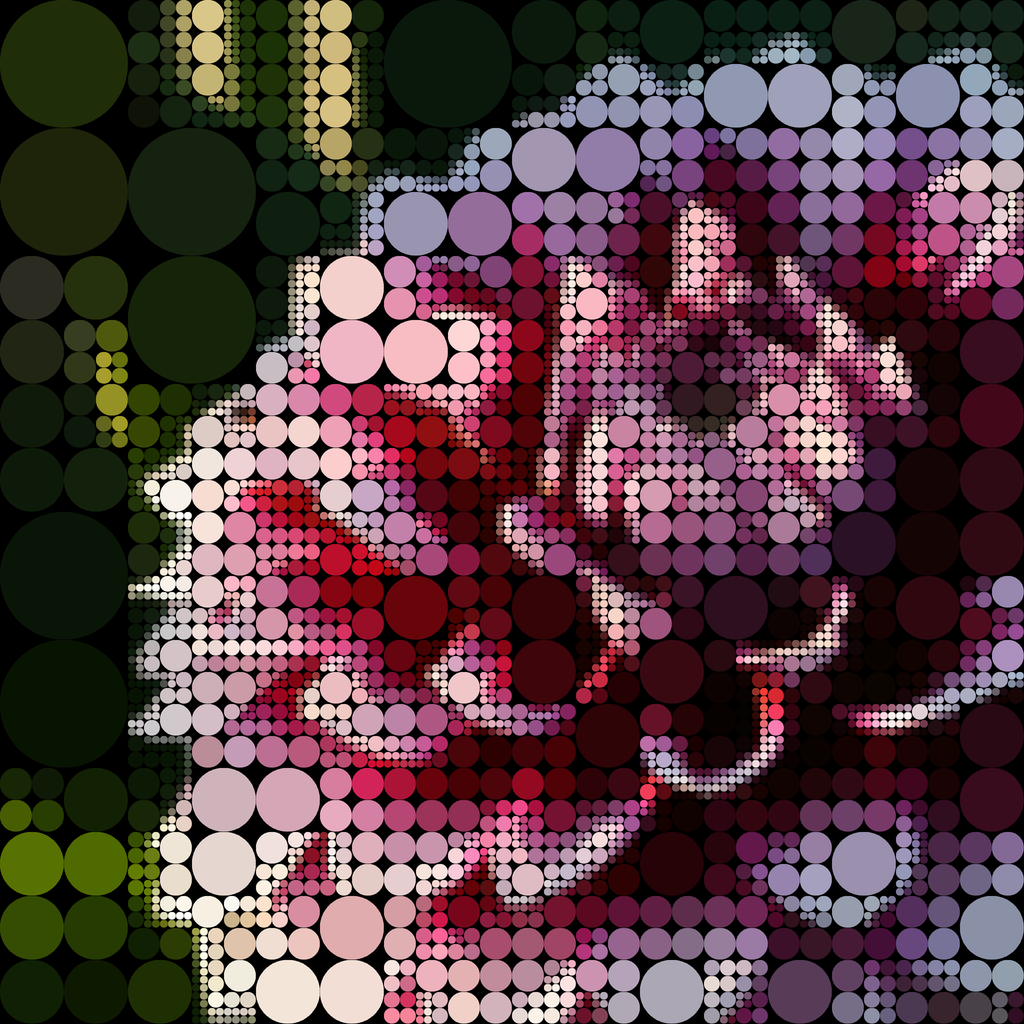
You provide an image as input. The app tries to find the most optimal shape that can be drawn to maximize the similarity between the target image and the drawn image. It repeats this process, adding one shape at a time. Using this process, the program can recreate a photo with surprisingly few shapes.
This project was originally inspired by the popular and excellent work of Roger Johansson - Genetic Programming: Evolution of Mona Lisa. Since seeing that article when it was quite new, I've tinkered with this problem here and there over the years. But only now am I satisfied with my results.
The core is written in Go and is open source. A native macOS app is also available in the App Store, providing a nice UI on top of the engine as well as some additional features like "drawing mode." To date, this has been my most successful paid app.
Links: GitHub • Website • App Store • Twitter Bot
Mesh Simplification May 2016
Simple command line tool for simplifying meshes in STL format.
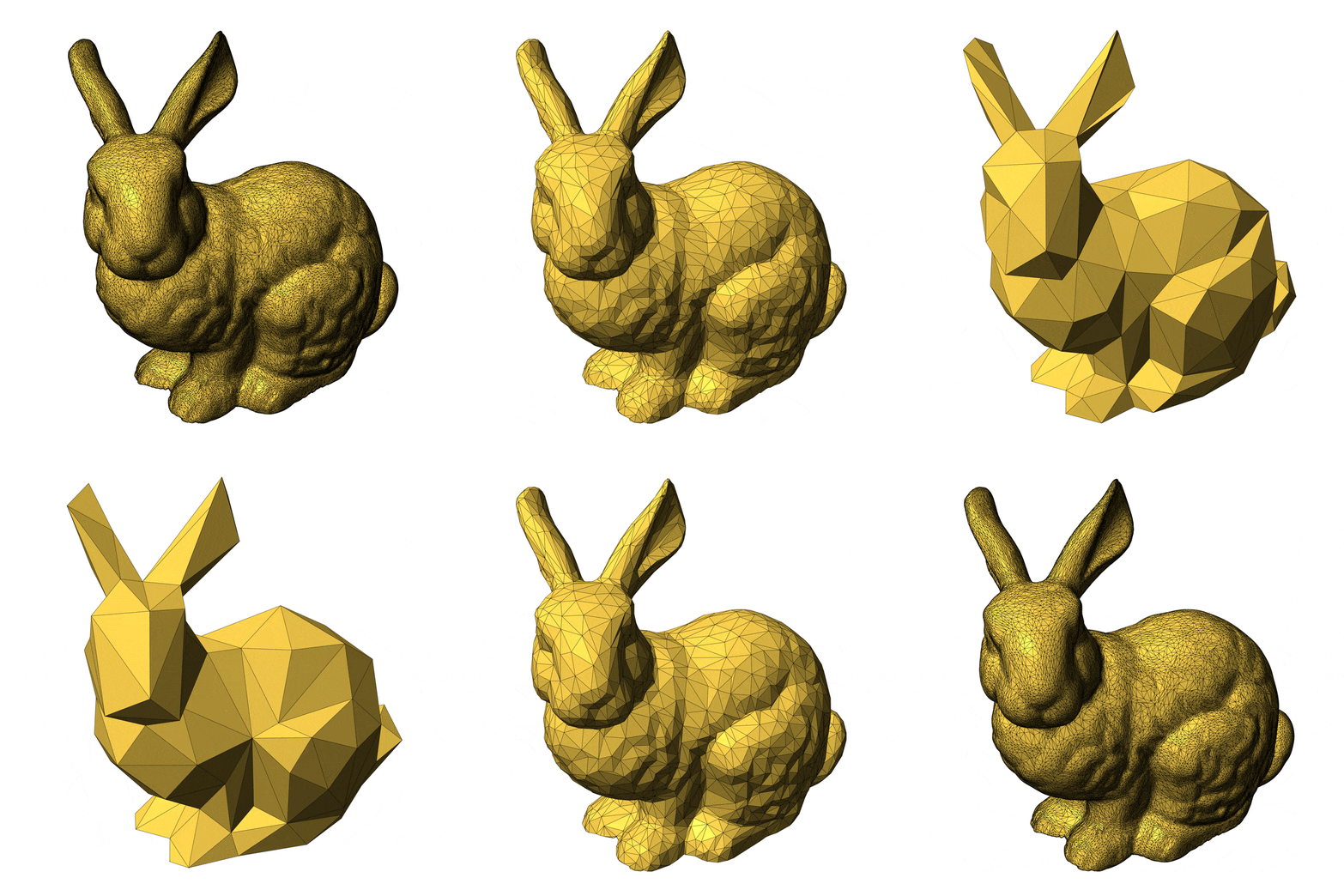
This is a straight-forward implementation of Surface Simplification Using Quadric Error Metrics, SIGGRAPH 97, written in Go. Some problematic meshes don't simplify very well, but overall it works nicely. Watch the animation - the mesh is repeatedly simplified, starting with 86632 triangles and ending with just 64 triangles. The bunny remains recognizable for an impressive duration.
Links: GitHub
Point Maps April 2016
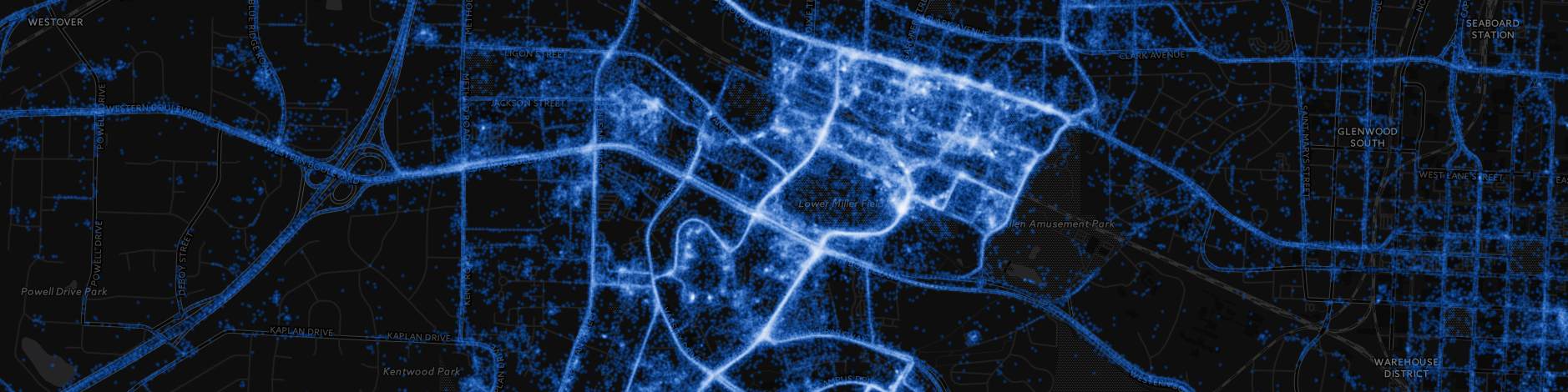
Custom tile server for rendering millions of points on a map efficiently.
I wrote this as a learning exercise for dealing with huge amounts of data on a map.
The points are stored in Cassandra, where they are clustered by their tile coordinates at a predefined map zoom level. When a tile is requested, the tile server can then quickly fetch the correct points. The points are then rendered onto the tile in a way that looks nice but is very performant. The tile server also caches the tiles on disk.
Links: GitHub • NYC Taxi Visualization
Go Graphics February 2016
Cairo-inspired 2D graphics library written in pure Go.
Go has an excellent set of image packages, but what do you do when you want to render 2D graphics? The golang freetype library implements nice anti-aliased rendering of paths, but is primarily for drawing text. So I built gg on top of it to provide a nice, general purpose 2D graphics API inspired by Cairo.
Features
- Anti-aliased rendering
- Fill and stroke paths
- Draw images and text
- Built-in word wrapping
- Line caps, joins, dashes
- Gradients and patterns
- Transformation matrix
- Push and pop context state
- Clipping regions
Links: GitHub

Traveling Pixel January 2016
Applying the traveling salesman problem to pixel art.
This code uses simulated annealing to find the shortest path to visit all black pixels in an image. Then it generates an animated GIF showing the order of traversal.
Links: GitHub

Line Art January 2016
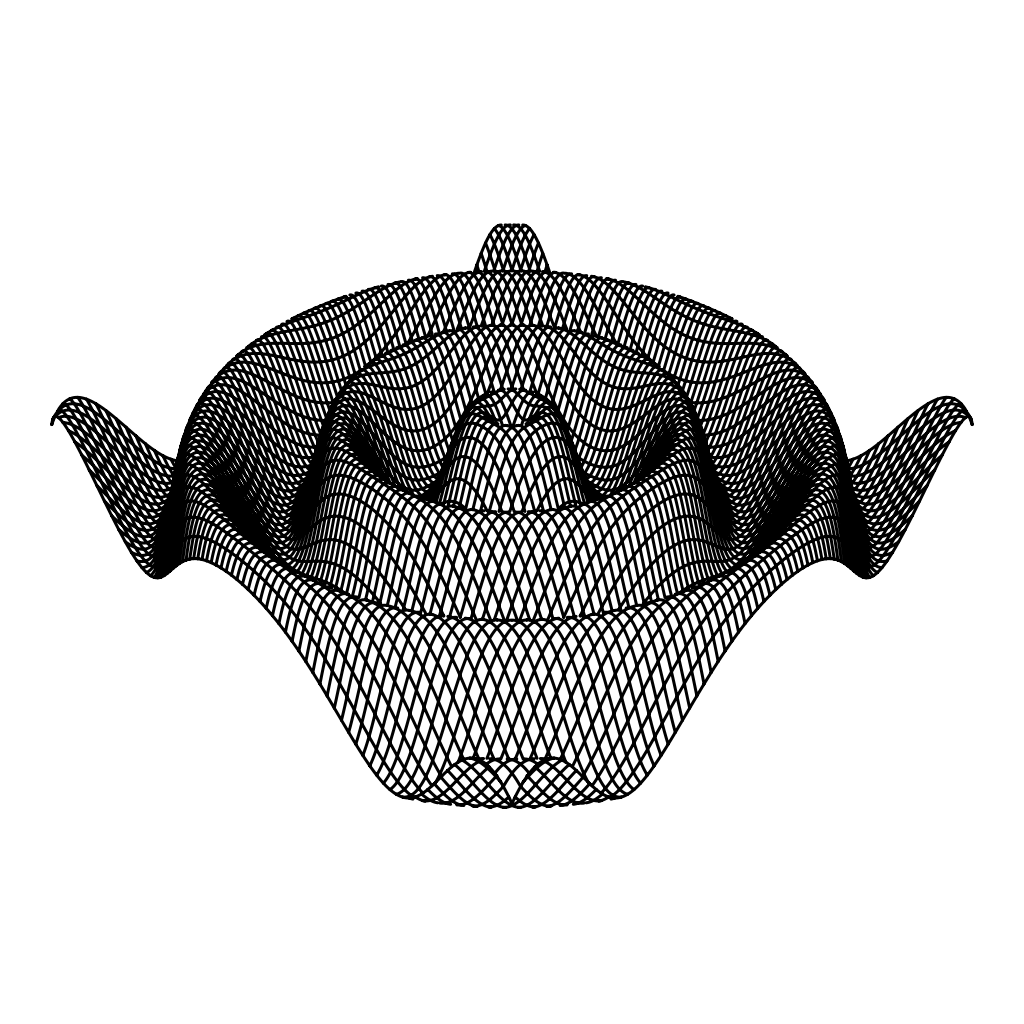
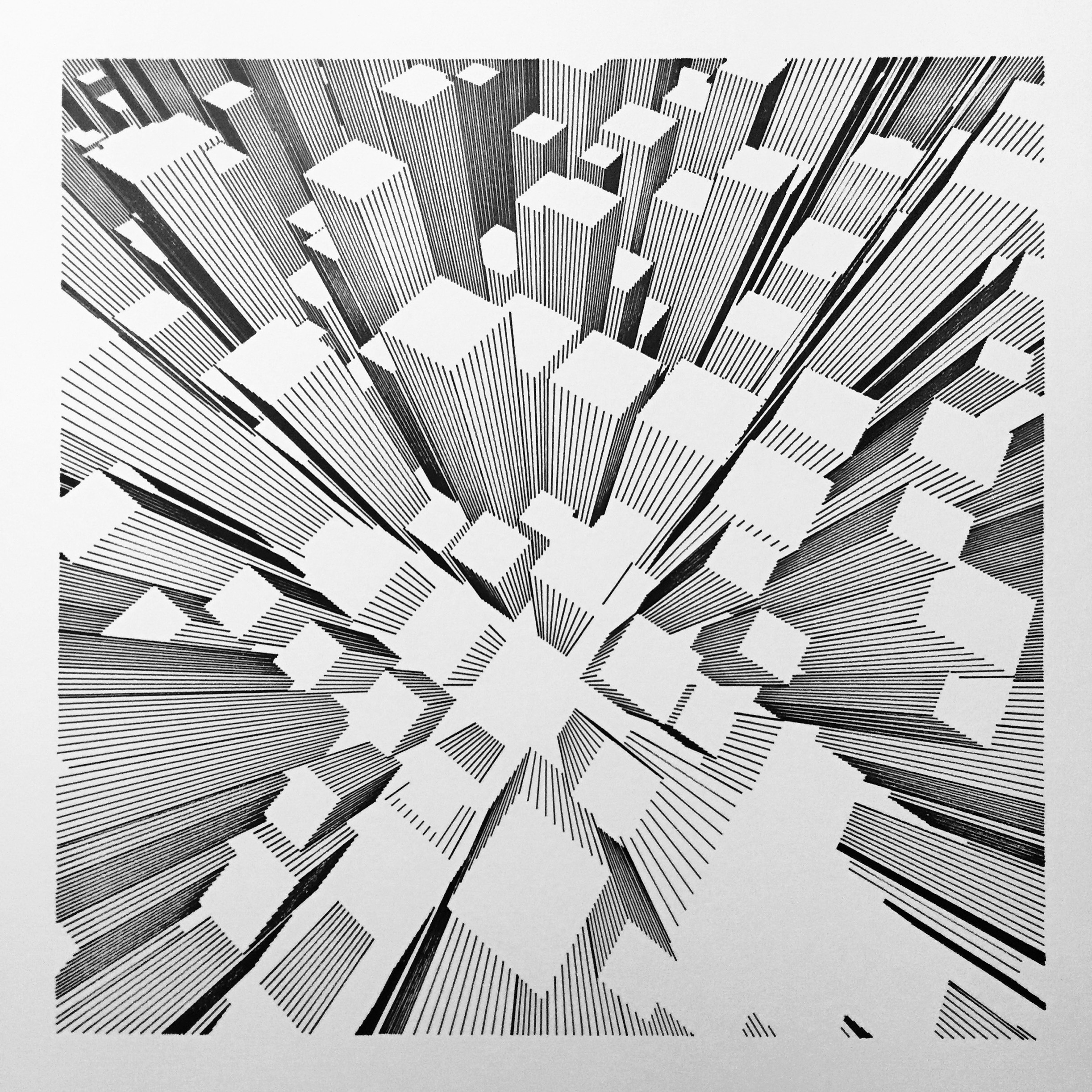
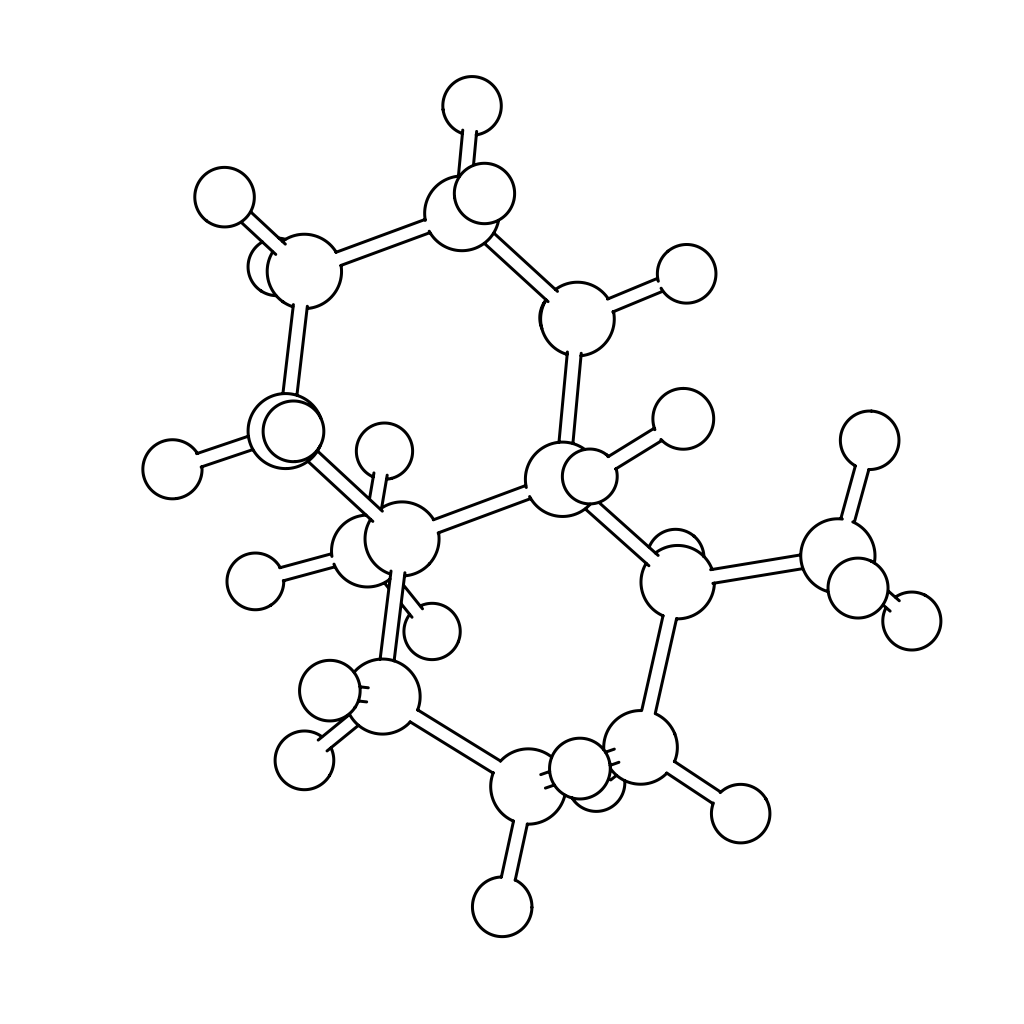
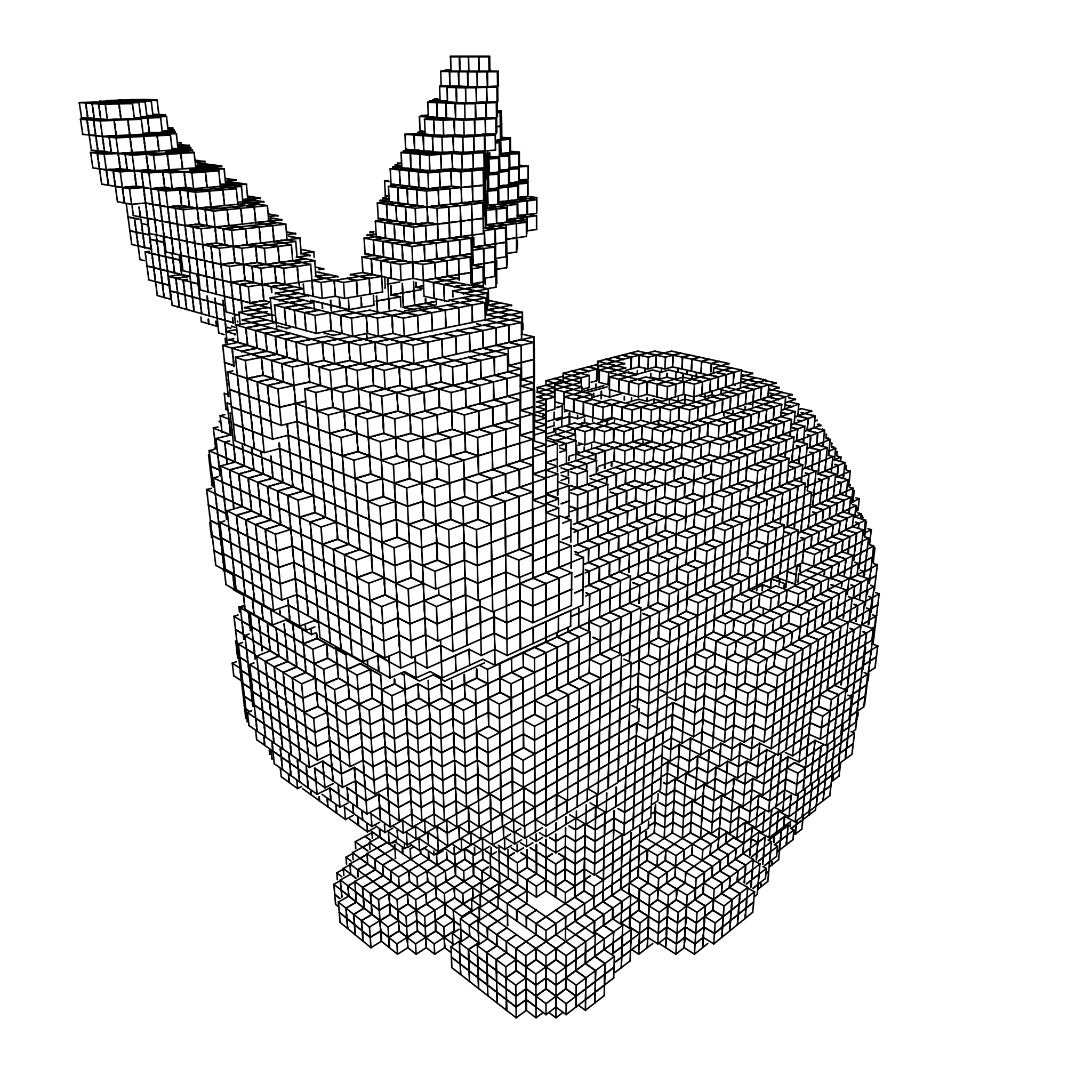
Rendering engine that produces 2D vector graphics (think SVGs) depicting 3D scenes.
Unlike OpenGL, where the output of the rendering pipeline is a rastered image, the output of ln is a set of 2D vector paths. It supports texturing, CSG, and more! I created this so I could plot 3D drawings with my pen plotter, which naturally requires vector input.
Links: GitHub
Pirate Maps December 2015
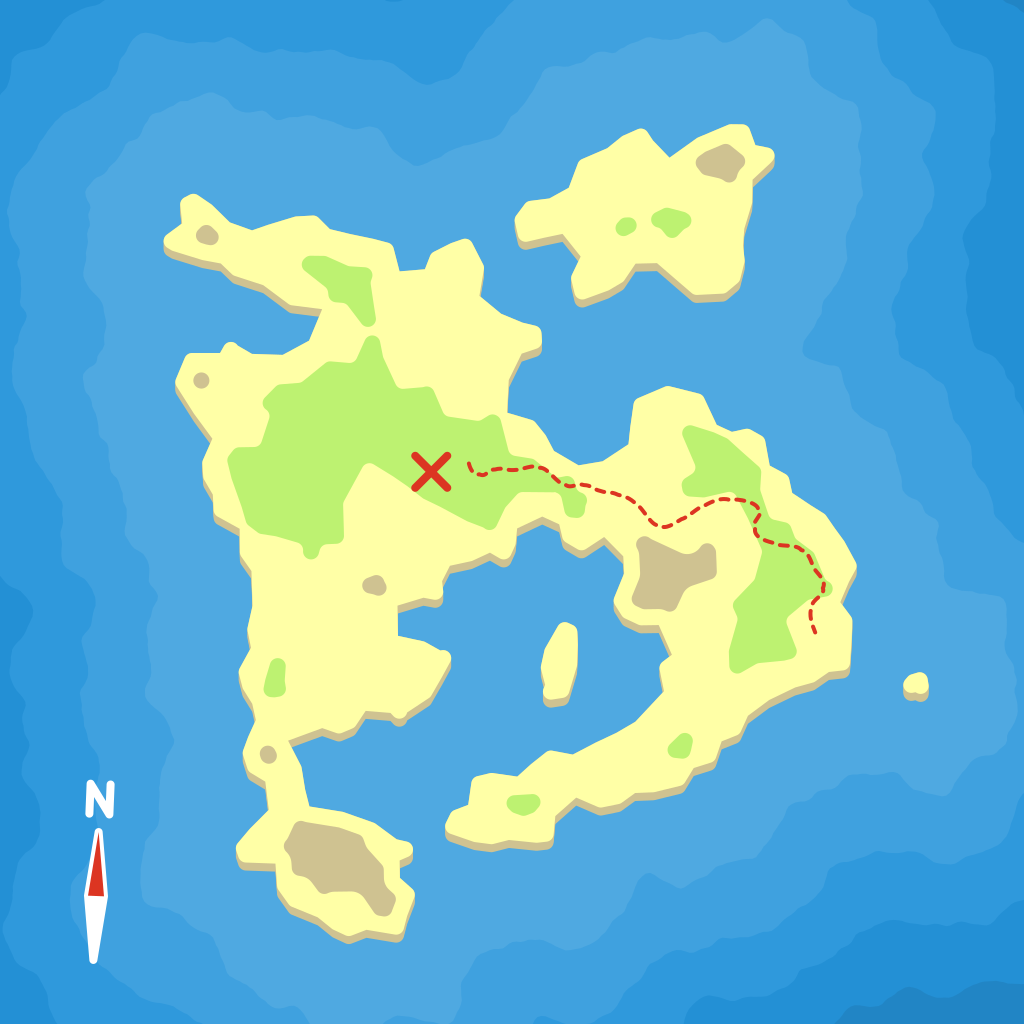
Procedurally generated pirate treasure maps. X marks the spot!
This was my submission in the /r/proceduralgeneration monthly challenge. I used several excellent third party libraries...
cairofor renderingcolourfor color interpolationnoisefor simplex noisePillowfor saving debug images of noise layerspyhullfor delaunay triangulationShapelyfor all kinds of 2D geometry operations
Links: GitHub
Mapper August 2015
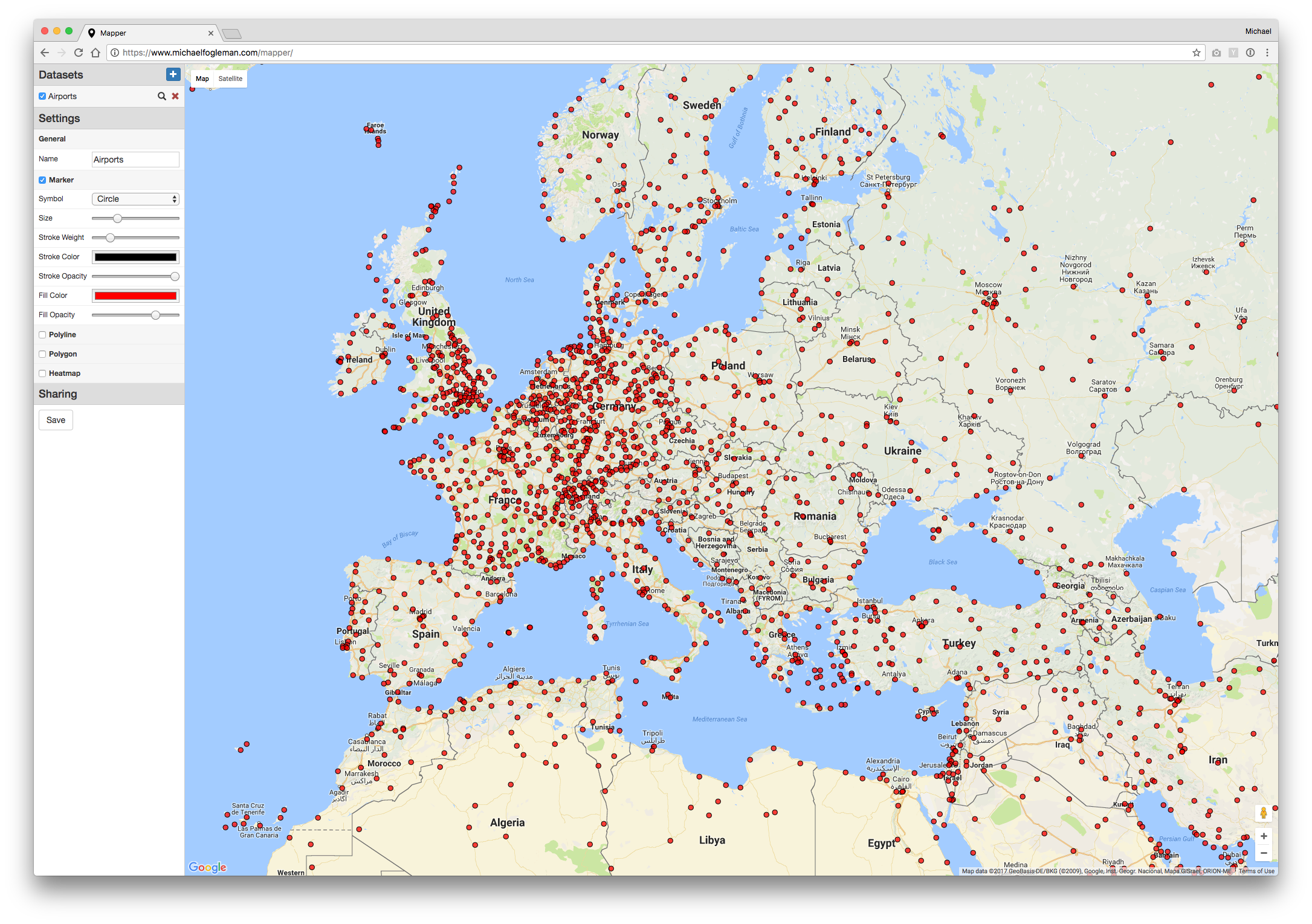
Web app for quickly plotting markers, polylines, polygons, heatmaps, etc. on a map.
Got geocoordinates but don't know how to see them quickly? Just paste them into Mapper! Doesn't matter if it's comma-separated, whitespace-separated, or something else. You can add multiple datasets and each one can be configured to plot different symbols or styles. Once you're happy with the visualization, it even has a button that gives you a link for sharing.
NES Emulator March 2015
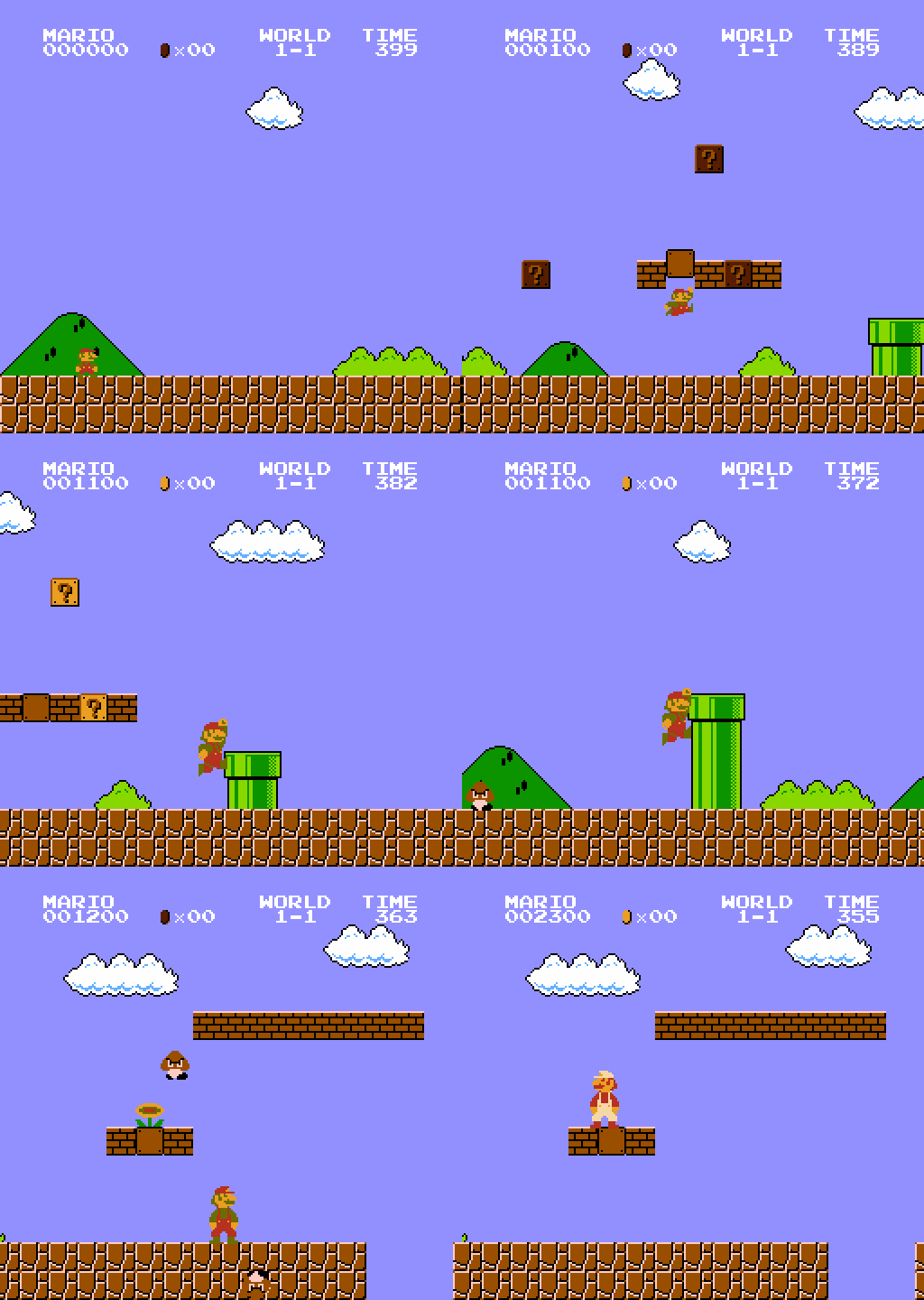
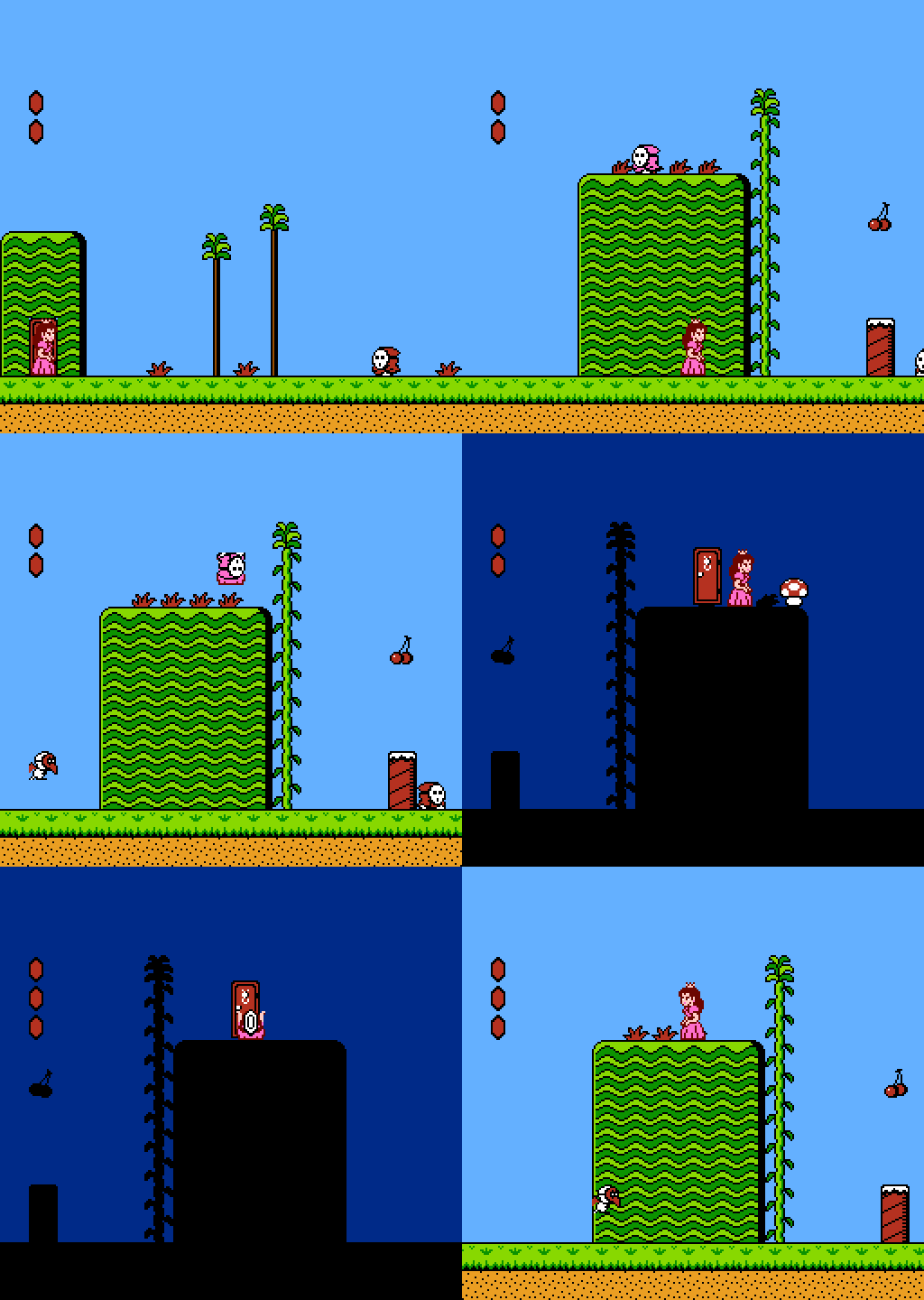
Supports USB joysticks and has an awesome game selection screen.
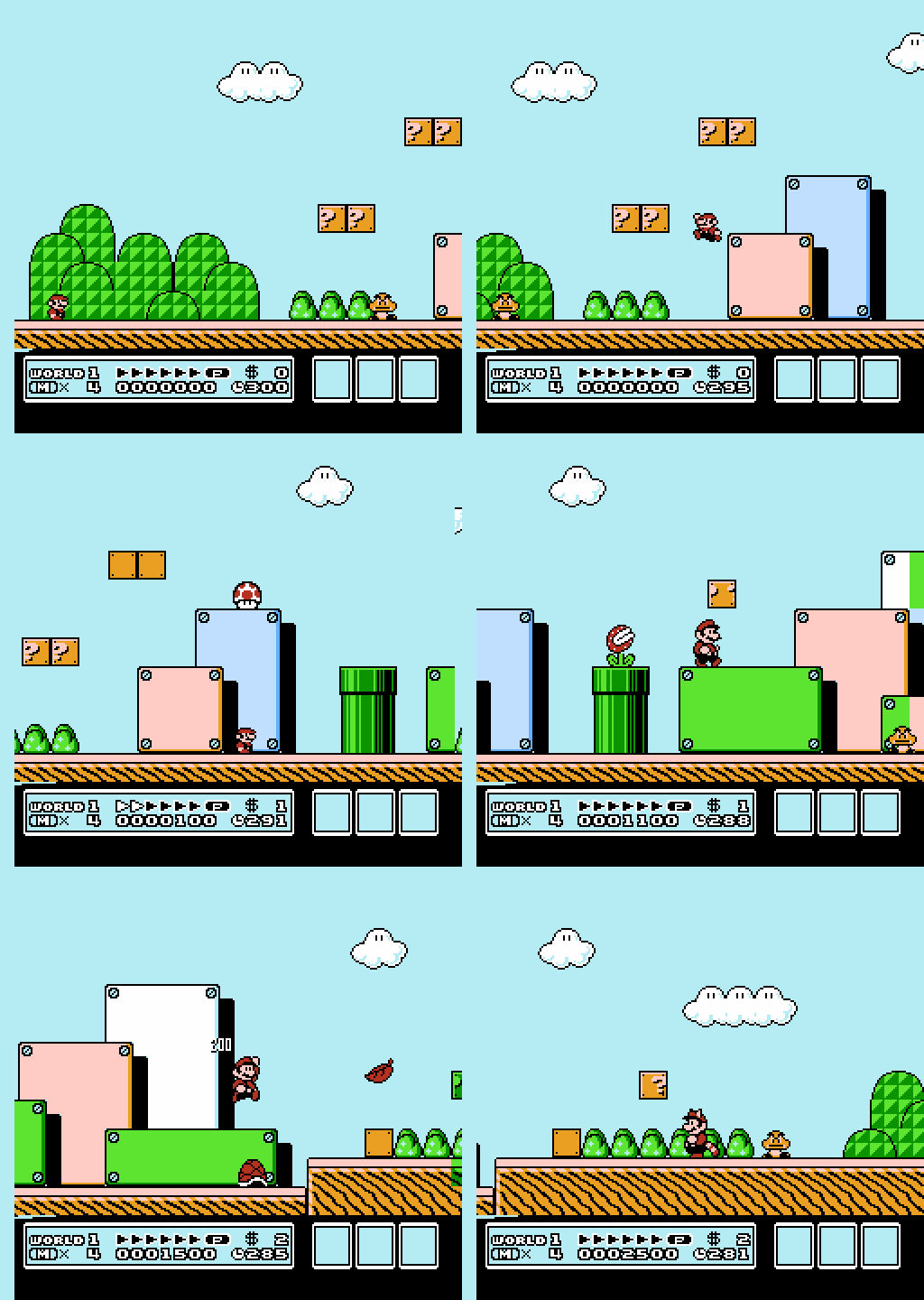
I never had an NES as a kid, but I did have a Commodore 64. I played lots of games on it, including Mario ripoffs. Some of my friends had a Nintendo, so I did have some exposure and was always fond of SMB3. Writing an emulator sounded fun and now I can play old Mario classics whenever I want. And yes, it can generate animated GIFs!
Links: GitHub • Title Screen Database • Medium Article
Path Tracer January 2015
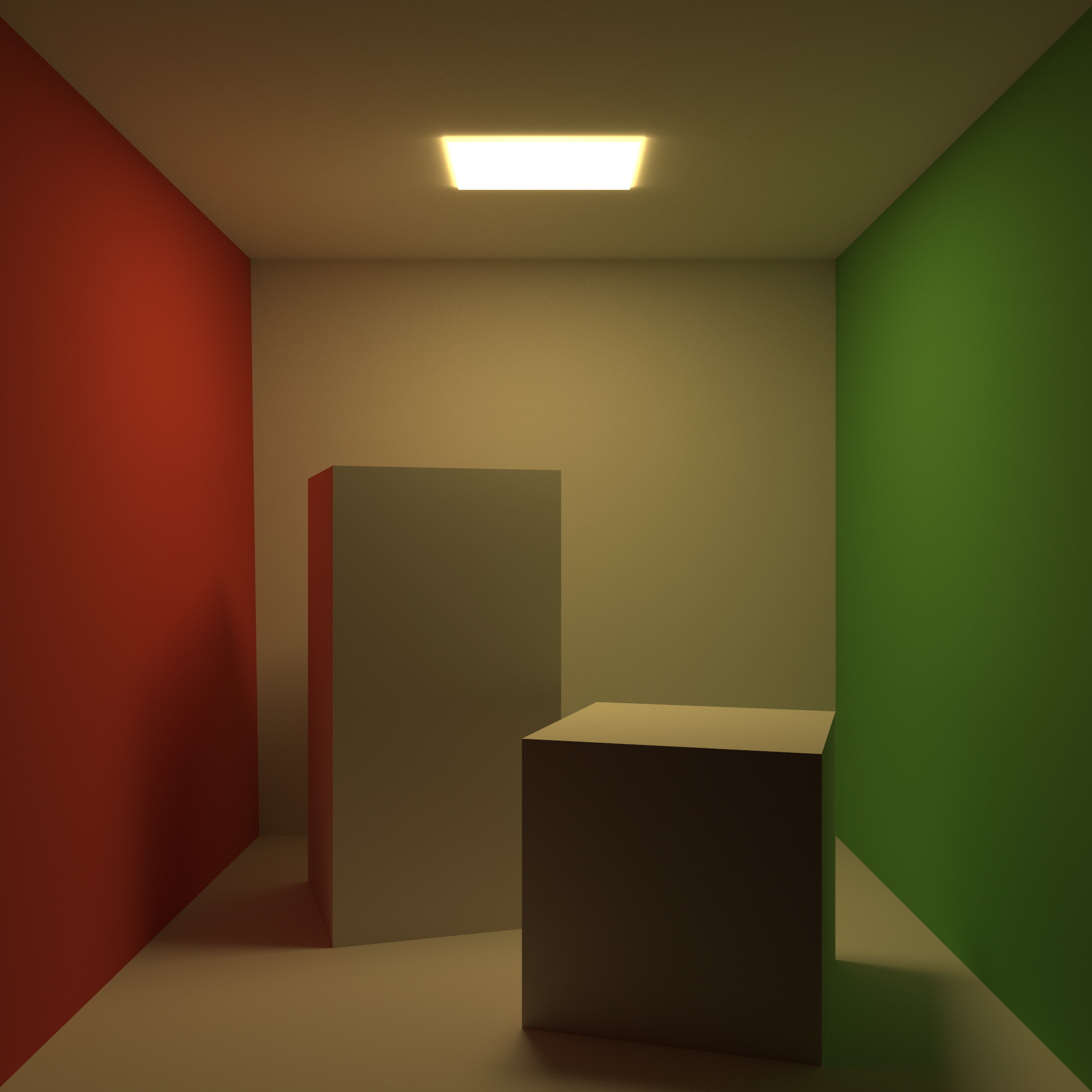
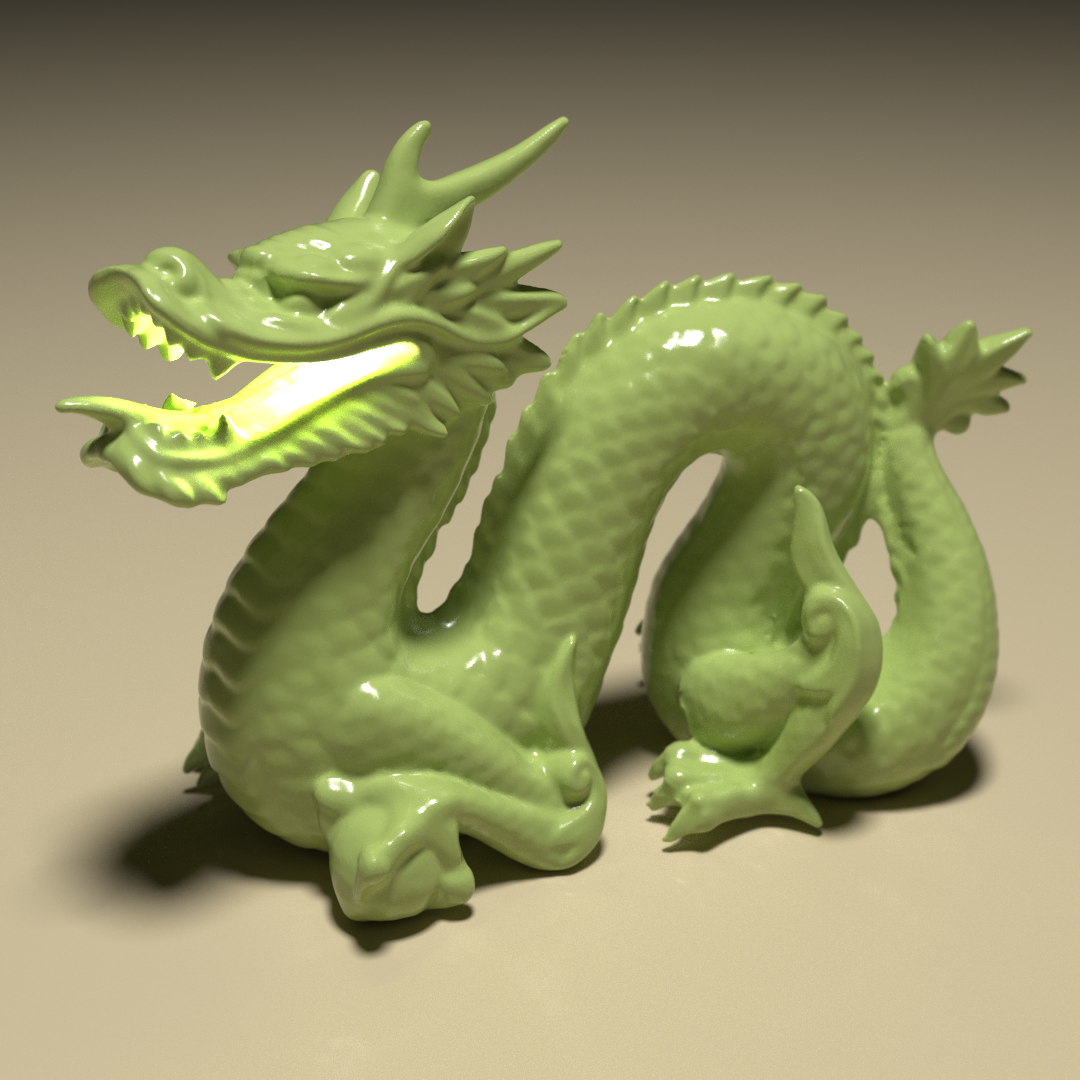
CPU-only, unidirectional path tracing engine written in Go.
This was the first thing that I wrote using Go and I've been loving it ever since! The inspiration for this project came from Evan Wallace's WebGL Path Tracing.
- Supports OBJ and STL file formats
- Supports textures, bump maps and normal maps
- Supports raymarching of signed distance fields
- Supports volume rendering from image slices
- Supports various material properties
- Supports configurable depth of field
- Supports iterative rendering
- Supports adaptive sampling and firefly reduction
- Uses k-d trees to accelerate ray intersection tests
- Uses all CPU cores in parallel
- 100% pure Go with no dependencies besides the standard library
Links: GitHub
Mister Queen October 2014
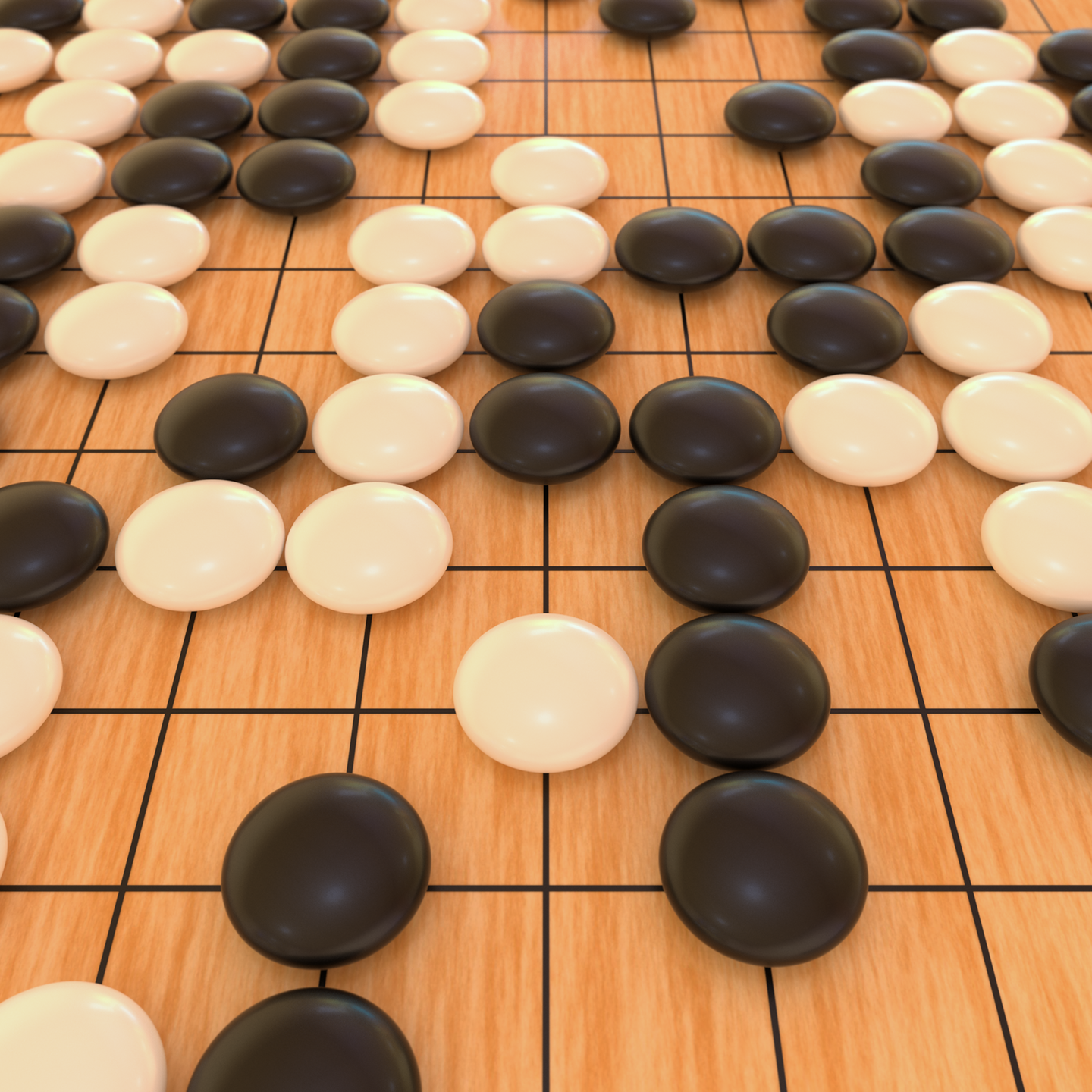
Mr. Queen is a nice little chess engine written in C.
I wrote my first chess engine back in college. It didn't play very well because I never really figured out the advanced search techniques. More recently, after a long hiatus, I tried my hand at writing a chess engine again, and Mister Queen is the result. It's pretty weak among computer chess engines, but it can beat me handily. Features include:
- Bitboards and "magic" bitboards for board representation and super-fast move generation.
- Custom, hash-based opening book based on over three million games from the FICS database.
- Zobrist hashing and a transposition table storing exact values and the best move.
- Null move pruning, aspiration windows, iterative deepening, quiescence search.
- Supports the Universal Chess Interface (UCI).
- Passes all perft tests.
David Kopec used Mister Queen in a chess app for the Apple TV! Read what he wrote about that here.
Links: GitHub

GPS September 2014
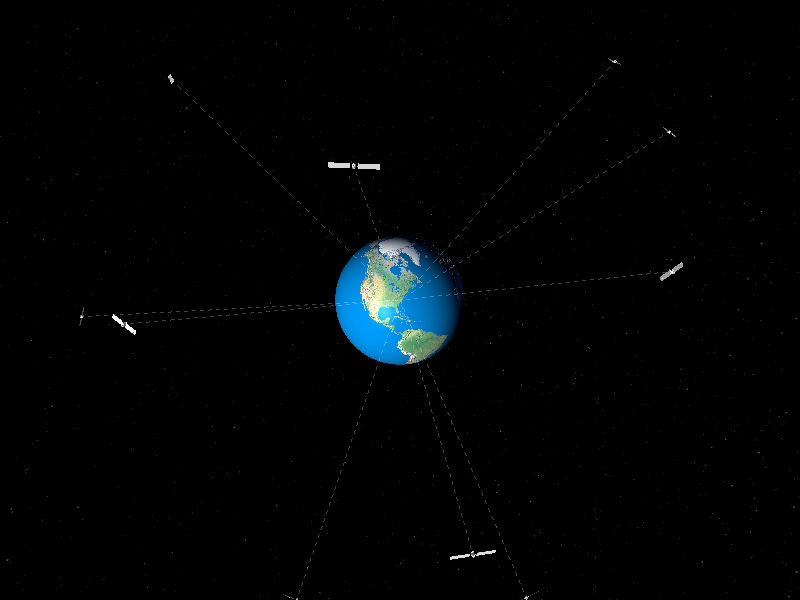
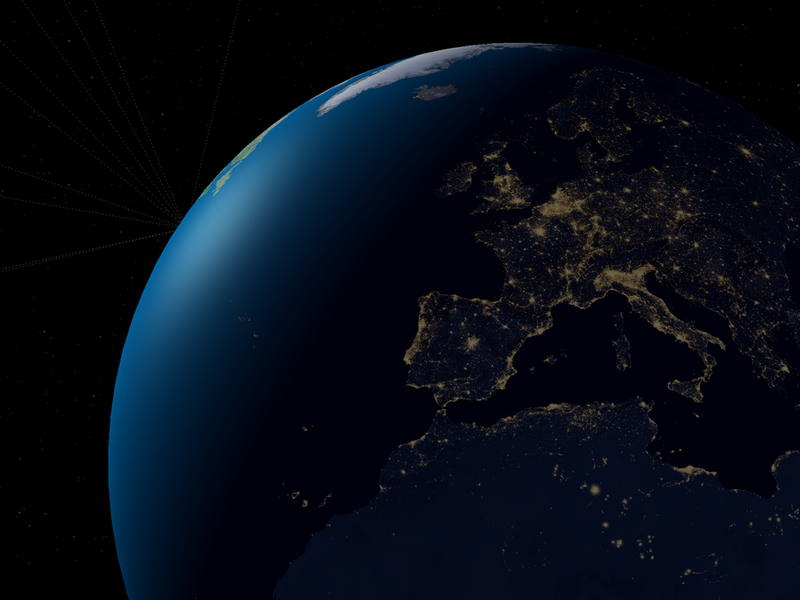
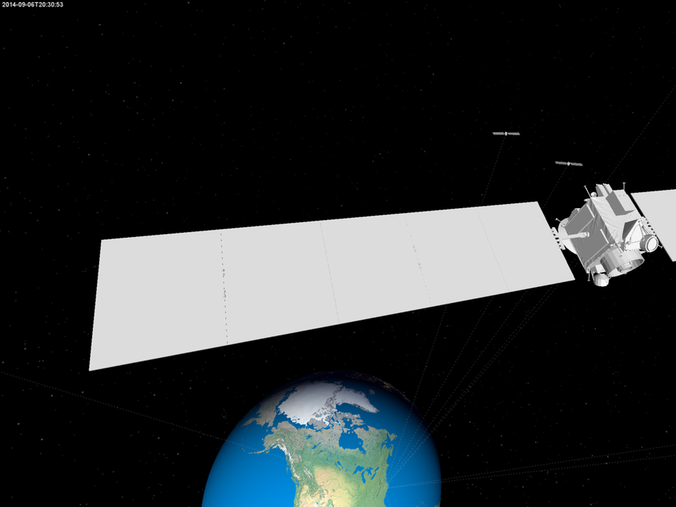
Real-time 3D visualization of actual GPS satellite locations.
This code interfaces with a USB GPS receiver and produces a 3D visualization of GPS satellite positions for all of the satellites that are currently in view.
Links: GitHub
HiRISE August 2014
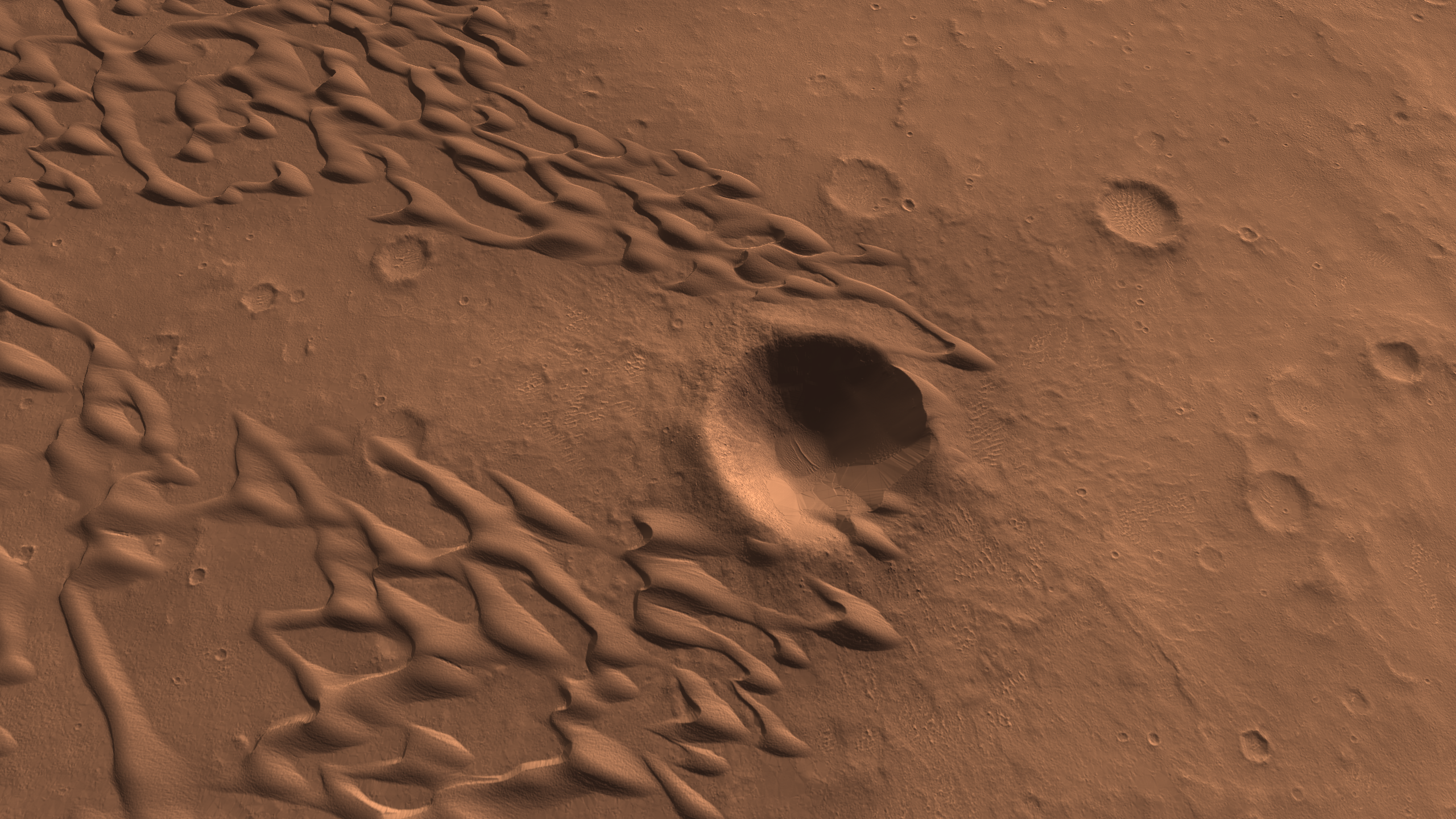
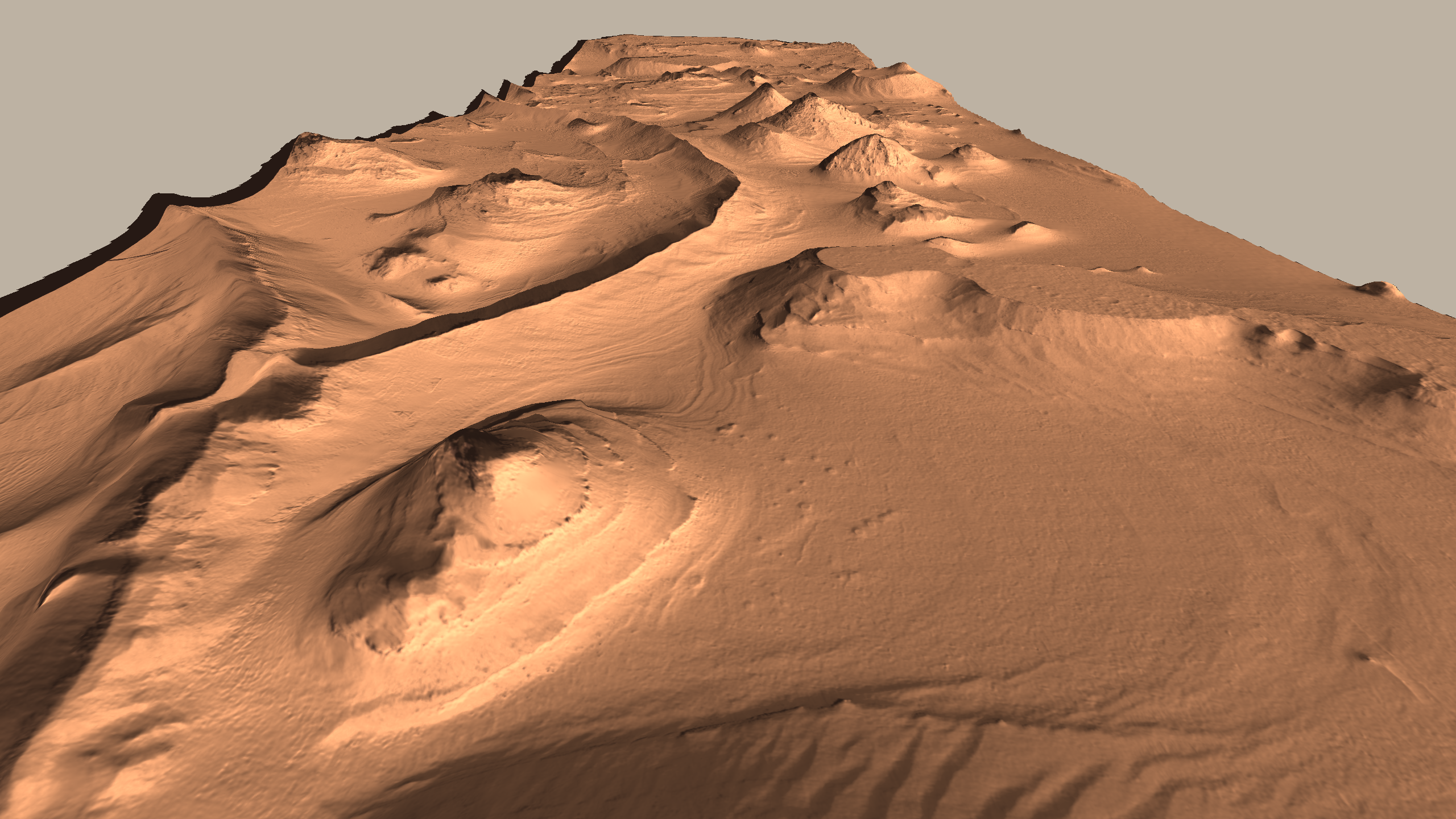
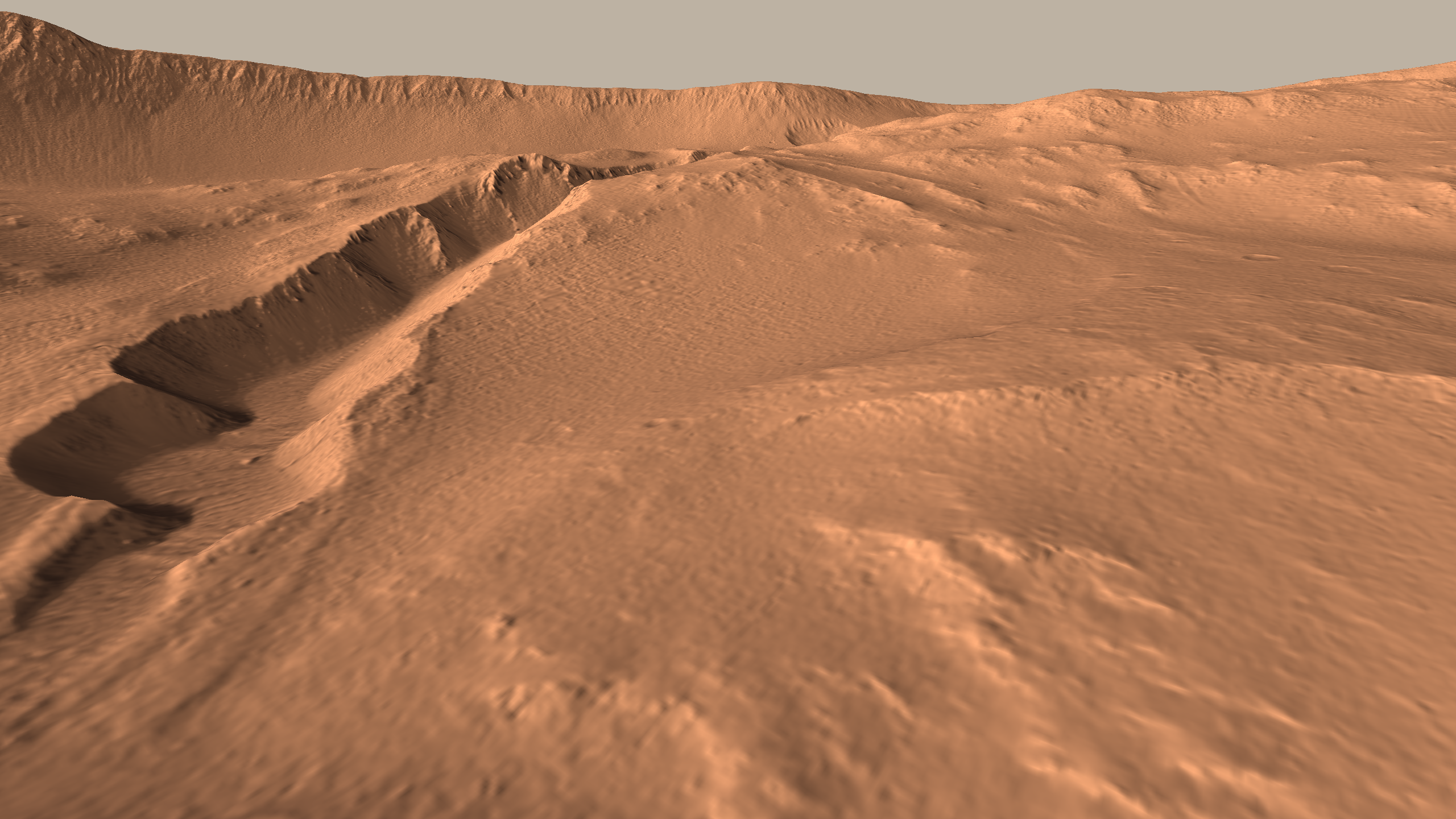
Fly through real Martian landscapes using data released by HiRISE.
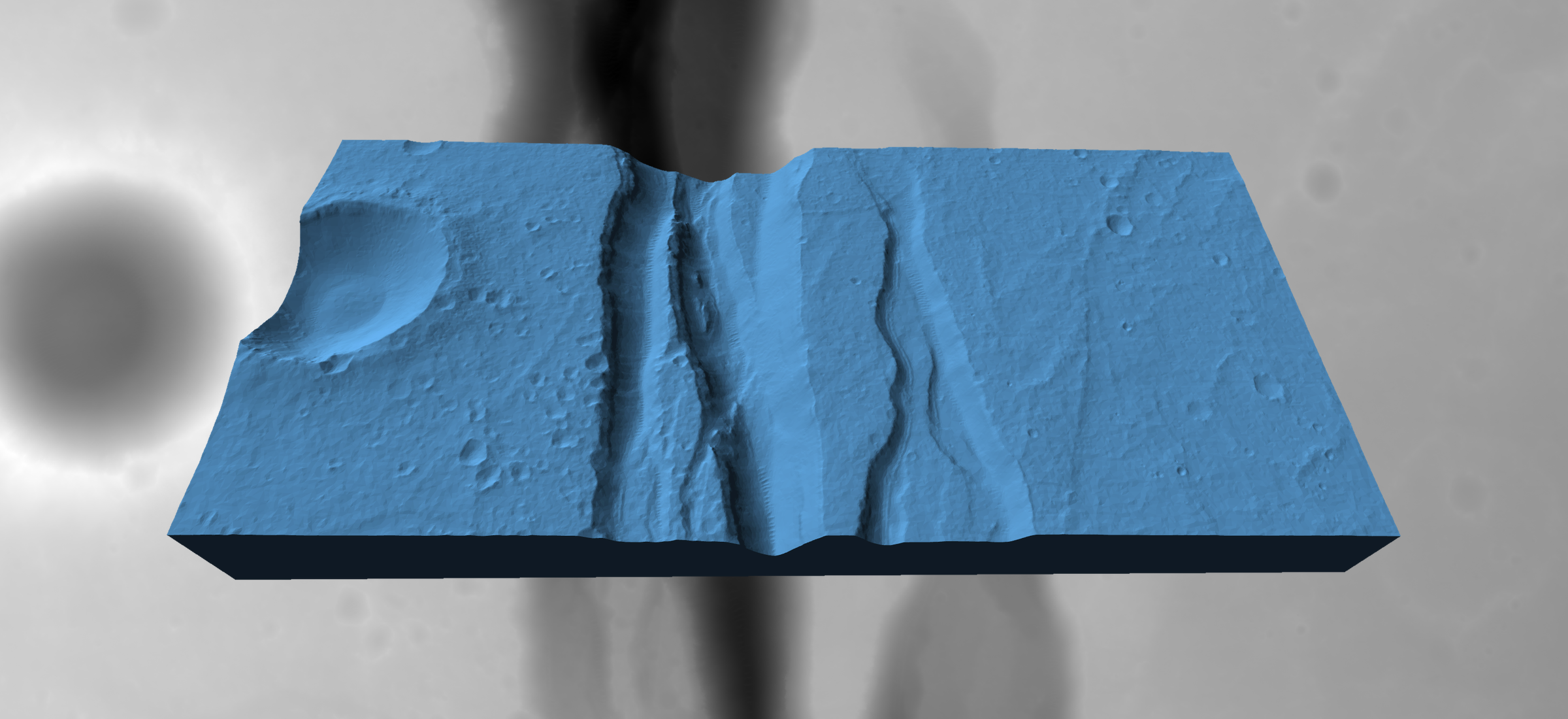
This code converts HiRISE DTMs from their PDS format to a 3D mesh in STL format with an accompanying normal map texture for high-resolution lighting. The visualizer was written using pg, my Python OpenGL library.
Links: GitHub
Tiling June 2014
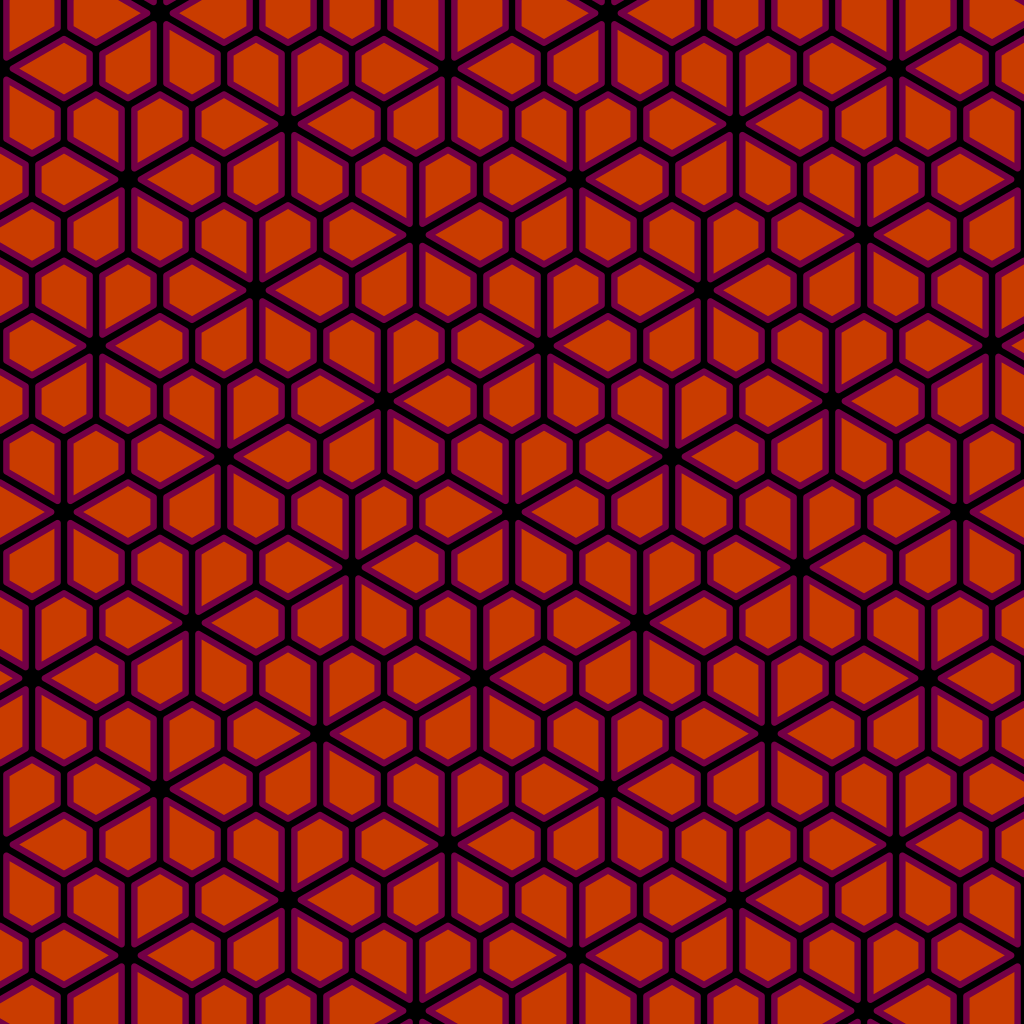
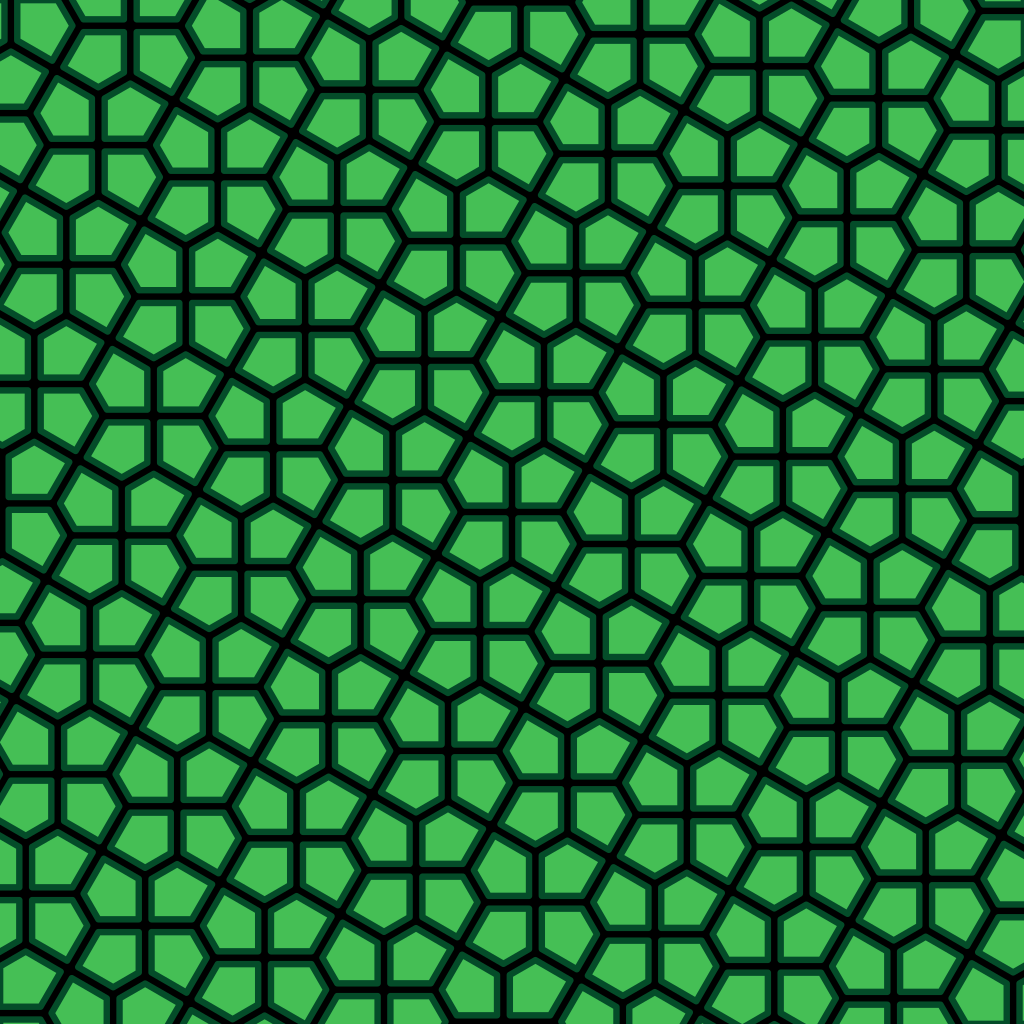
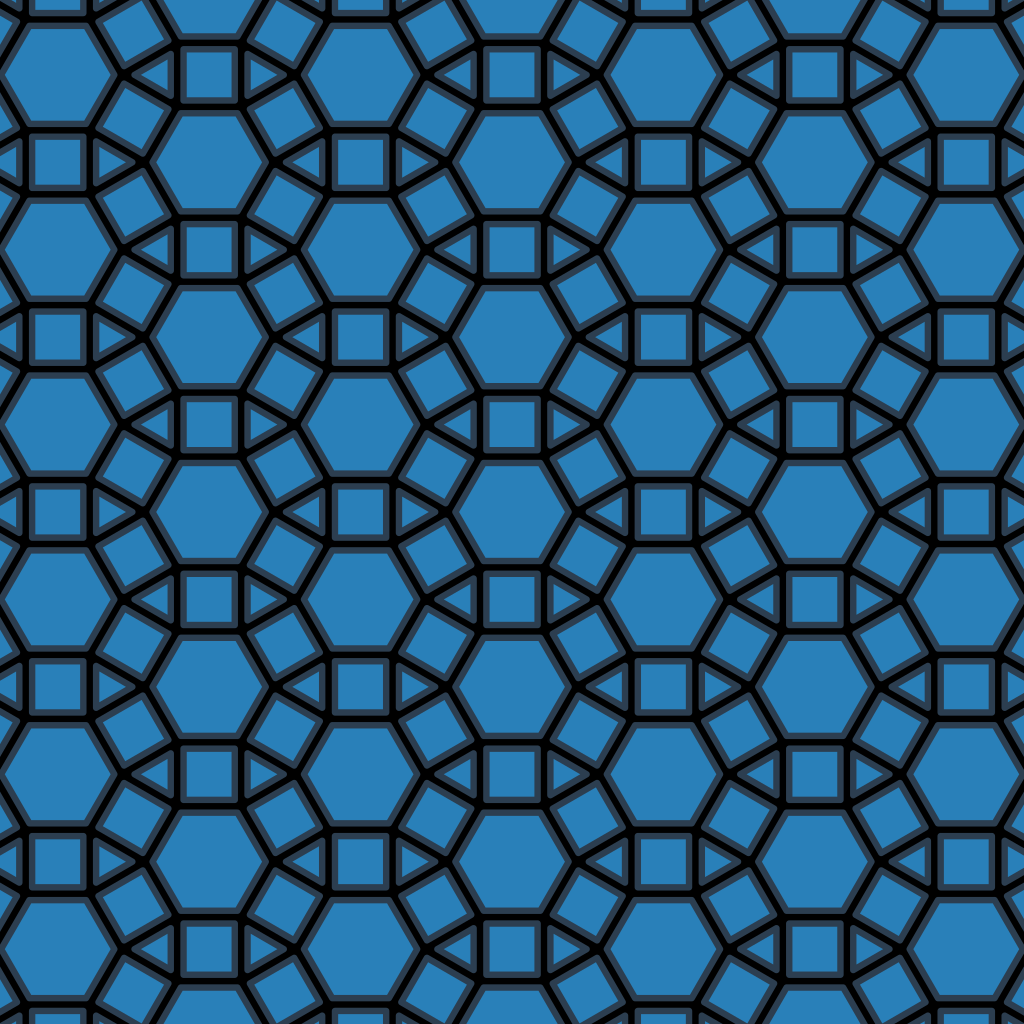
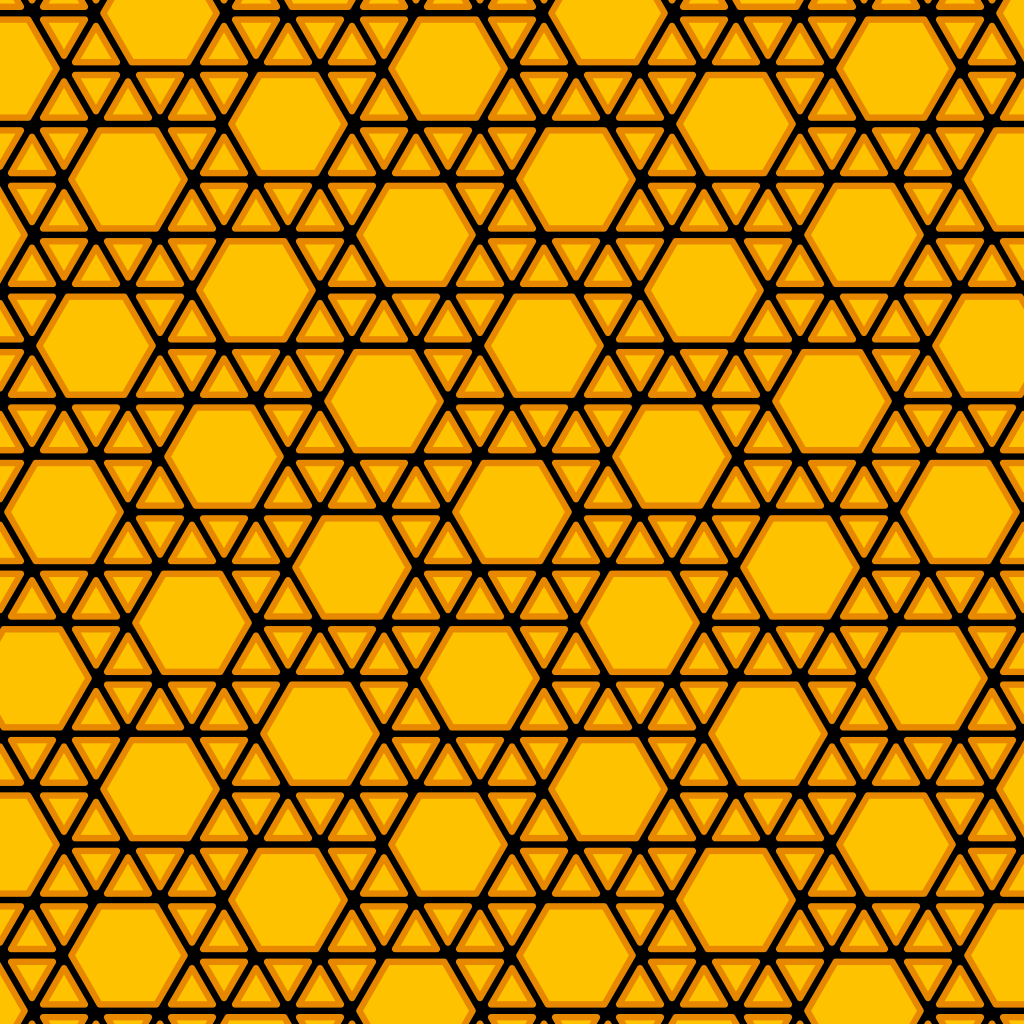
Quickly construct tilings of regular polygons and their dual tilings using a simple API.
This code provides an interesting API for constructing tilings of regular polygons. It can also render the dual tilings.
Links: GitHub
Fireflies May 2014
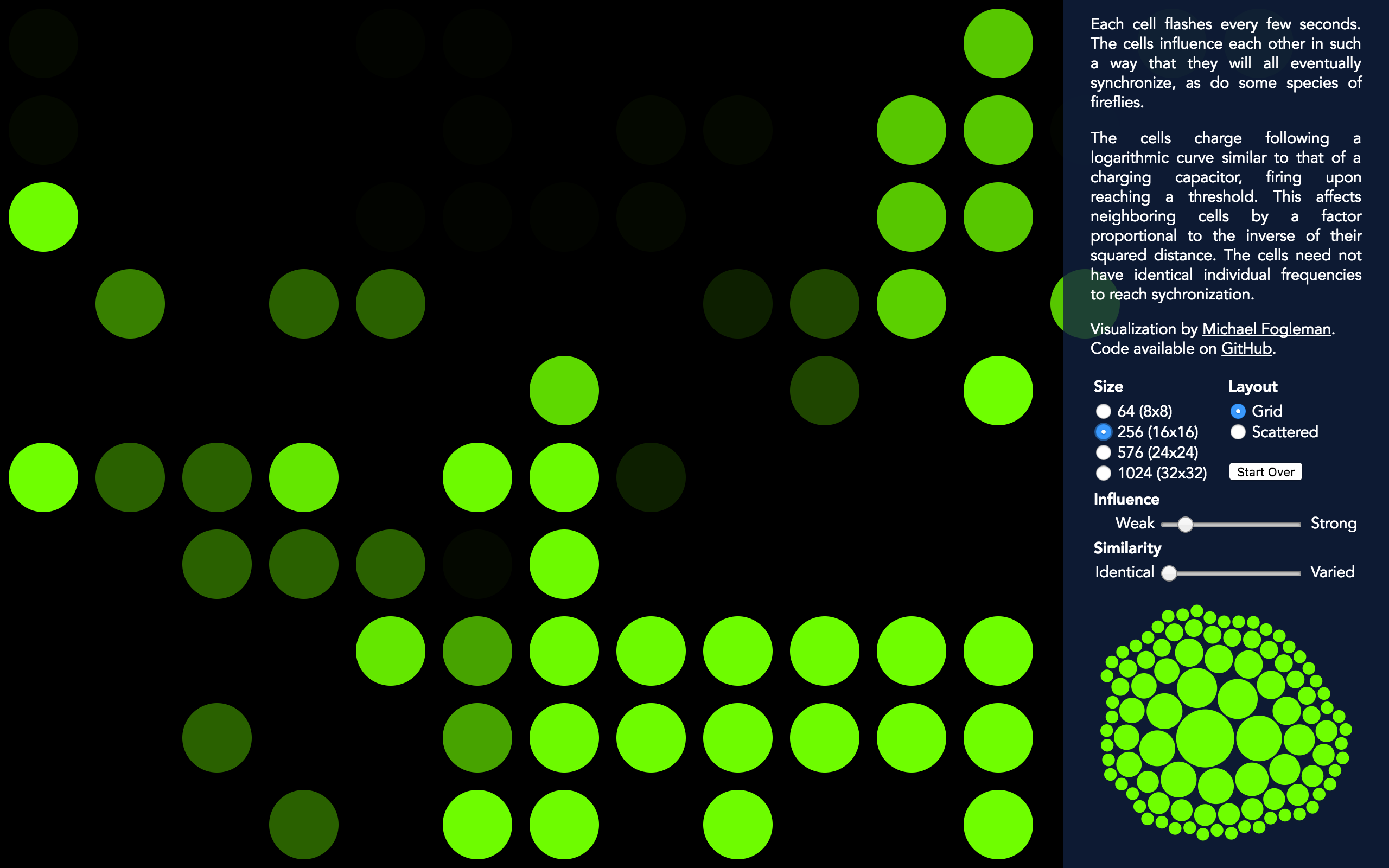
Simulating the behavior of synchronizing fireflies.
An experiment inspired by the book Sync: How Order Emerges From Chaos In the Universe, Nature, and Daily Life by Steven H. Strogatz.
Each cell flashes every few seconds. The cells influence each other in such a way that they will all eventually synchronize, as do some species of fireflies.
The cells charge following a logarithmic curve similar to that of a charging capacitor, firing upon reaching a threshold. This affects neighboring cells by a factor proportional to the inverse of their squared distance. The cells need not have identical individual frequencies to reach sychronization.
Links: GitHub • Visualization
Quads May 2014
Computer art based on quadtrees.
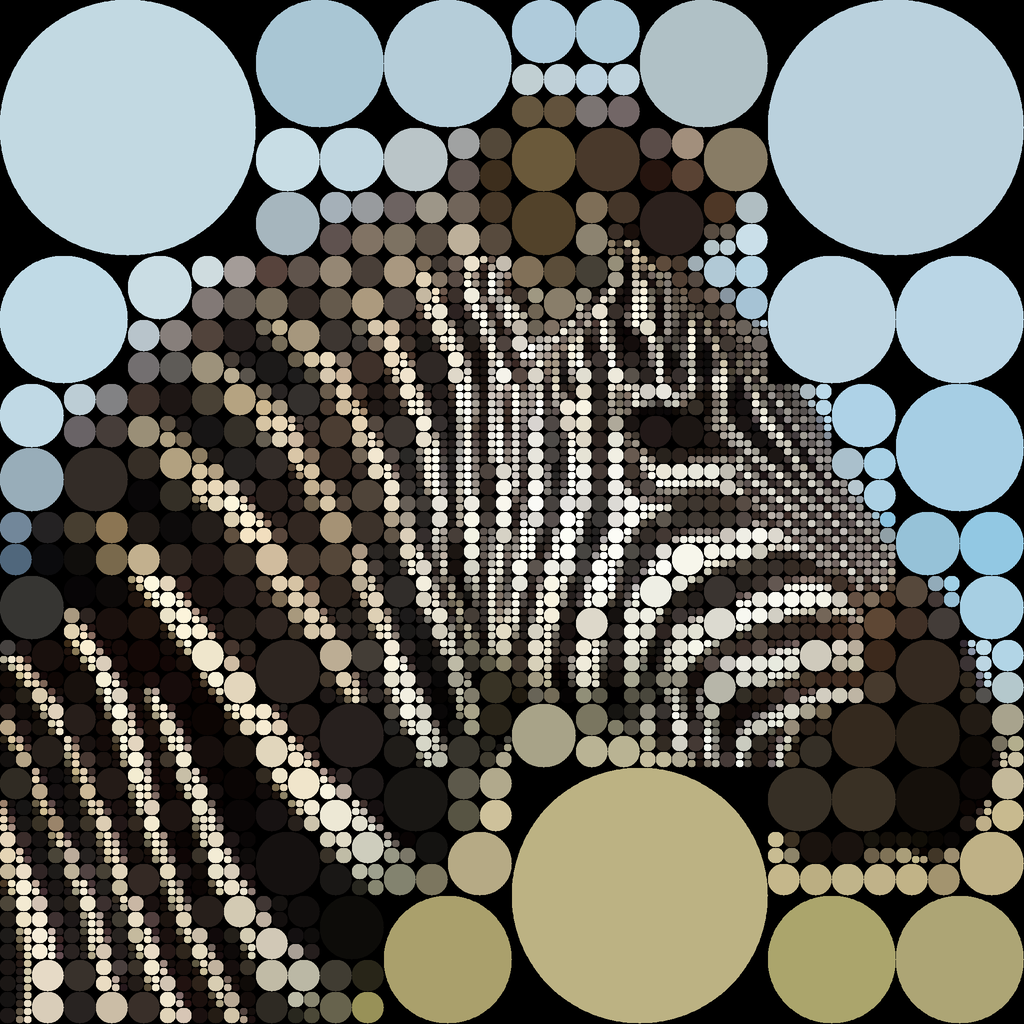
The program targets an input image. The input image is split into four quadrants. Each quadrant is assigned an averaged color based on the colors in the input image. The quadrant with the largest error is split into its four children quadrants to refine the image. This process is repeated N times.
Links: GitHub • Web Version

Game Frame March 2014
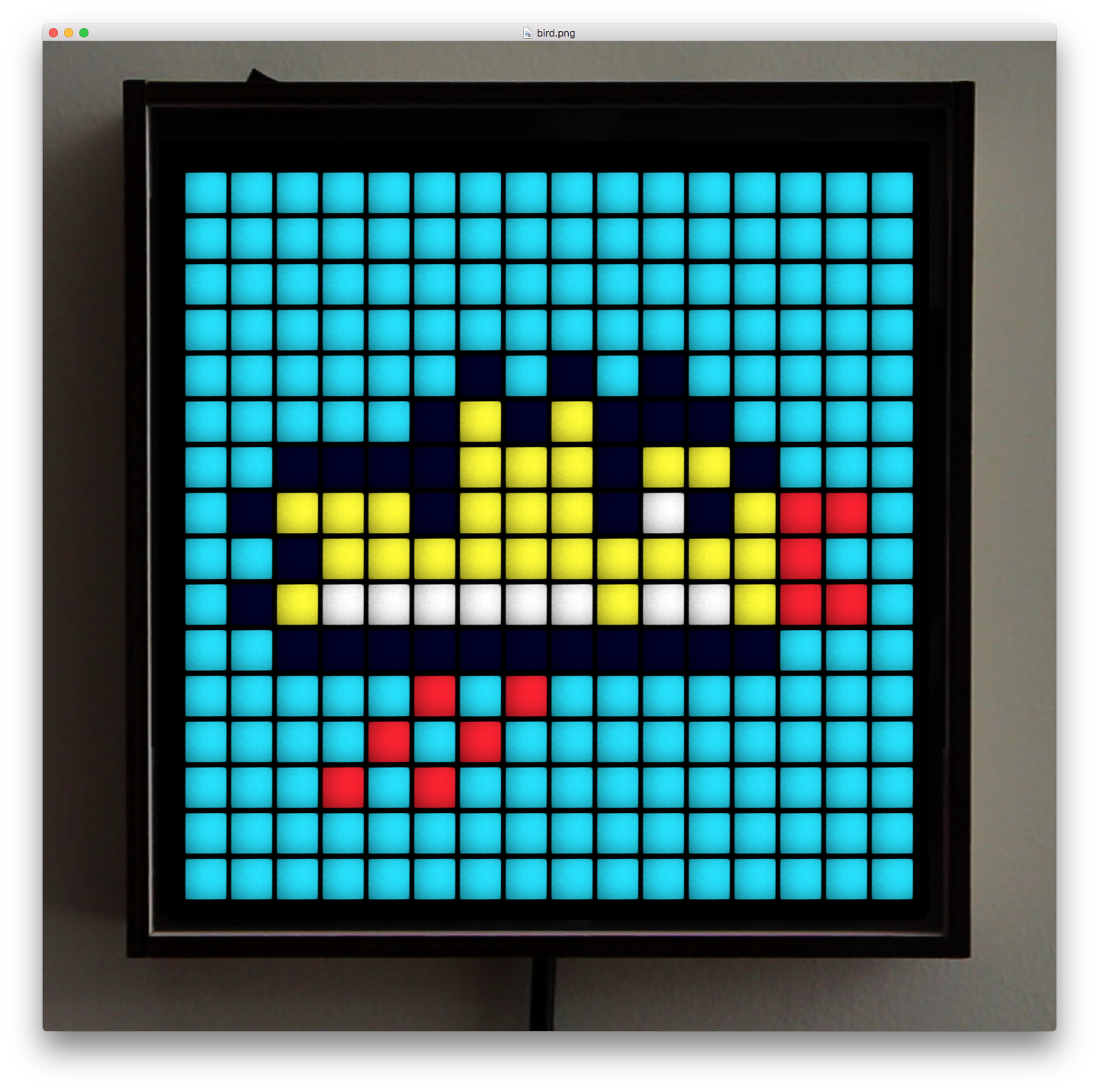
Simulates the appearance of the Game Frame while you are busy pixel editing.
I backed the Game Frame Kickstarter project. While waiting for it to ship, I wrote this macOS app that displays pixel art in a simulated view so you can see it as it will appear on the real hardware. It supports both static images and looped animations.
Links: GitHub
AllRGB March 2014
Generate images that use all 16,777,216 RGB colors exactly once.
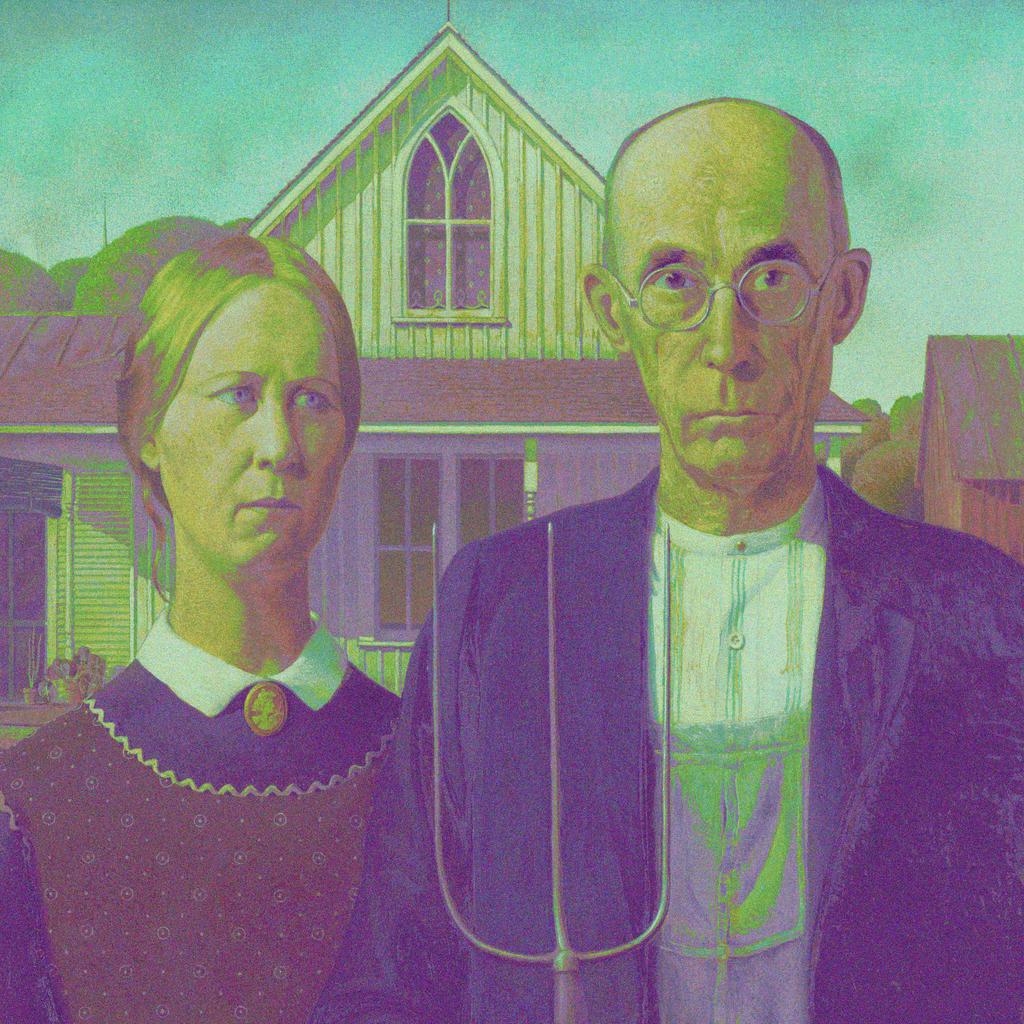
Efficiently create AllRGB images that target an input image. The input must be 4096x4096px. The output will also be 4096x4096px and will contain all 16,777,216 distinct RGB values once and only once.
See allrgb.com for details on the concept.
Links: GitHub
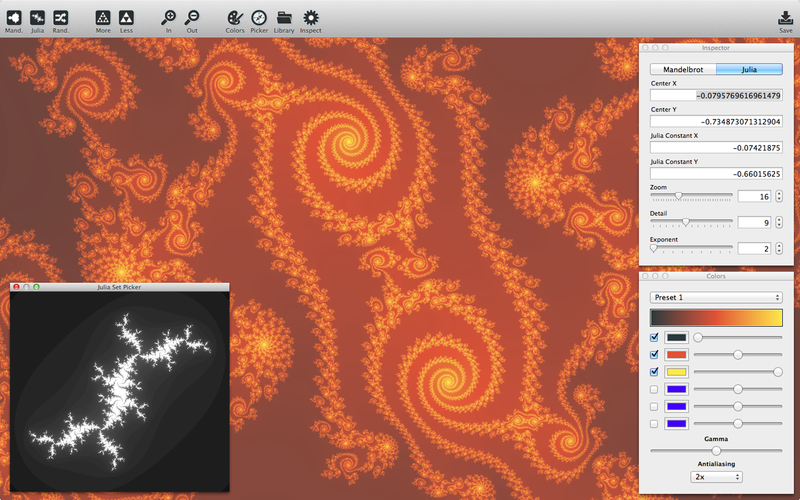
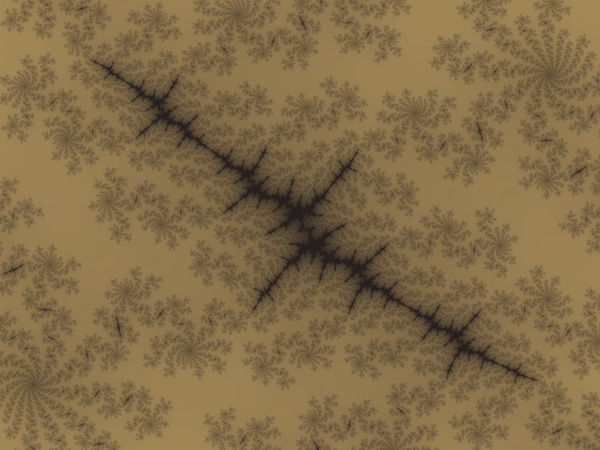
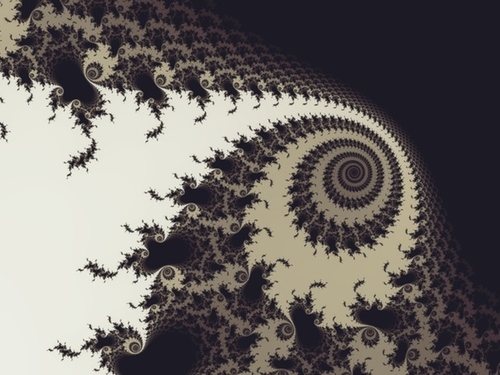
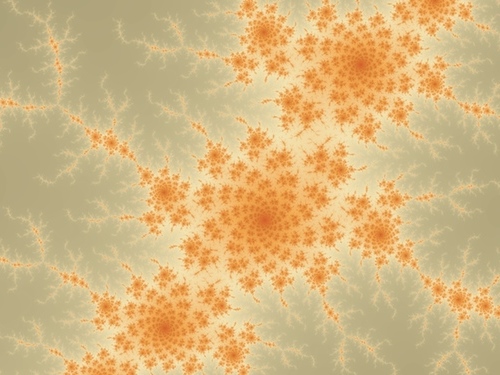
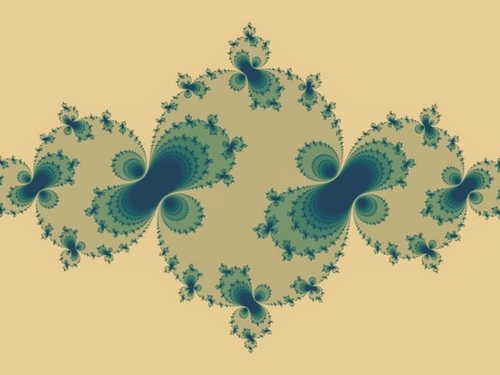
Scale March 2014
Graph Layout February 2014
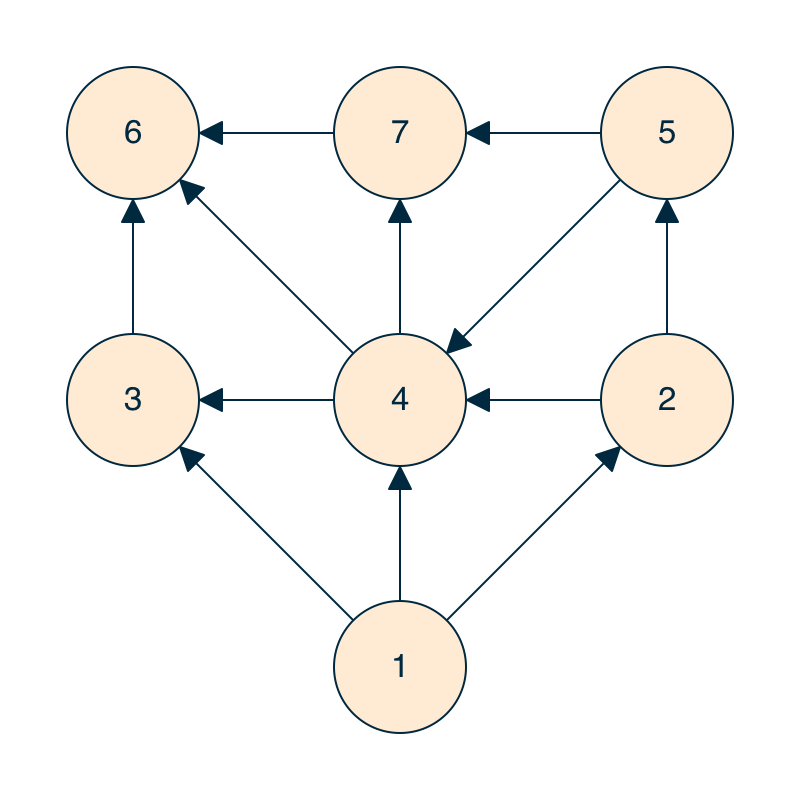
Experimenting with graph visualization using simulated annealing for layout.
Graphviz is the main player when it comes to graph visualization. But its output isn't very appealing, at least not by default. With this in mind, and being a fan of simulated annealing, I experimented with using annealing for graph layout. The results are pretty good, but it probably doesn't scale very well. The algorithm basically tries to minimize the following metrics, with different weights applied to each:
- Node-Node Intersections
- Node-Edge Intersections
- Edge-Edge Intersections
- Edge Lengths
- Total Graph Area
- Node Rank Violations
Links: GitHub
Piet September 2013
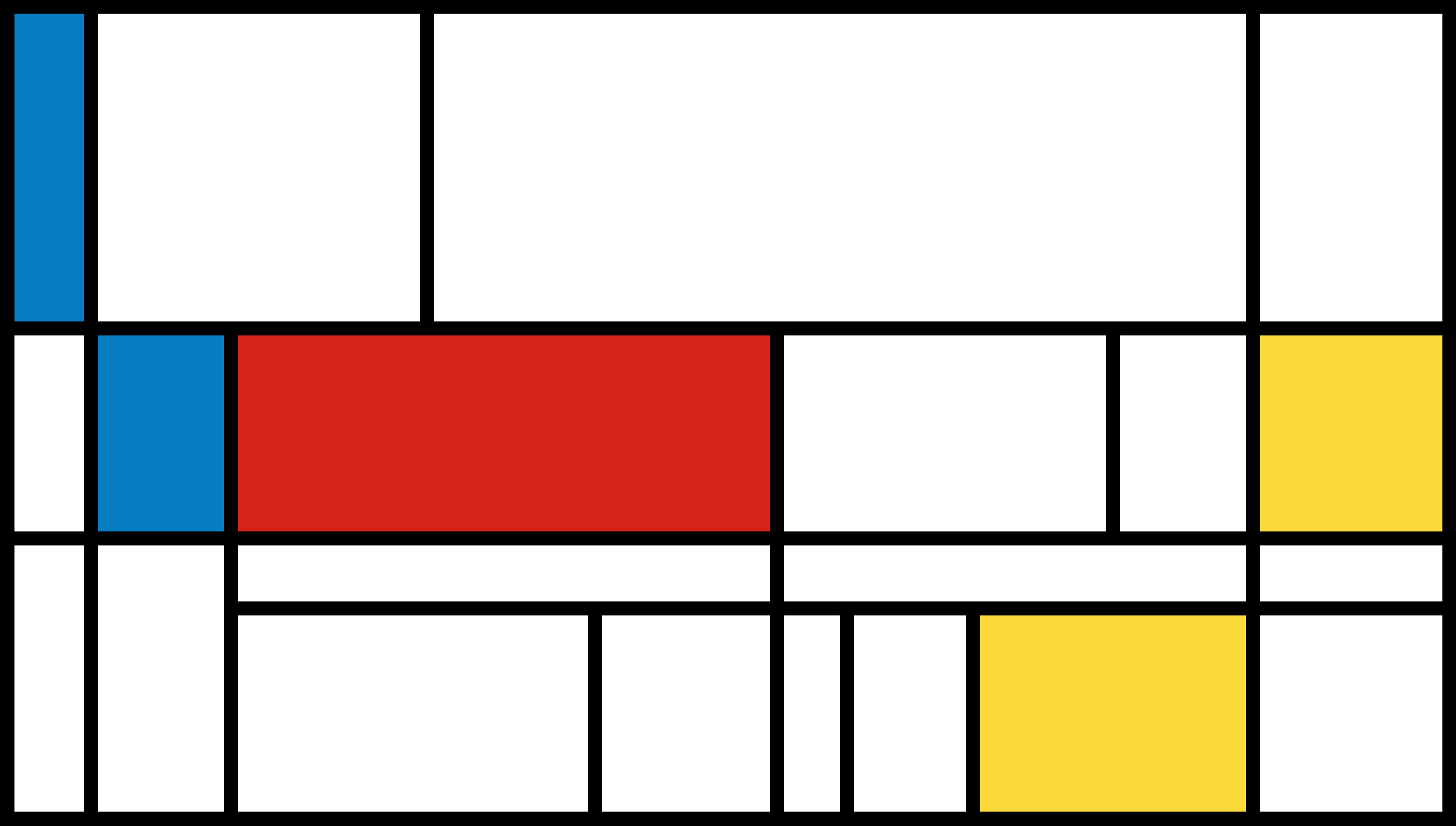
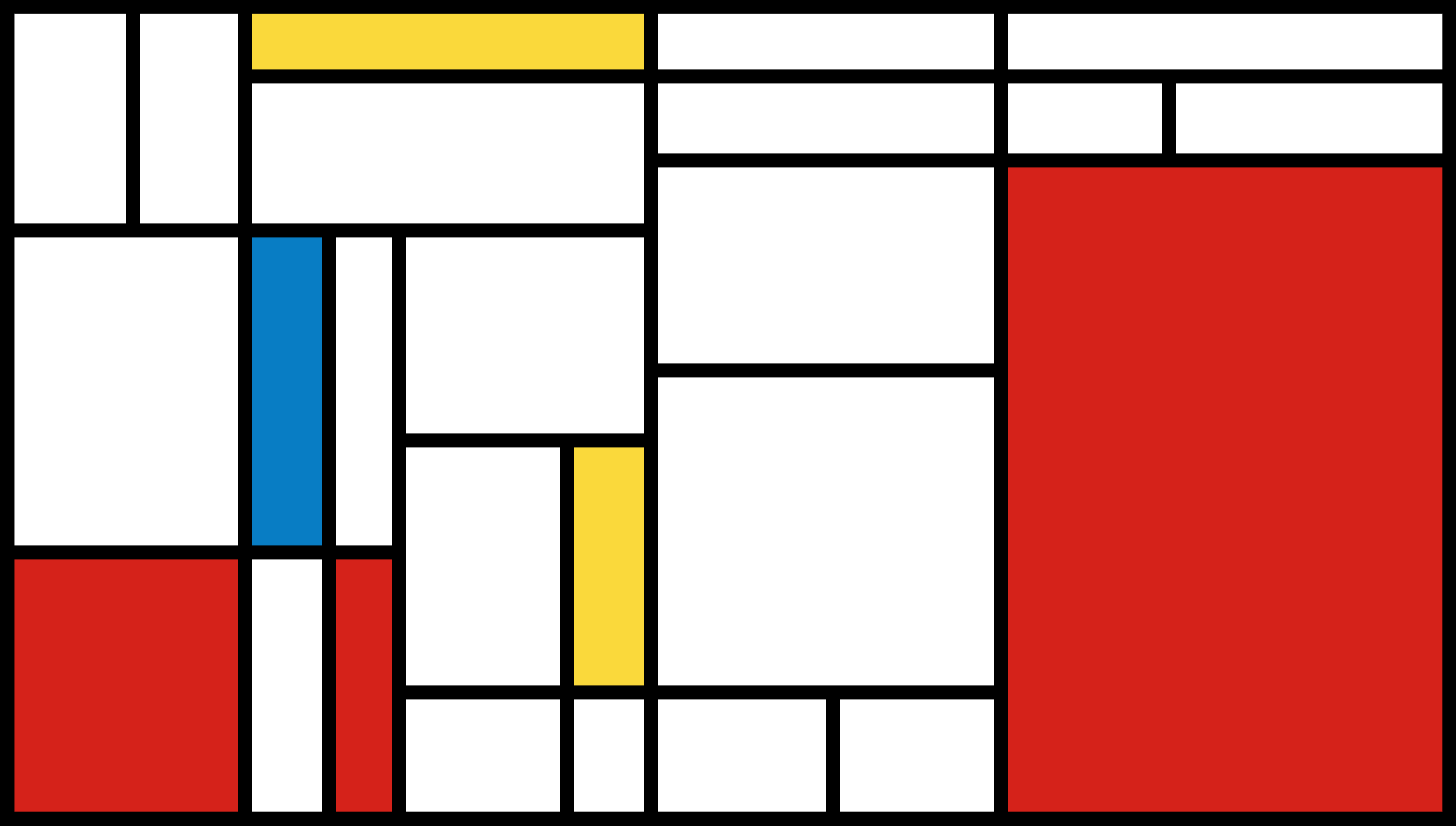
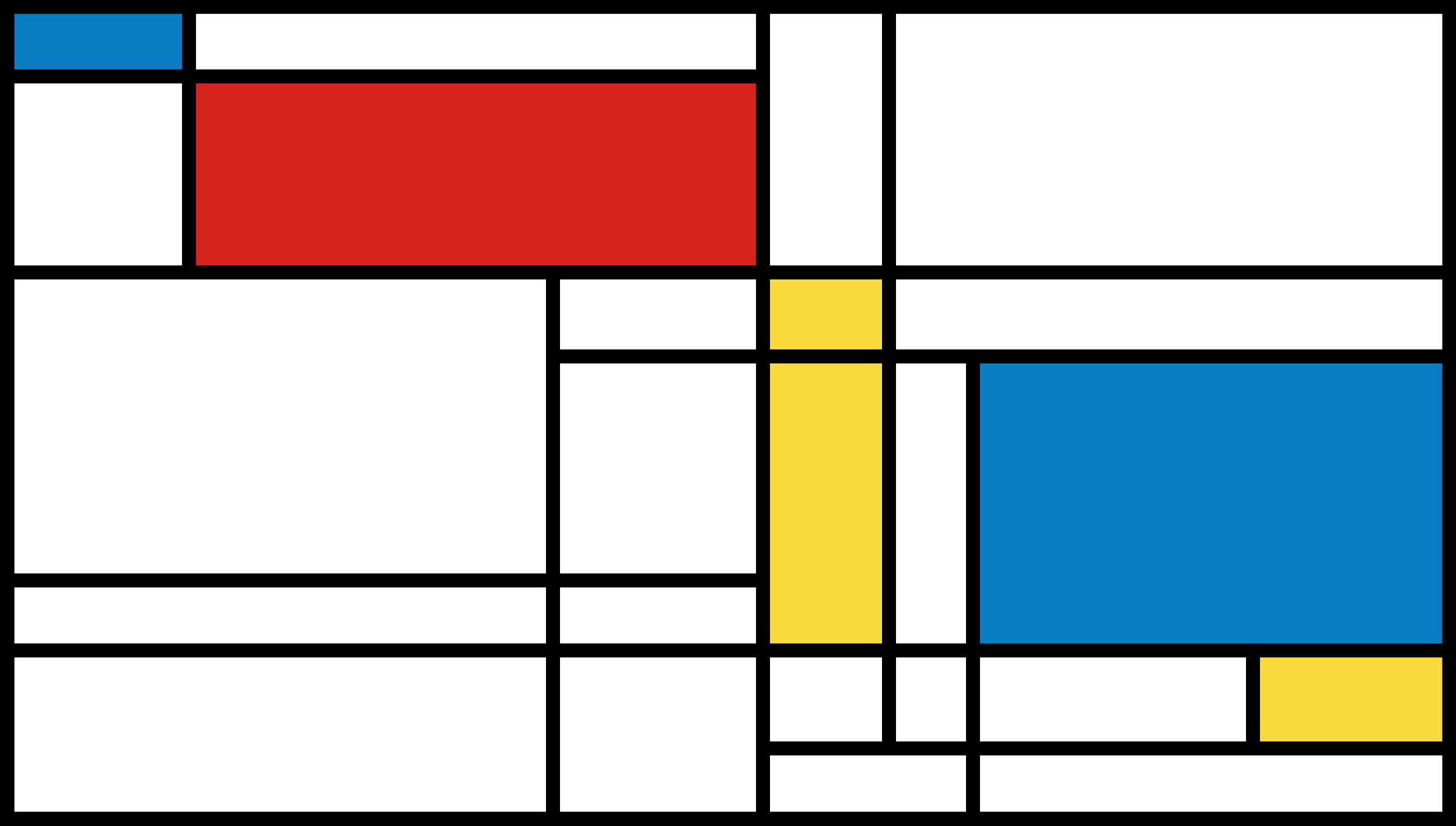
Procedurally generating Images in the style of Piet Mondrian.
Piet Mondrian was a Dutch painter. His paintings with orthogonal lines and rectangular splashes of primary colors on white backgrounds are very recognizable. I wondered what it would take to programmatically generate Mondrian-esque images. Here's what I came up with.
Links: GitHub
Craft April 2013
Minecraft clone for Windows, Mac and Linux.
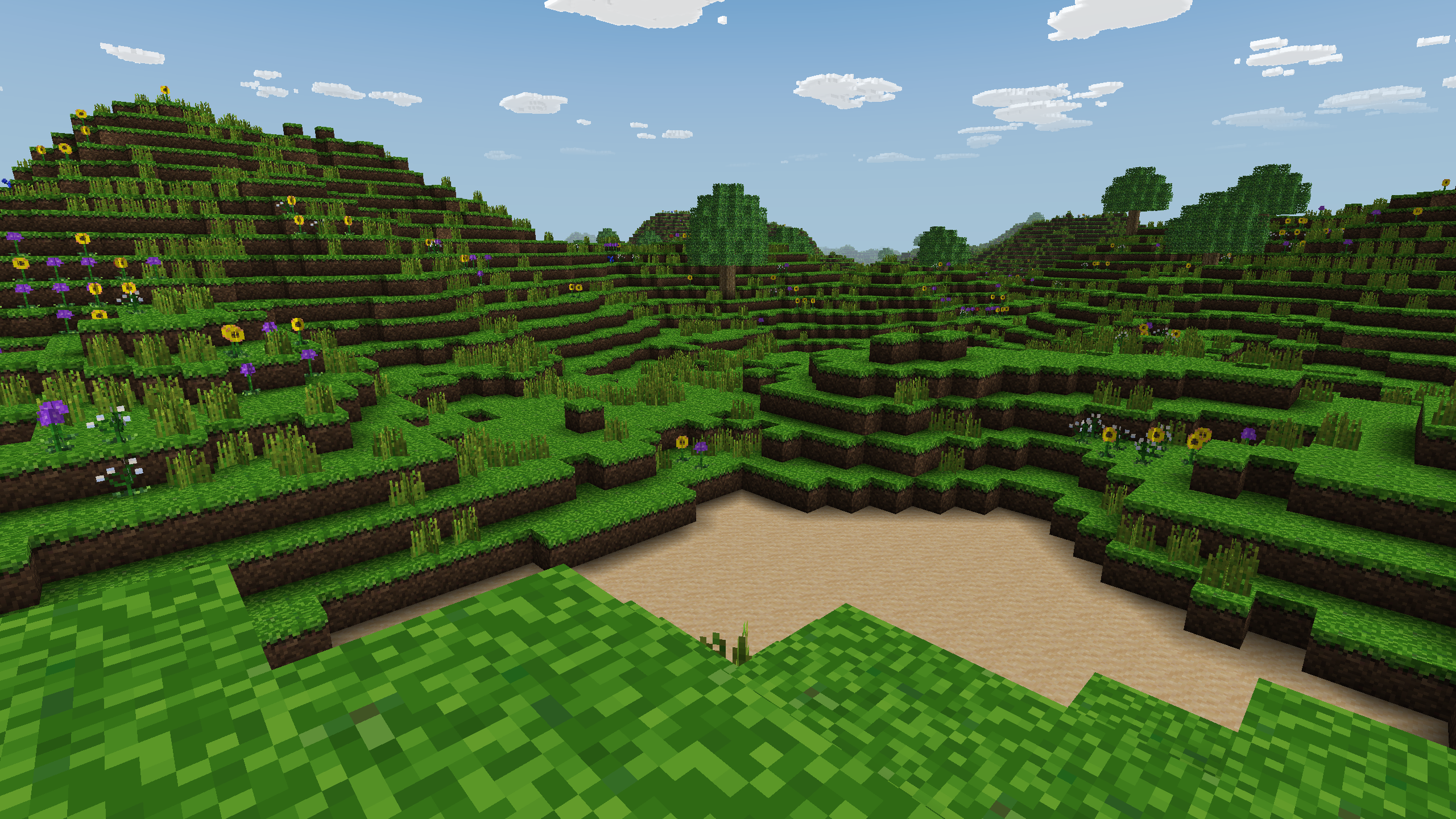
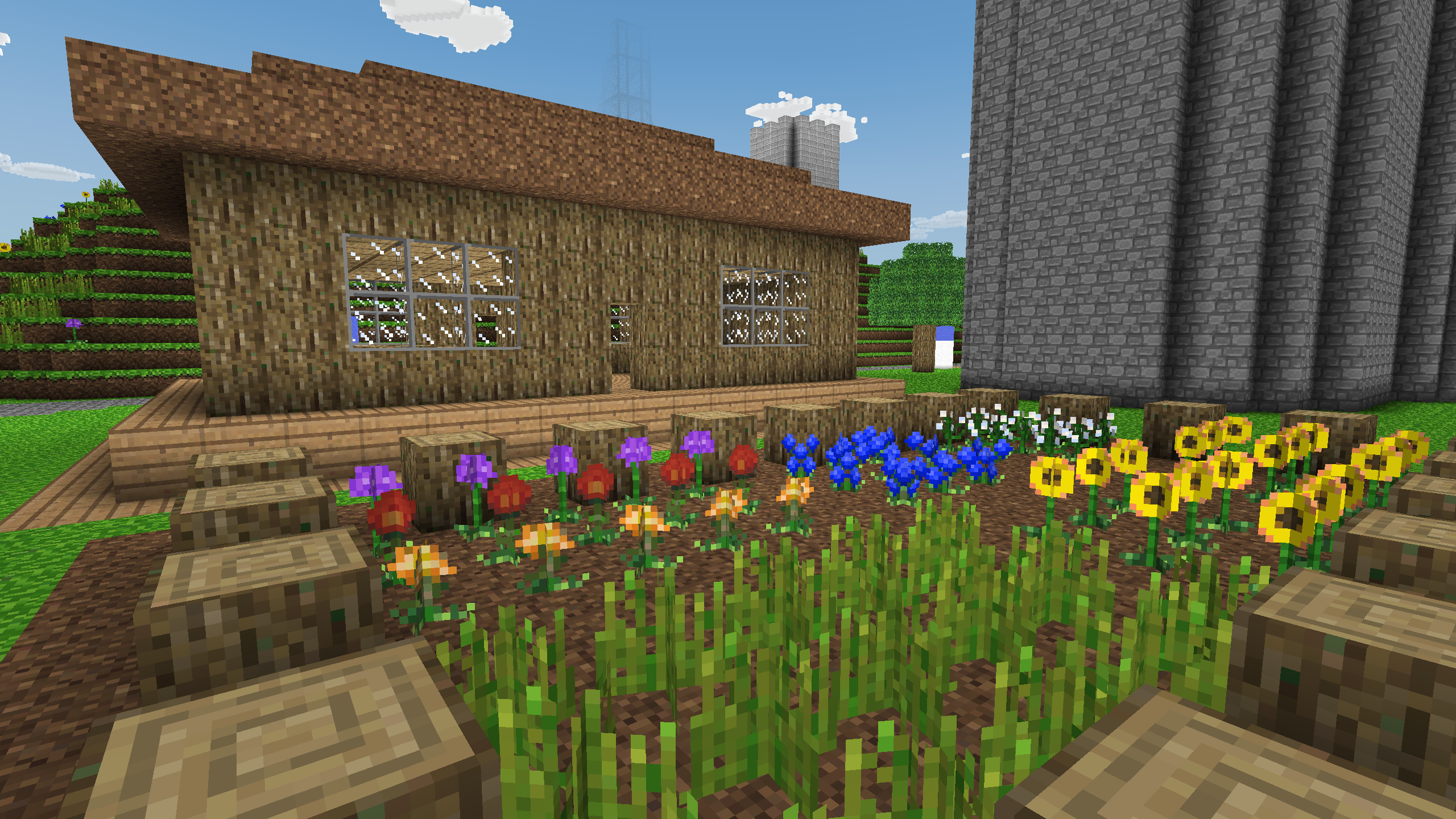
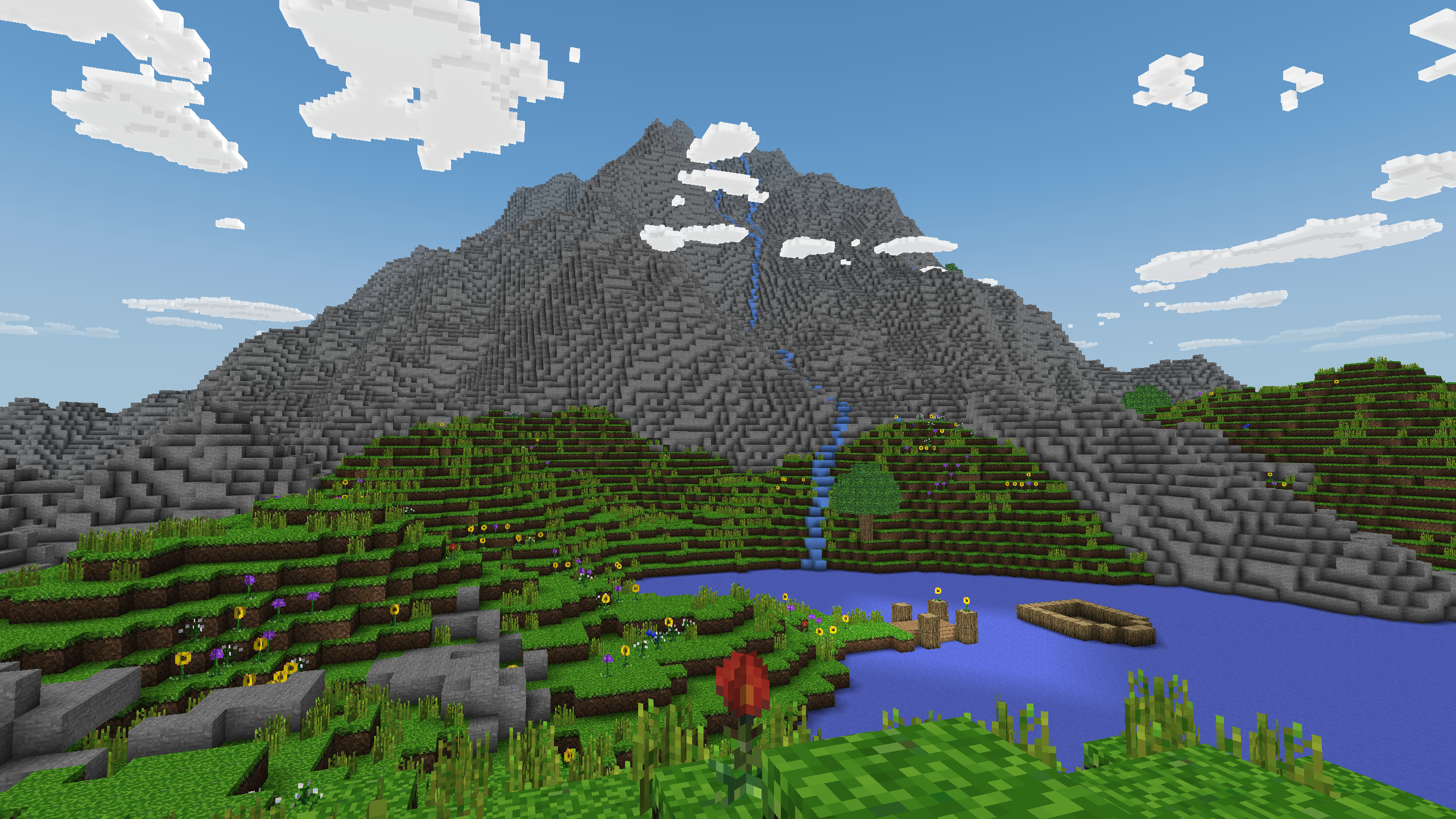
A very performant Minecraft clone written in just a few thousand lines of C using modern OpenGL (shaders). Online multiplayer support is included using a Python-based server. Many people have used this as a base upon which a more complex game was built.
Download
Random Phrases December 2012
Useful for creative thinking, code names, password phrases, band names, etc.
This simple app uses lists of nouns, verbs, adjectives, and "mnemonics" to generate random two-word phrases.
Links: GitHub • Random Phrases
DCPU-16 April 2012
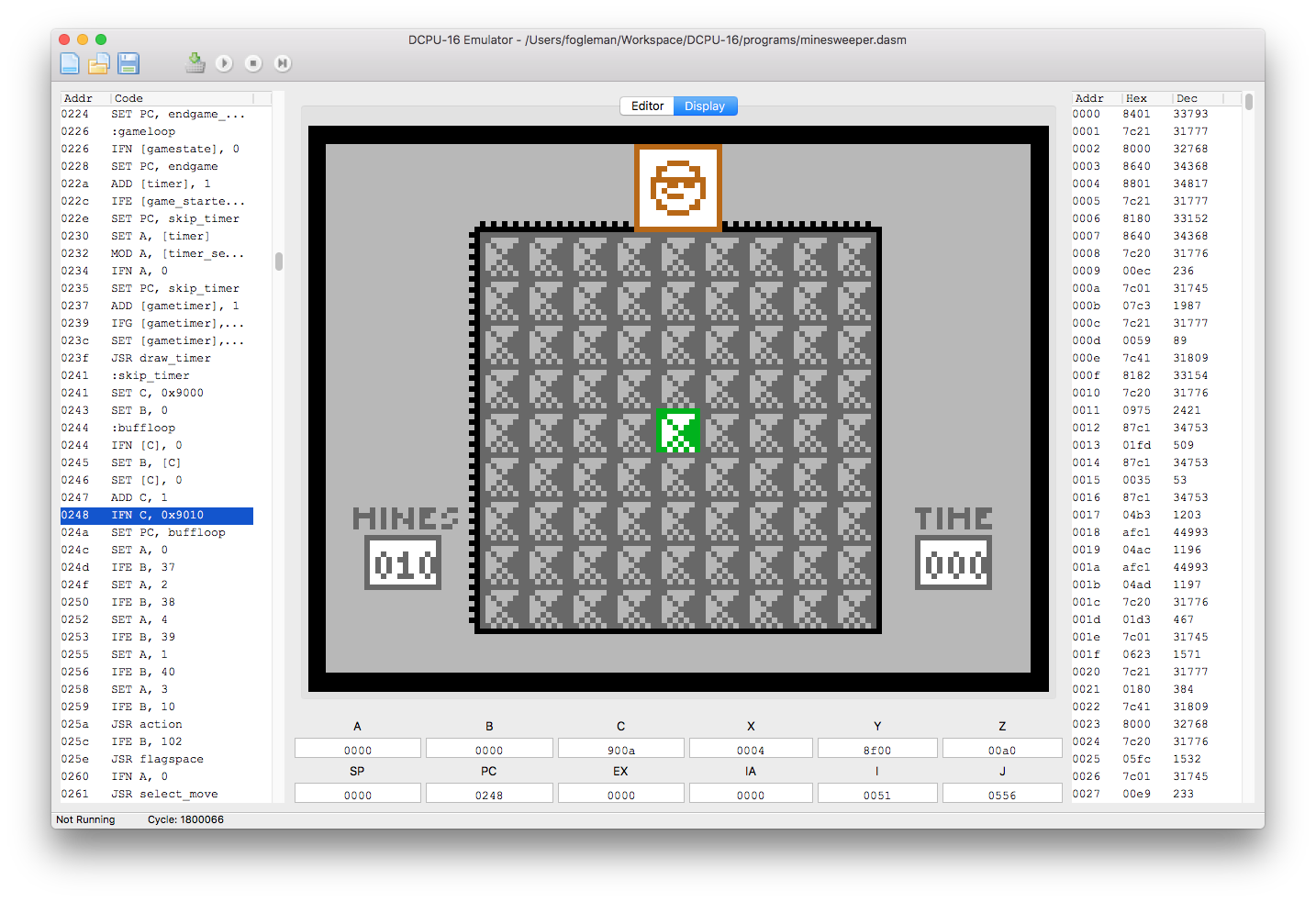
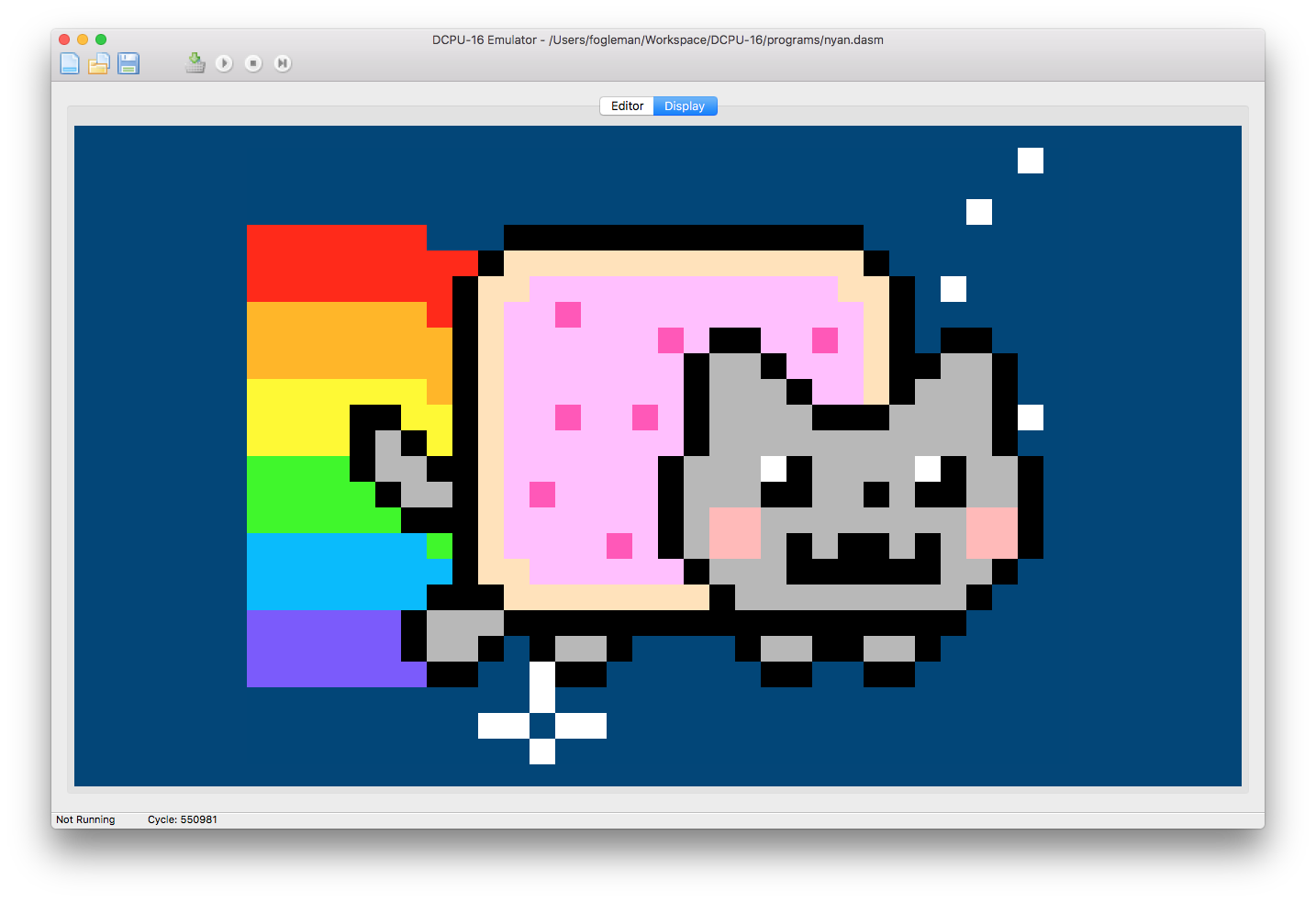
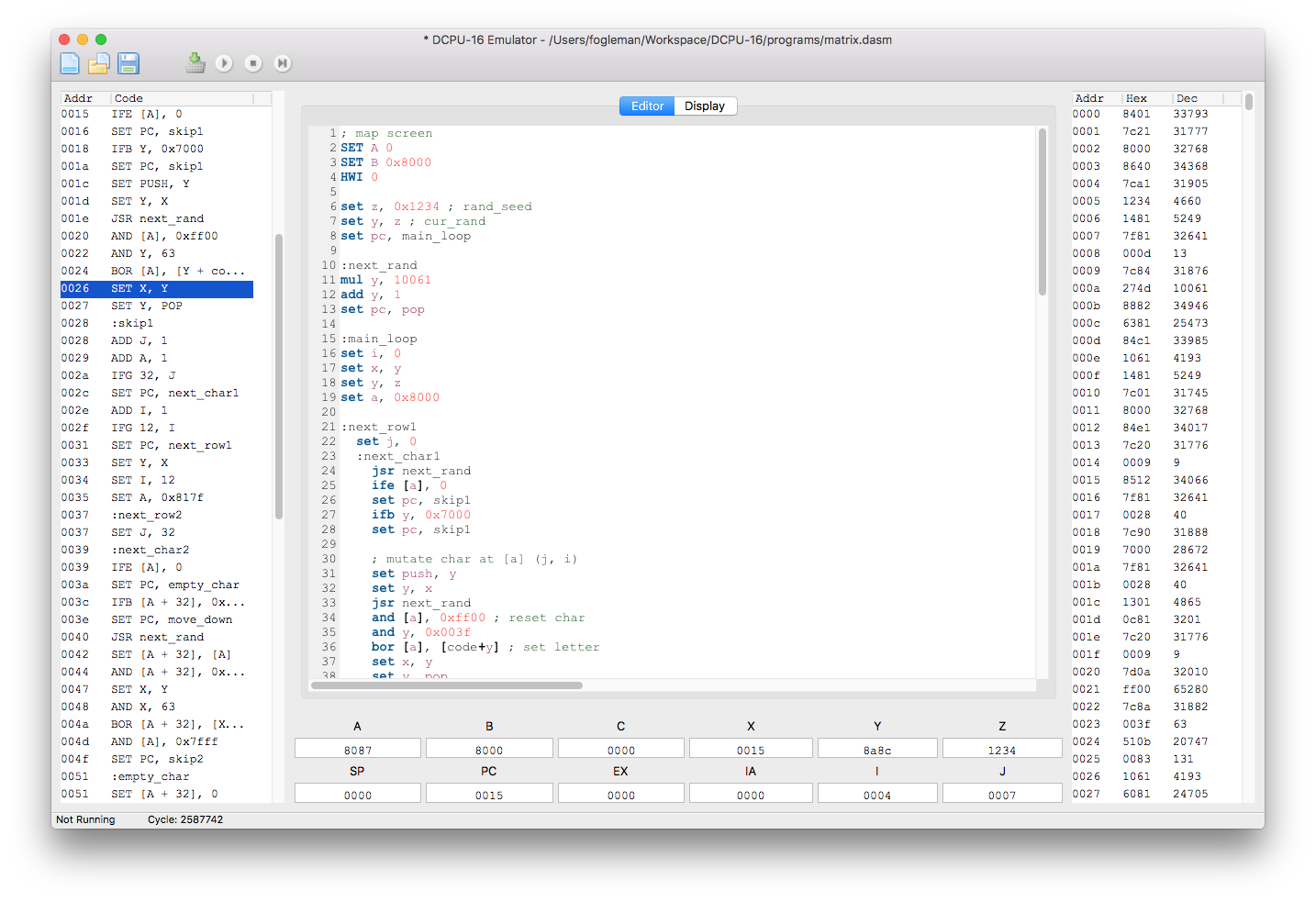
An assembler, disassembler and emulator for the virtual DCPU-16 written in Python and C.
The DCPU-16 was intended to form the basis of a video game by Mojang called 0x10c. Work on the game has since discontinued, but at the time there was a lot of excitement around this virtual hardware.
Implemented Specifications
- DCPU-16 1.7
- LEM1802
- Generic Keyboard
- Generic Clock
Links: GitHub
iMeme February 2012
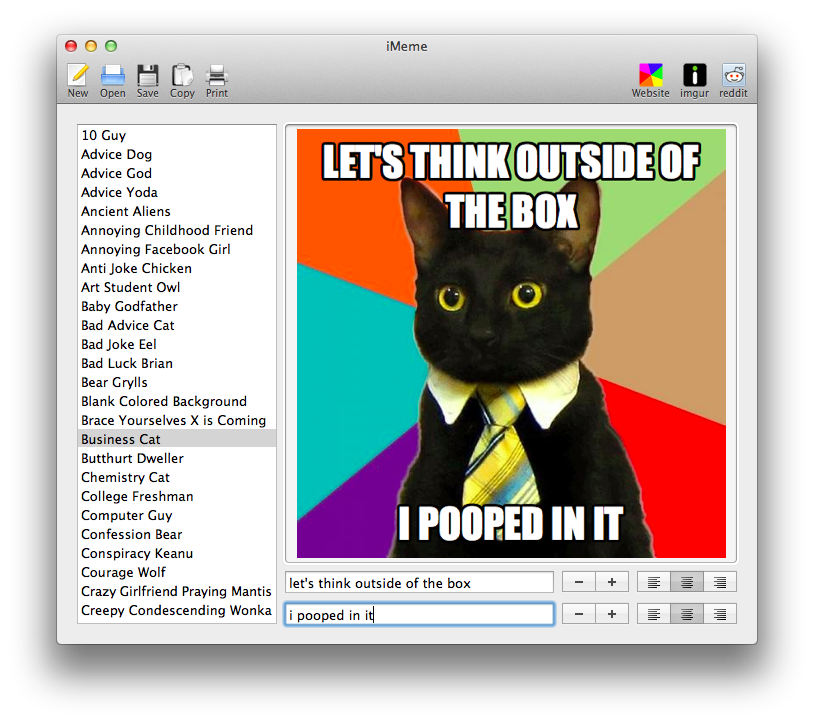
Meme generator for Windows and Mac that lets you quickly add captions to popular internet memes.
Download
Features
- Over 100 built-in templates.
- Enter your own header and footer text.
- Adjustable text size and alignment.
- Use your own images.
- Save as PNG or copy to the clipboard.
- Print directly from the app.
- Automatically upload to imgur.
- Automatically post to reddit.
Ricochet Robot February 2012
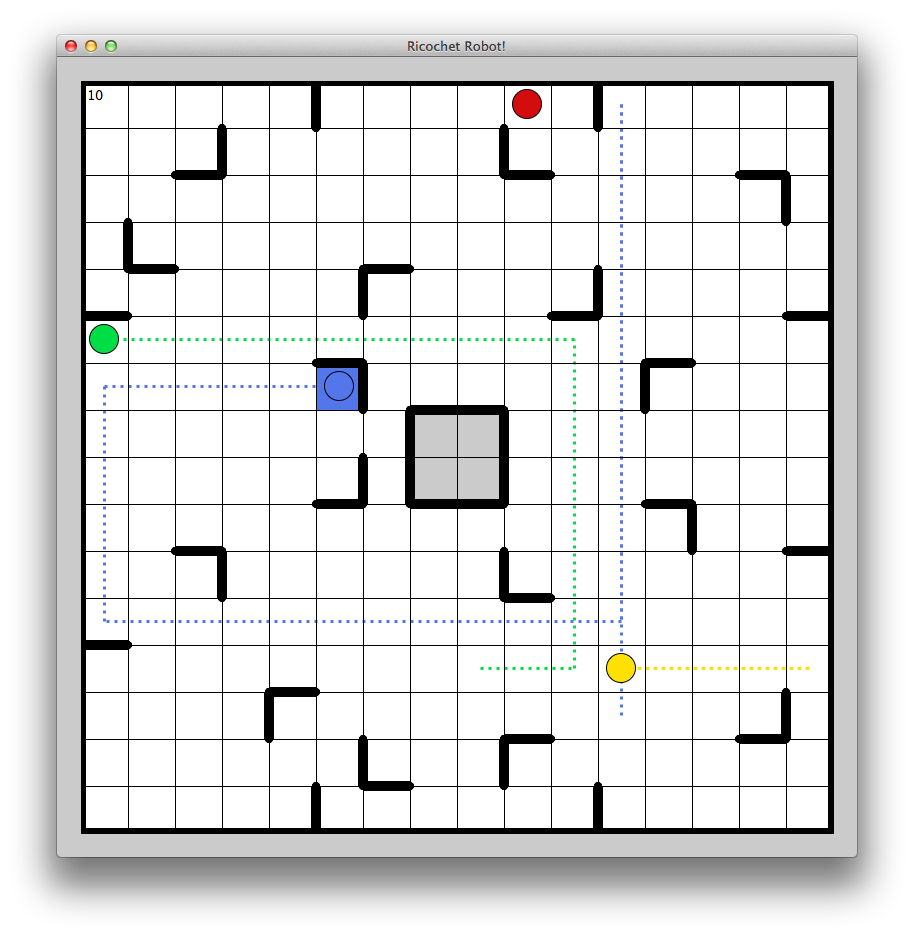
Implementation of a board game called Ricochet Robot including a GUI and a very fast solver.
My friend introduced me to a board game called Ricochet Robot (or Rasende Roboter in its original German form). It's a fun game, but I found it even more fun as a programming problem. I implemented the game in Python, including a user interface and a solver. After that, I sped up the solver tremendously by porting it to C. My solver includes several "tricks" that make it quite fast. See these slides for more details.
Star Rocket February 2011
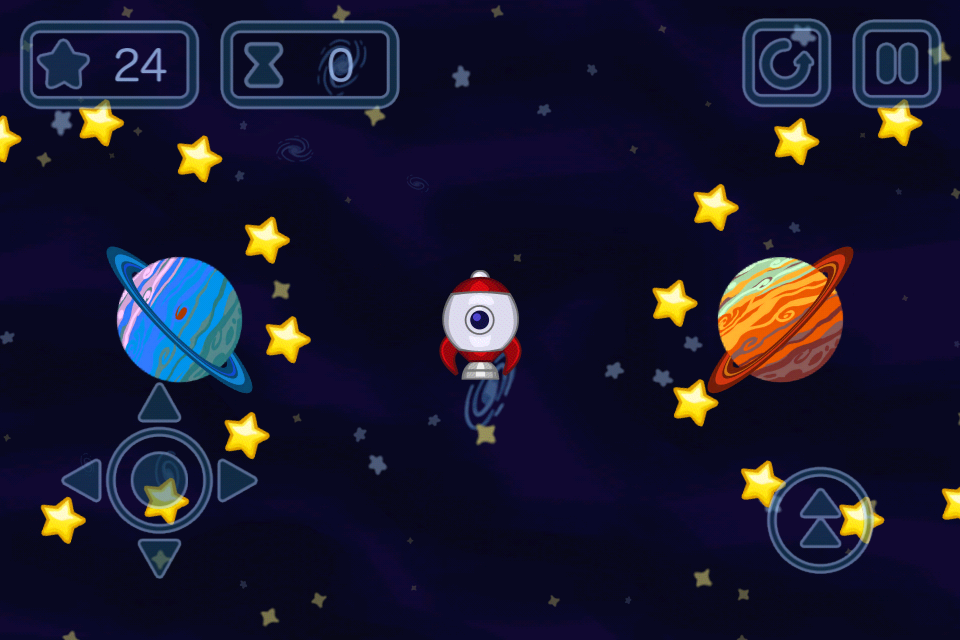
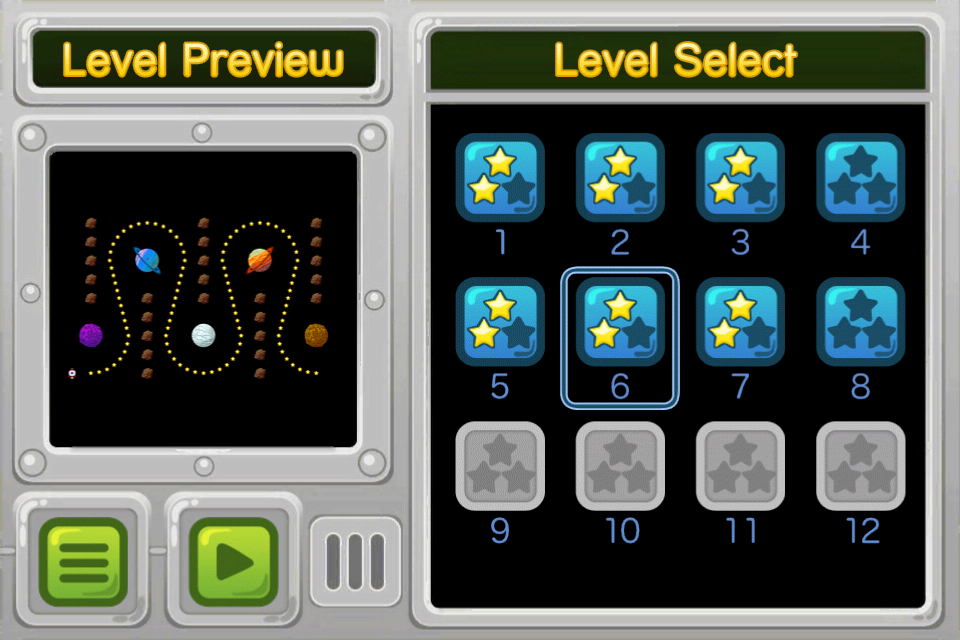
A cartoon-themed space game with over 120 action-packed levels!
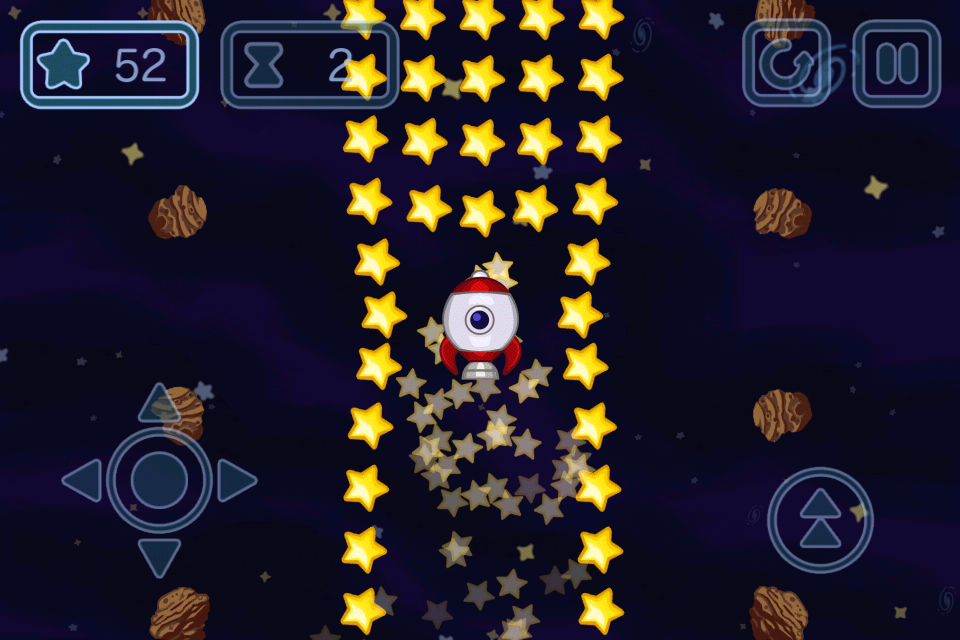
Navigate your rocket through a universe filled with planets, asteroids, bumpers, teleports and items... collecting all of the stars as you go!
Objectives
- Collect all of the stars in each level.
- Complete each level as quickly as possible. You will be rewarded 1, 2 or 3 stars for each level, depending on your time.
Details
- Planets exert gravity on your rocket - don't get too close or you won't be able to escape the pull of the gravity!
- Magnets let you attract and collect stars from a greater distance!
- Shields let you plow through and destroy asteroids!
- Flames give you an instant boost in the direction you are pointing.
- Your rocket will bounce off of bumpers. Try it - it's fun (but not always helpful)!
- Teleports instantly transport you to another teleport location.

Feed Notifier January 2010
Real-time popup notifications for RSS and Atom Feeds on Windows and macOS.
Feed Notifier is an application for Windows and macOS that resides in the system tray or menu bar and displays pop-up notifications on your desktop when new items arrive in your subscribed RSS or Atom feeds.
Feed Notifier is for you if you want a news aggregator that focuses on real-time feed notifications and leaves out all the other stuff that comes with most news readers.
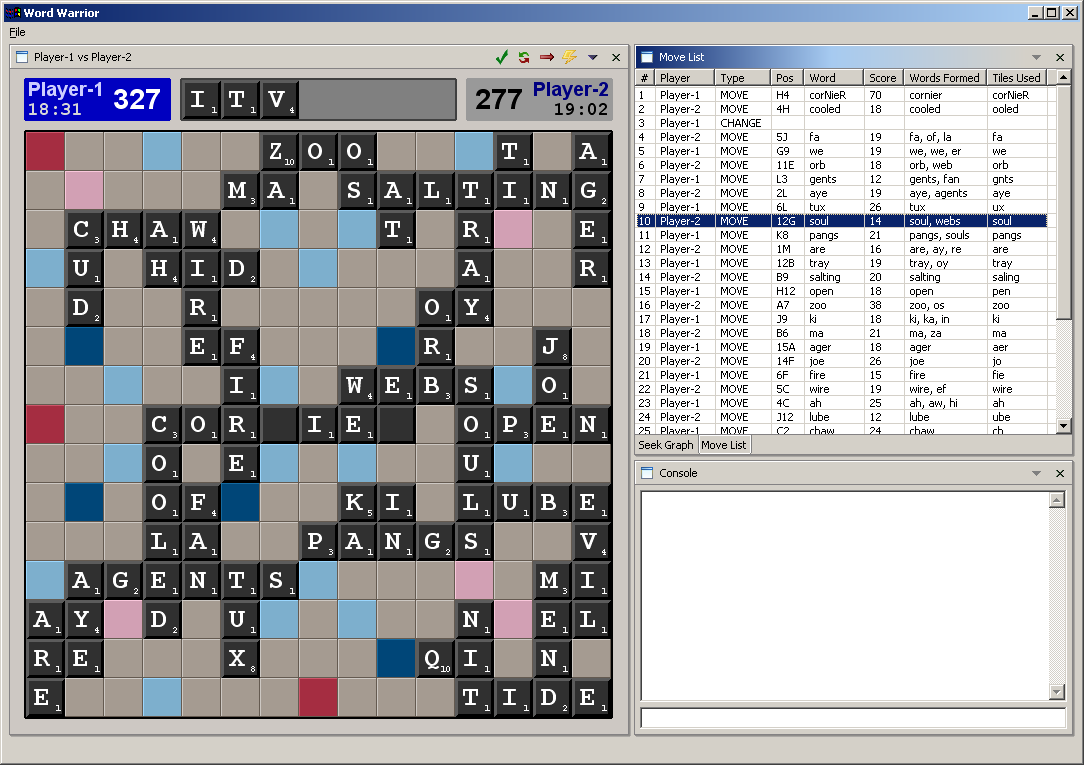
Word Warrior April 2006
An alternative client for the Internet Scrabble Club.
In the mid 2000s, I often played Scrabble on the Internet Scrabble Club, which was not an official Scrabble website. Thousands of people played online there, but the client was horrible and buggy. I took it upon myself to write my own client, which involved reverse engineering the protocol to communicate with the server. I discovered many security issues (cheating vectors) while doing this. But I just wanted a nice client for playing Scrabble online. I pretty much finished the client, and it worked quite nicely, but it never went much further than that and who knows if it still works.
Links: GitHub
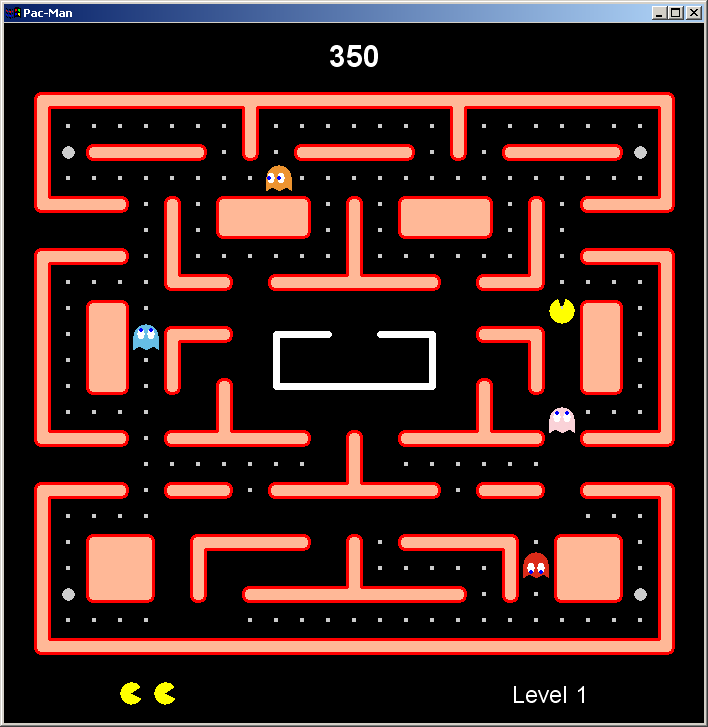
Pac-Man January 2005
Simple Pac-Man clone written in Java.
I remember that I had a cold when I started writing this Pac-Man clone. One cool aspect of it was that levels were defined in ASCII, with different symbols representing walls, dots, pills, etc. I used SWT for the GUI. Unfortunately, I never got around to implementing the fruits that would appear in the real game.
Links: GitHub
Future Blocks April 2000
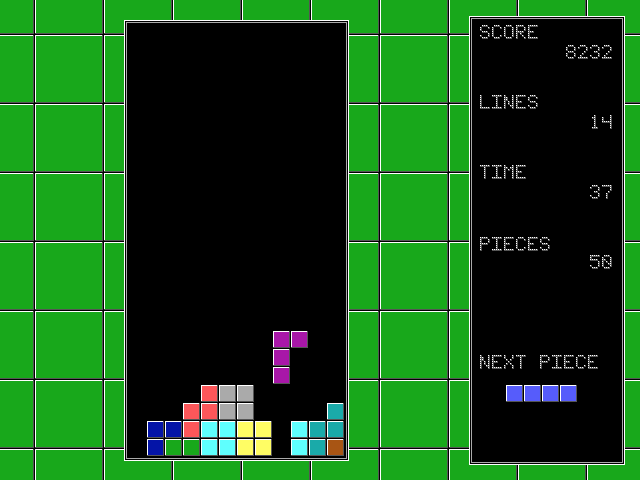
Tetris clone that I wrote long ago in high school.
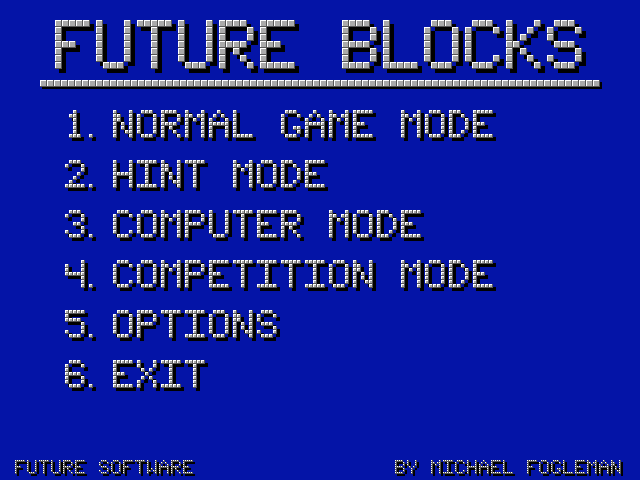
I wrote TONS of programs in QBasic throughout high school. Most of them are lost forever, but a few have survived. I've put a couple programs, including this one, on the Internet Archive for eternal posterity, and there you can play them in the browser. This is a simple Tetris clone but it even includes a computer player that plays quite well!
Links: GitHub • Play Online!